
How do I use Windows 8 on a laptop?
Modern technology users demand programs that work on the go. Windows 8 delivers an intuitive computing experience built with laptop users in mind. The central Start screen features a customizable design that promotes simplicity and ease of use. When you open your laptop, you’ll see mail, Internet and news tiles, among others. Windows 8 provides a custom experience, enabling you to edit and move tiles as you see fit. Live tiles deliver real-time information to give your home screen a dynamically evolving display. Get news and weather updates automatically as you perform various functions on your laptop. Fans of the classic Windows display can still access a traditional desktop view, but tile view offers a modern display that most users find preferable.
Move from program to program quickly by holding your mouse in the top left-hand corner of the screen and clicking. A task bar with live Windows will appear, and you can quickly jump to a new screen. Students and professionals who rely on their laptops for research will appreciate the ease with which Windows 8 switches screens. Windows 8.1 enables you to run up to eight apps at once. You can also close programs from this task bar.
Purchase or download new applications from the store, which is located in the corner of the home tile display. You can customize your laptop with the applications that you need throughout the day. One of the most useful native Windows 8 applications is SkyDrive, a cloud storage service that enables users to access files from anywhere. When you load that important paper or expense report to SkyDrive from your laptop, you will be able to get it from your tablet and desktop.
Windows 8 is a next-generation operating system built on simplicity and customization. On-the-go laptop users will appreciate this all new experience.
Which Lenovo laptops are compatible with Windows 8?
Lenovo’s line of laptops features a wide range of Windows 8-compatible devices. With an all-new display, easier navigation and a robust app store, Windows 8 is a modern operating system that adapts to its users needs. Lenovo offers high-performance hardware for this cutting-edge software.
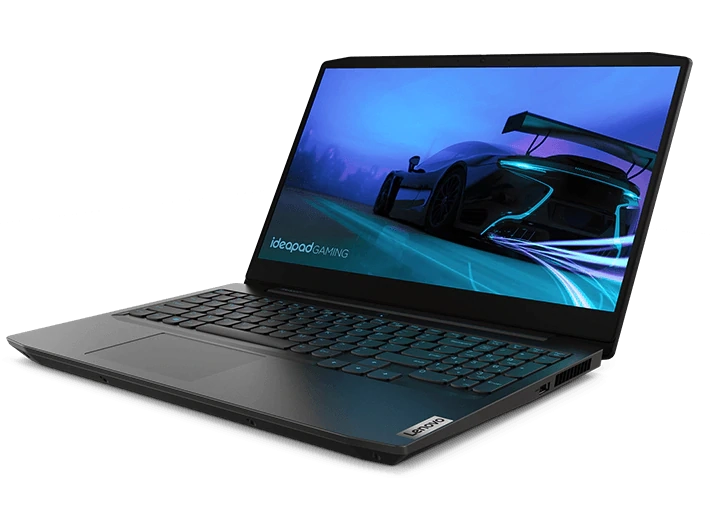
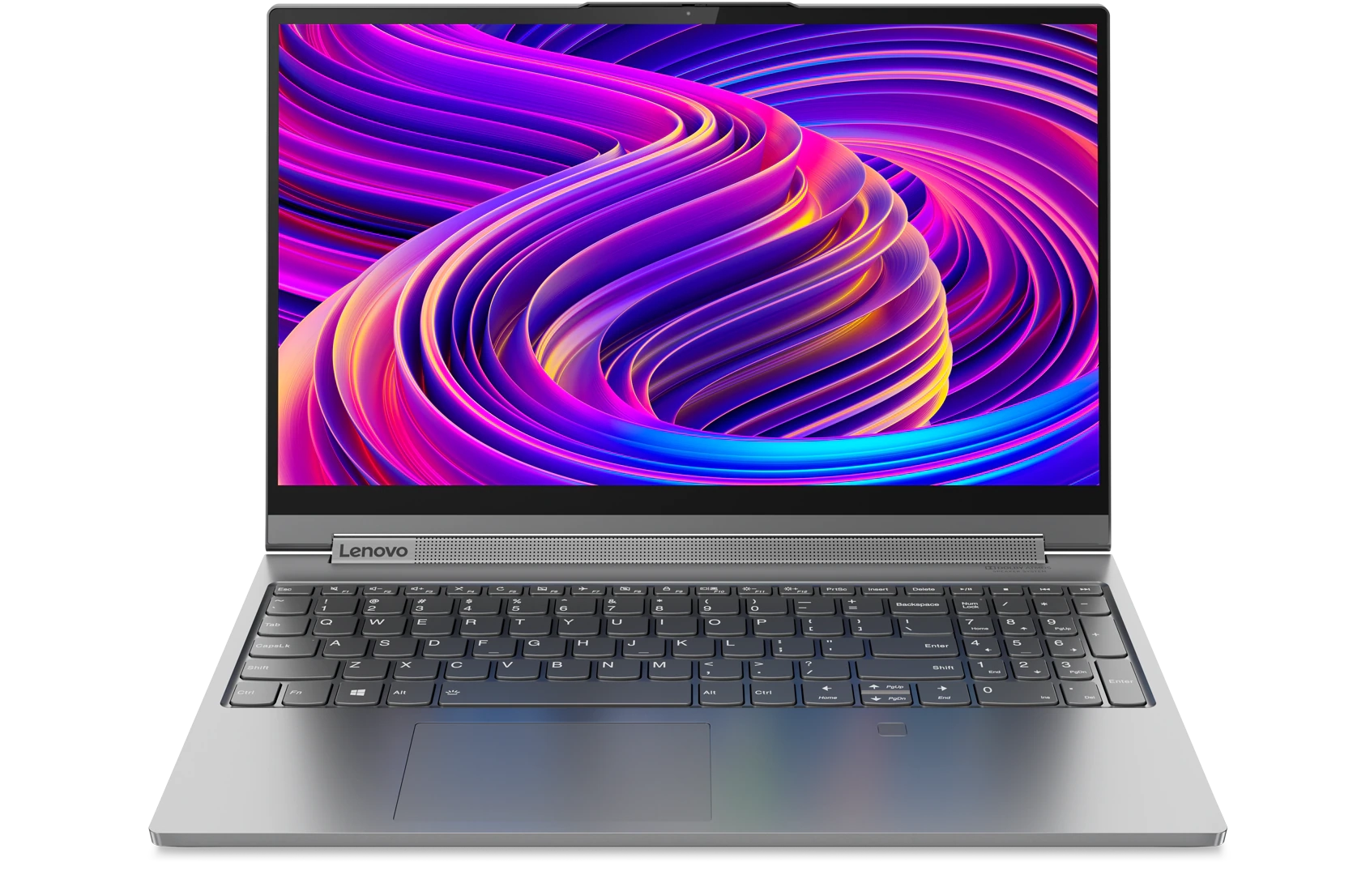
It starts with the line of IdeaPad Notebooks. The B, C, E, G, K, P, N, S, U, V, Y, Yoga and Z Series notebooks are all compatible with Windows 8. This line of laptops runs on Intel Core processors and offers a wide variety of features. The Yoga series, for example, is a compilation of hybrid laptops that can function as traditional computers or transform into laptops. Multi-touch technology provides users with unprecedented adaptability.
Users looking for a more conventional experience can look to the IdeaPad Z series, which provides top-of-the-line performance in a slim, sleek package. Intel HD Graphics provide a clear picture while an AntiGlare display keeps you focused on the task at hand. Lenovo’s prominent ThinkPad series also support Windows 8. The ThinkPad T line is a popular choice for professionals and comes equipped with Windows 8 Pro.
Two new fail-safe mechanisms called refresh and restart are now available. If your system becomes corrupted, refresh re-installs Windows 8 from scratch, but preserves all your personal settings. Reset starts the system over completely.
Which Lenovo laptops come with the new Windows 8?
Great hardware delivers speed and reliability. Great software delivers functionality and ease of use. Put them together and you have an exceptional computing experience. A number of Lenovo laptops come equipped with Windows 8, Microsoft’s redesigned operating system that features a flat design, an all-new app store and customizable features.
Two of Lenovo’s leading laptop lines, the ThinkPad and IdeaPad series, run Windows 8 out of the box. Specifically, the B, C, E, G, K, P, N, S, U, V, Y, Yoga and Z Series notebooks from the IdeaPad series all feature Windows 8. The Yoga 2 Pro, Lenovo’s best-selling laptop, provides users with the chance to use Windows 8 as a traditional operating system and a touch-screen OS.
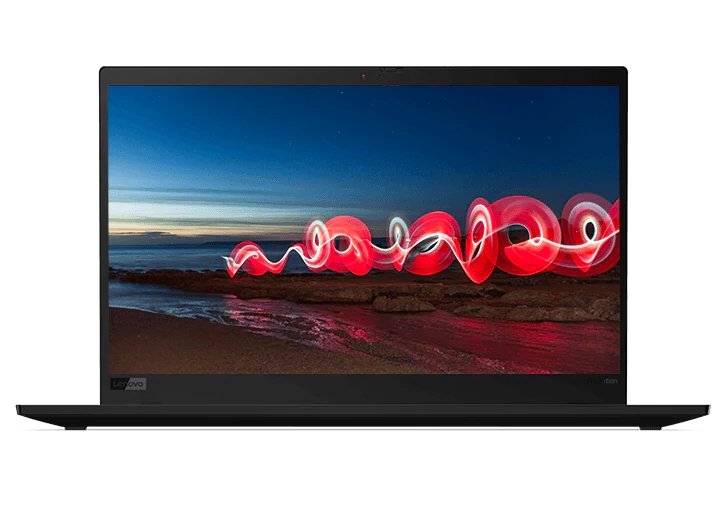
The ThinkPad line offers a more conventional computing experience but does not skimp on performance. These ThinkPad Ultrabooks feature hardware specifically designed for Windows 8. The ThinkPad line, which includes the T, X, E, S, L, W, Helix, Yoga and Twist series, is especially popular for business owners and professionals. Combined with Windows 8, these high-performance laptops improve user experience no matter the computing function. Save documents for easy access on Windows’ cloud storage program SkyDrive or rearrange tiles to better suit your needs. Windows 8 is a modern operating system that rethinks performance.
What are the benefits of using Windows 8 on my laptop?
Lenovo’s line of laptops features a wide range of Windows 8-compatible devices. With an all-new display, easier navigation and a robust app store, Windows 8 is a modern operating system that adapts to its users needs. Lenovo offers high-performance hardware for this cutting-edge software.
It starts with the line of IdeaPad Notebooks. The B, C, E, G, K, P, N, S, U, V, Y, Yoga and Z Series notebooks are all compatible with Windows 8. This line of laptops runs on Intel Core processors and offers a wide variety of features. The Yoga series, for example, is a compilation of hybrid laptops that can function as traditional computers or transform into laptops. Multi-touch technology provides users with unprecedented adaptability.
Users looking for a more conventional experience can look to the IdeaPad Z series, which provides top-of-the-line performance in a slim, sleek package. Intel HD Graphics provide a clear picture while an AntiGlare display keeps you focused on the task at hand. Lenovo’s prominent ThinkPad series also support Windows 8. The ThinkPad T line is a popular choice for professionals and comes equipped with Windows 8 Pro.
These traditional laptops feature high-performance technology. Coupled with Windows 8, Lenovo laptops can go toe to toe with any other computer on the market. This innovative operating system will enhance your day-to-day computing. If you’re in the market for a Windows 8 laptop,Lenovo has you covered.
Acheter des produits associés
Limites : commandes limitées à cinq ordinateurs par client. Pour des quantités supérieures, visitez la section “Où acheter” du site Web pour des informations détaillées sur les revendeurs et distributeurs des produits Lenovo.
Offres et disponibilité : toutes les offres sont dans la limite des stocks disponibles. Les offres, tarifs, spécifications et disponibilités sont susceptibles de modification sans préavis. Les offres de produits et les caractéristiques présentées sur ce site Web peuvent être modifiées à tout moment et sans préavis. Les modèles présentés le sont uniquement à titre d'illustration. Lenovo ne peut être tenu responsable des erreurs photographiques ou typographiques. Les PC illustrés ici sont livrés avec un système d'exploitation.
Prix : les prix Web indiqués sont TTC. Les prix et les offres apparaissant dans le panier sont susceptibles d'être modifiés jusqu'au moment où la commande est passée. * La tarification et les économies portent sur les prix Lenovo normalement constatés sur le Web. Les prix pratiqués par les revendeurs peuvent différer et être supérieurs aux prix présentés ici.
Les prix sont indiqués en euros et incluent la TVA
**Batterie : ces systèmes ne prennent pas en charge les batteries qui ne sont pas authentiques, fabriquées ou agréées par Lenovo. Ces systèmes démarreront, mais peuvent ne pas charger ces batteries non agréées. Lenovo ne saurait être tenu pour responsable du bon fonctionnement et de la sécurité de batteries non agréées et n'assume aucune garantie en cas de panne ou de dommage résultant de leur utilisation. * L'autonomie de la batterie est basée sur la méthodologie MobileMark® 2014 et constitue une estimation haute. L'autonomie réelle de la batterie varie en fonction de nombreux facteurs, dont la luminosité de l'écran, les applications actives, les fonctionnalités, les paramètres de gestion de l'alimentation, l'âge et le conditionnement de la batterie, et d’autres choix de configuration de l'utilisateur.
Généralités :consultez les informations essentielles fournies par Microsoft® qui peuvent s'appliquer au système acheté, notamment concernant Windows 10, Windows 8, Windows 7 et les éventuelles mises à niveau ascendantes/descendantes. Lenovo n'offre aucune garantie, ni ne peut être tenu responsable des produits ou des services issus de tiers.
Marques : Lenovo, ThinkPad, IdeaPad, ThinkCentre, ThinkStation et le logo Lenovo sont des marques commerciales de Lenovo. Microsoft, Windows, Windows NT et le logo Windows sont des marques commerciales de Microsoft Corporation. Ultrabook, Celeron, Celeron Inside, Core Inside, Intel, le logo Intel, Intel Atom, Intel Atom Inside, Intel Core, Intel Inside, le logo Intel Inside, Intel vPro, Itanium, Itanium Inside, Pentium, Pentium Inside, vPro Inside, Xeon, Xeon Phi, Xeon Inside et Intel Optane sont des marques commerciales d'Intel Corporation ou de ses filiales aux États-Unis et/ou dans d'autres pays. © 2023 Advanced Micro Devices, Inc. Tous droits réservés. AMD, le logo AMD avec la flèche, Athlon, EPYC, FreeSync, Ryzen, Radeon, Threadripper, et leurs combinaisons sont des marques commerciales d’Advanced Micro Devices, Inc. D'autres noms de société, de produit ou de service peuvent être des marques déposées par leurs sociétés respectives.
