How to Remove Windows 10
If you recently upgraded (within the last 30 days) from Windows 7 or Windows 8 to Windows 10, you can remove Windows 10 and "downgrade" to your previous operating system. If it has been more than 30 days since your upgrade, you can still uninstall Windows 10 and reinstall the operating system that originally came with your device, assuming you either have the original OS installation disc or you can download the operating system you wish to install.
To remove Windows 10 and revert back to Windows 7 or Windows 8, simply follow the instructions outlined below. You should find that with Window's built-in features, the process is quick and easy.
How to go back to Windows 8
To begin, open the Start menu from your Home screen or dock. Select Settings from the available options. Once in Settings, click on the "Update & Security" icon (the icon should look like a cog or gear) and select "Recovery."
You will then see an option that allows you to revert back to your previous operating system – either "Go back to Windows 7" or "Go back to Windows 8." Click the button labeled "Get Started" to uninstall Windows 10 and restore your previous Windows operating system. If you choose this option, Microsoft will ask you why you are uninstalling Windows 10; this is simply for customer feedback.
If it has been more than 30 days since you upgraded to Windows 10, the option to revert back from Update & Security may no longer exist. If this is the case, you may need to reinstall your original operating system – either from the original installation disc or a new download saved to an external drive or disc – and have it overwrite your Windows 10 operating system. To do so, simply start from scratch by booting your device from the OS of your choice.
How to uninstall Windows 10 update
Reverting back to Windows 7 or Windows 8.1 and uninstalling Windows 10 are in effect the same thing. If you are looking to uninstall a recent Windows 10 update (and you were using Windows 7 or Windows 8 previously), follow the steps outlined in the previous section.
To reiterate: if you updated to Windows 10 within the last 30 days, you should be able to easily revert back to your operating system of choice by navigating to Settings, choosing "Update & Security," and selecting "Recovery." This process will allow you to recover your previous version of Windows.
What features will I lose if I revert back to Windows 8?
Once you revert back to Windows 7 or Windows 8, you will lose access to all Windows 10-exclusive features. This includes the new Start menu, the Microsoft Store, Microsoft's Cortana personal digital assistant, Microsoft's all-new "Edge" Internet browser, and Windows Hello.
Though some of these features may still be accessible within Window's menu options (in Windows 7 or 8 guise), they have been seamlessly integrated into Windows 10 for a cohesive and complete user experience. Additionally, some features won't be available at all once you downgrade.
What other risks should I consider if downgrading from Win 10 to Win 8?
Before reverting back to a previous version of Windows, you will want to back up any and all files stored on your laptop or desktop’s internal hard drive. For peace of mind, you should consider backing up both to an external hard drive and a cloud-based account, if you have one. This will ensure all of your files are still present and accessible once the uninstall and reinstall process is complete.
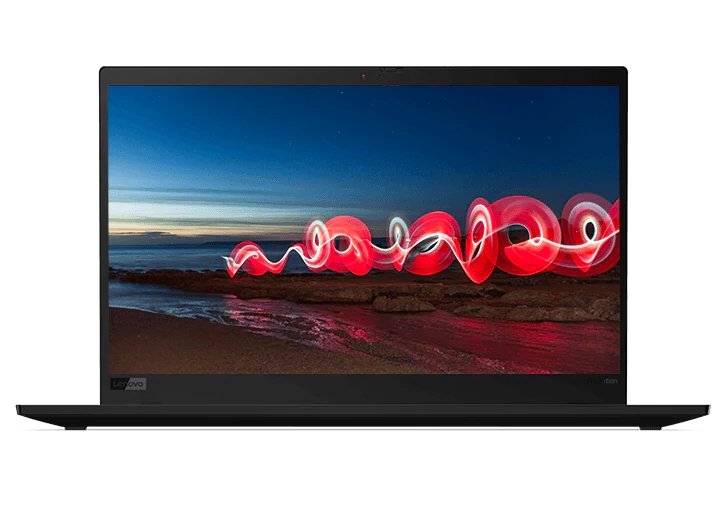
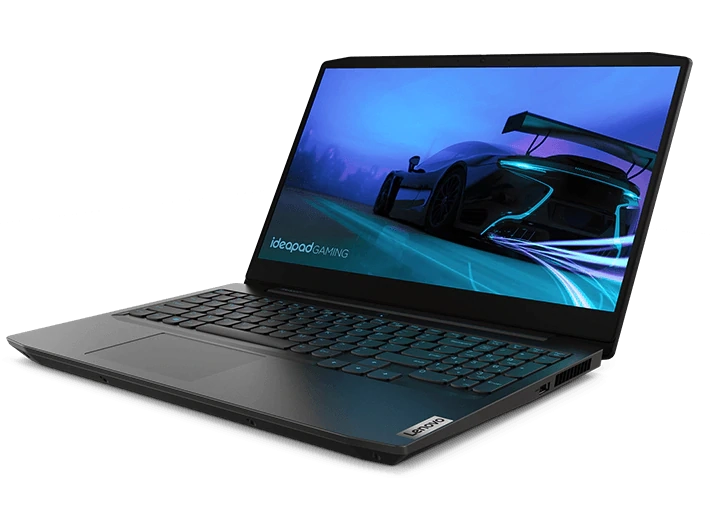
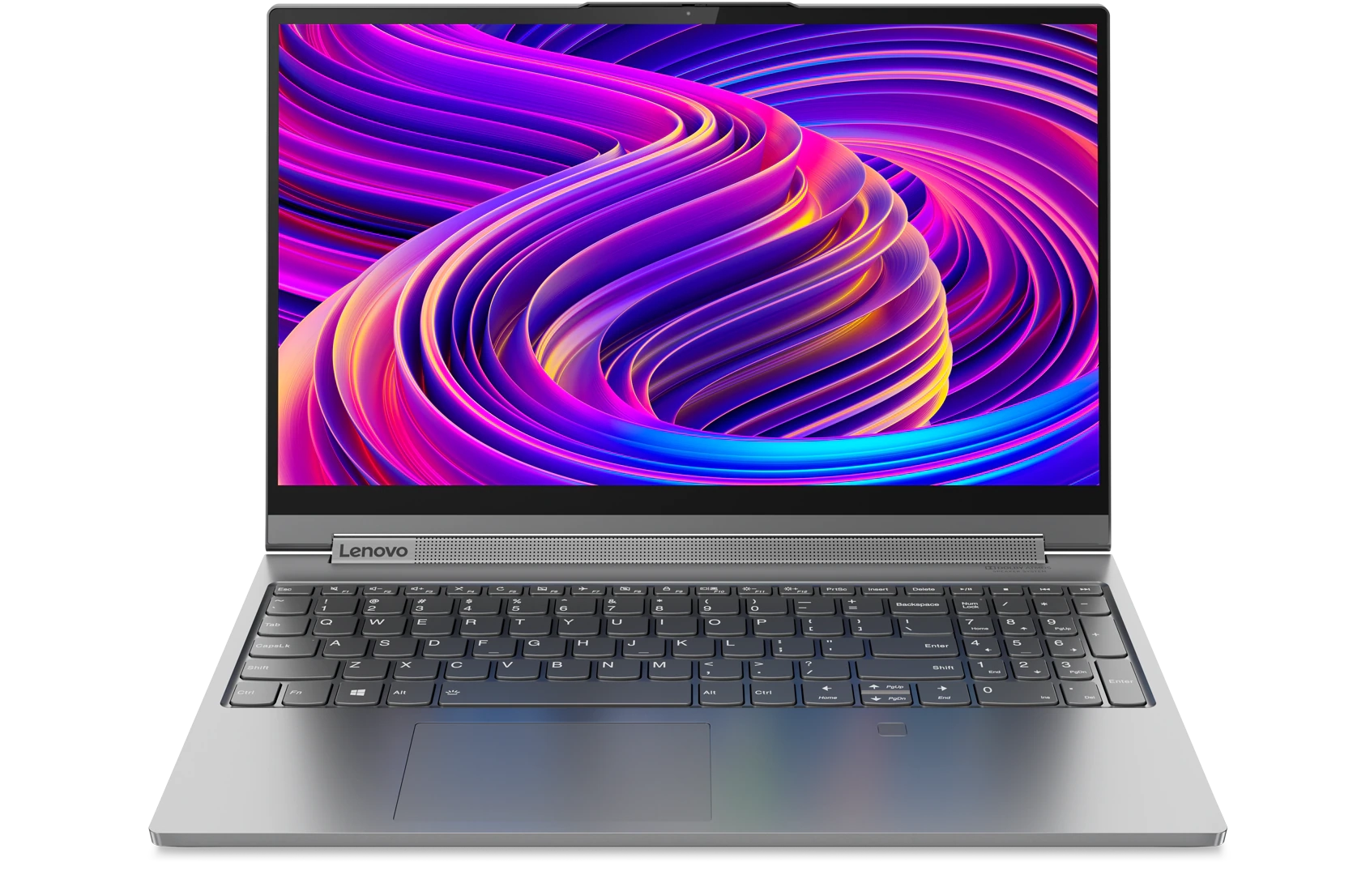
Acheter des produits associés
Limites : commandes limitées à cinq ordinateurs par client. Pour des quantités supérieures, visitez la section “Où acheter” du site Web pour des informations détaillées sur les revendeurs et distributeurs des produits Lenovo.
Offres et disponibilité : toutes les offres sont dans la limite des stocks disponibles. Les offres, tarifs, spécifications et disponibilités sont susceptibles de modification sans préavis. Les offres de produits et les caractéristiques présentées sur ce site Web peuvent être modifiées à tout moment et sans préavis. Les modèles présentés le sont uniquement à titre d'illustration. Lenovo ne peut être tenu responsable des erreurs photographiques ou typographiques. Les PC illustrés ici sont livrés avec un système d'exploitation.
Prix : les prix Web indiqués sont TTC. Les prix et les offres apparaissant dans le panier sont susceptibles d'être modifiés jusqu'au moment où la commande est passée. * La tarification et les économies portent sur les prix Lenovo normalement constatés sur le Web. Les prix pratiqués par les revendeurs peuvent différer et être supérieurs aux prix présentés ici.
Les prix sont indiqués en euros et incluent la TVA
**Batterie : ces systèmes ne prennent pas en charge les batteries qui ne sont pas authentiques, fabriquées ou agréées par Lenovo. Ces systèmes démarreront, mais peuvent ne pas charger ces batteries non agréées. Lenovo ne saurait être tenu pour responsable du bon fonctionnement et de la sécurité de batteries non agréées et n'assume aucune garantie en cas de panne ou de dommage résultant de leur utilisation. * L'autonomie de la batterie est basée sur la méthodologie MobileMark® 2014 et constitue une estimation haute. L'autonomie réelle de la batterie varie en fonction de nombreux facteurs, dont la luminosité de l'écran, les applications actives, les fonctionnalités, les paramètres de gestion de l'alimentation, l'âge et le conditionnement de la batterie, et d’autres choix de configuration de l'utilisateur.
Généralités :consultez les informations essentielles fournies par Microsoft® qui peuvent s'appliquer au système acheté, notamment concernant Windows 10, Windows 8, Windows 7 et les éventuelles mises à niveau ascendantes/descendantes. Lenovo n'offre aucune garantie, ni ne peut être tenu responsable des produits ou des services issus de tiers.
Marques : Lenovo, ThinkPad, IdeaPad, ThinkCentre, ThinkStation et le logo Lenovo sont des marques commerciales de Lenovo. Microsoft, Windows, Windows NT et le logo Windows sont des marques commerciales de Microsoft Corporation. Ultrabook, Celeron, Celeron Inside, Core Inside, Intel, le logo Intel, Intel Atom, Intel Atom Inside, Intel Core, Intel Inside, le logo Intel Inside, Intel vPro, Itanium, Itanium Inside, Pentium, Pentium Inside, vPro Inside, Xeon, Xeon Phi, Xeon Inside et Intel Optane sont des marques commerciales d'Intel Corporation ou de ses filiales aux États-Unis et/ou dans d'autres pays. © 2023 Advanced Micro Devices, Inc. Tous droits réservés. AMD, le logo AMD avec la flèche, Athlon, EPYC, FreeSync, Ryzen, Radeon, Threadripper, et leurs combinaisons sont des marques commerciales d’Advanced Micro Devices, Inc. D'autres noms de société, de produit ou de service peuvent être des marques déposées par leurs sociétés respectives.
