
What is Microsoft SharePoint?
Microsoft SharePoint is a browser-based content management system and Web application platform designed to help organizations create websites. Developed by Microsoft, SharePoint serves as a secure, collaborative space or enterprise information portal where documents and files are stored, organized and shared. Information can be accessed from any device with a Web browser. An organization can configure SharePoint to run an intranet portal, extranet and various websites. Think of SharePoint as a centralized and protected platform where groups can collaborate, streamline data management and improve efficiency.
SharePoint includes the following:
- Windows SharePoint Services (WSS): Offers basic functionality and content services
- Microsoft Office SharePoint Server (MOSS): Provides additional features onto the underlying WSS layer and solutions for the end user reacting with the repository or storage location
- Microsoft Search Server: Serves as an Enterprise Search engine for advanced indexing and search capacities
Described by Microsoft as Enterprise Content Management (ECM) and Business Process Management (BPM), SharePoint is furthermore adopted by companies for social networks, Business Intelligence (BI), system and process integration, and workflow automation.
Microsoft features its SharePoint products and technologies that include following:
- SharePoint Online: Provides a Microsoft-hosted, cloud-based service; businesses can subscribe to Office 365 to create a custom shareable site
- SharePoint Foundation: Serves as the primary technology for SharePoint sites
- SharePoint Server: Includes features and capabilities for on-premise deployment and management
- SharePoint Designer: Designs, builds and customizes SharePoint websites, Web pages and workflow solutions; sites can range from a content management system for a small project management team to a dashboard-operated portal for a large enterprise
- SharePoint Workspace: Disconnects content from the network for offline collaboration; changes will sync back to the SharePoint site
- SkyDrive Pro folder sync: Synchronizes offline versions of a SharePoint site to a desktop folder
Teams will start SharePoint by signing into Office 365 and accessing the SharePoint entry points. Coworkers can tune into conversations and see updated activities by accessing the Newsfeed.
SkyDrive Pro is a coworker's personal document library that can be shared with team members and accessed from a mobile device. By accessing Sites, coworkers can locate, access, follow and create sites. Coworkers can go to settings for additional actions and site customization.
Do I need SharePoint for my work laptop?
If you collaborate with team members primarily on your laptop, you may want to install Microsoft SharePoint. Organizations adopt SharePoint to create custom websites or secure online spaces where information is stored, accessed, edited and shared. SharePoint serves as a centralized content management system or browser-based informational portal for unified collaboration. If a team member predominantly depends on the laptop to work and communicate, various SharePoint products and technologies will need to be available and accessible on the same device. After logging into SharePoint Online or your company's intranet site right from your laptop, you can navigate through conversations, updated activities and your personal document library.
Microsoft SharePoint applications are not restricted to work laptops. Employees can equip Internet-connected tablets and smartphones with SharePoint sites, especially since Bring Your Own Device (BYOD) is positioned to be a permanent, effective trend for enterprises and employees. BYOD employees rely on their personal smartphones and tablets for working and communicating in and out of the office 24/7. A SharePoint-equipped notebook, tablet or smartphone will maximize an employee's productivity, efficiency and ability to stay updated with team members. You can easily configure SharePoint features for mobile viewing and optimized mobile working experiences.
Make sure to evaluate your laptop or tablet and check for any necessary upgrades to support SharePoint technologies and application integration.
Do I need training to use SharePoint?
Microsoft SharePoint installation, administration and troubleshooting do require specialized expertise. For example, SharePoint relies on properly run Windows, Structured Query Language (SQL) databases, Internet Information Server (IIS) and Domain Name System (DNS) for optimal functioning. A glitch or misconfiguration in any of these named components can cause SharePoint system failure and a portal that's gone offline.
Prior to a SharePoint integration, address IT support and training and ensure you have the backup to mitigate risks and restore functionality if system failure occurs. Even a minor bug can throw a wrench into finalizing a proposal or editing a sales pitch presentation. Outsourcing SharePoint hosting for system administration, reconfigurations or troubleshooting is one solution for enterprises. For independent training, use the resources and tutorials on the Microsoft website as guidance.
Microsoft's SharePoint online TechCenter at TechNet.Microsoft.com provides IT pro resources for deploying SharePoint technologies on premise and learning about SharePoint services, including installations, upgrades and migrations. The Microsoft Dev Center at MSDN.Microsoft.com provides SharePoint training modules, downloads and developer documentation that includes how-to's, overviews and application programming interface (API) references.
Microsoft SharePoint developer training, exams and certifications are also available. IT professionals can schedule a training course by selecting SharePoint under Microsoft.com's Learning and Training. SharePoint 2013 training courses are available to download under Office.Microsoft.com's Support. Video-based tutorials can show you how to customize a public website, post to the newsfeed and perform tasks in the document library.
What educational resources are available for SharePoint?
Microsoft offers the following SharePoint online training resources:
- SharePoint's TechCenter for IT pros at TechNet.Microsoft.com offers resources and training for SharePoint Foundation and SharePoint Server on-premise deployments. Techs can also learn about SharePoint upgrades and services, including installations, migration and features. The SharePoint team blog, IT blog and TechNet wiki are also available resources. http://technet.microsoft.com/id-id/sharepoint/
- SharePoint for software developers at MSDN.Microsoft.com offers SharePoint 2013 training modules that cover developer tools, workflow changes, web content management and social features, various mobile apps, and more. Developers can also explore Dev Center and download documentations on new features, updated content, overviews, how-to's, and application program interface (API) references.
- Office.Microsoft.com's Support provides video training courses. SharePoint Office tutorials include beginner and intermediate training videos. For example, download "Customize your public website" to learn how to sync SkyDrive Pro and SharePoint Libraries to your computer using an Office 365 subscription and Office 2013 applications. Other video-based training courses include "Create and customize pages on your public website" and "Organize and configure a SharePoint library".
- Office.Microsoft.com SharePoint serves as a guide for everything you need to know about SharePoint, including SharePoint Online and an Office 365 plan. You can also learn about the enterprise social network Yammer and SharePoint apps for additional functionality. Following SharePoint's blog, Twitter and Facebook can also keep you updated on the latest Microsoft trends and developments. http://office.microsoft.com/id-id/sharepoint/
Acheter des produits associés

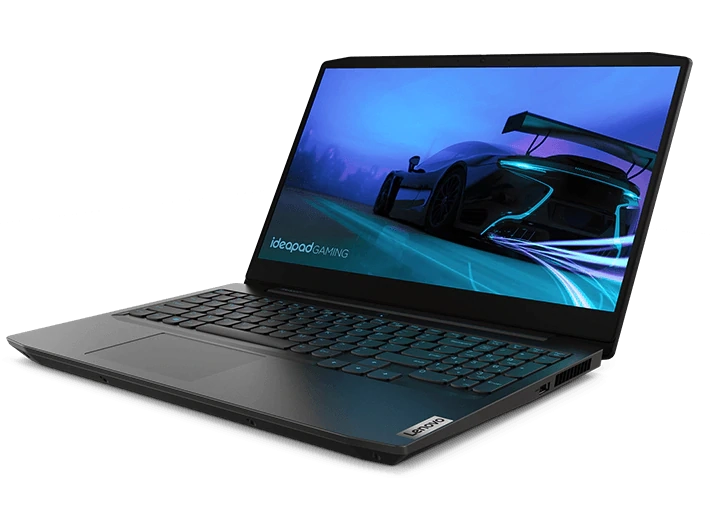
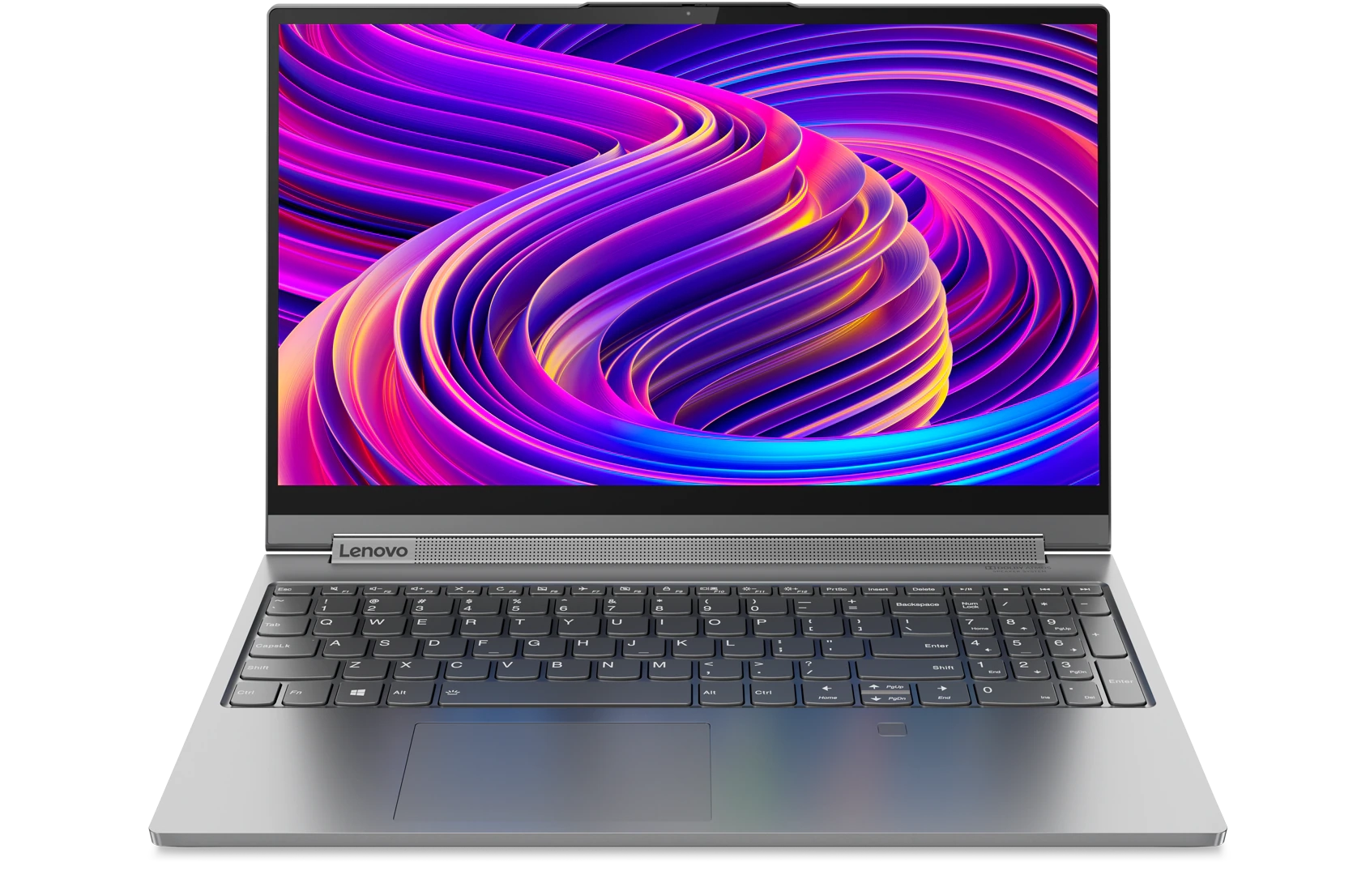
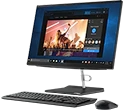
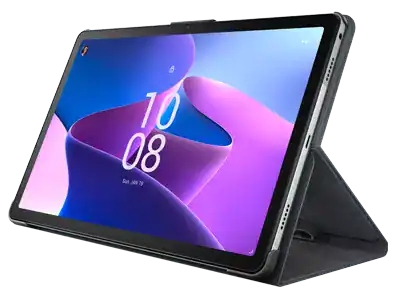
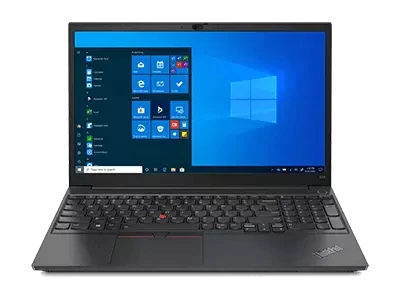
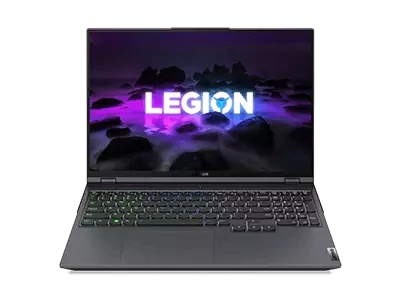
Limites : commandes limitées à cinq ordinateurs par client. Pour des quantités supérieures, visitez la section “Où acheter” du site Web pour des informations détaillées sur les revendeurs et distributeurs des produits Lenovo.
Offres et disponibilité : toutes les offres sont dans la limite des stocks disponibles. Les offres, tarifs, spécifications et disponibilités sont susceptibles de modification sans préavis. Les offres de produits et les caractéristiques présentées sur ce site Web peuvent être modifiées à tout moment et sans préavis. Les modèles présentés le sont uniquement à titre d'illustration. Lenovo ne peut être tenu responsable des erreurs photographiques ou typographiques. Les PC illustrés ici sont livrés avec un système d'exploitation.
Prix : les prix Web indiqués sont TTC. Les prix et les offres apparaissant dans le panier sont susceptibles d'être modifiés jusqu'au moment où la commande est passée. * La tarification et les économies portent sur les prix Lenovo normalement constatés sur le Web. Les prix pratiqués par les revendeurs peuvent différer et être supérieurs aux prix présentés ici.
Les prix sont indiqués en euros et incluent la TVA
**Batterie : ces systèmes ne prennent pas en charge les batteries qui ne sont pas authentiques, fabriquées ou agréées par Lenovo. Ces systèmes démarreront, mais peuvent ne pas charger ces batteries non agréées. Lenovo ne saurait être tenu pour responsable du bon fonctionnement et de la sécurité de batteries non agréées et n'assume aucune garantie en cas de panne ou de dommage résultant de leur utilisation. * L'autonomie de la batterie est basée sur la méthodologie MobileMark® 2014 et constitue une estimation haute. L'autonomie réelle de la batterie varie en fonction de nombreux facteurs, dont la luminosité de l'écran, les applications actives, les fonctionnalités, les paramètres de gestion de l'alimentation, l'âge et le conditionnement de la batterie, et d’autres choix de configuration de l'utilisateur.
Généralités :consultez les informations essentielles fournies par Microsoft® qui peuvent s'appliquer au système acheté, notamment concernant Windows 10, Windows 8, Windows 7 et les éventuelles mises à niveau ascendantes/descendantes. Lenovo n'offre aucune garantie, ni ne peut être tenu responsable des produits ou des services issus de tiers.
Marques : Lenovo, ThinkPad, IdeaPad, ThinkCentre, ThinkStation et le logo Lenovo sont des marques commerciales de Lenovo. Microsoft, Windows, Windows NT et le logo Windows sont des marques commerciales de Microsoft Corporation. Ultrabook, Celeron, Celeron Inside, Core Inside, Intel, le logo Intel, Intel Atom, Intel Atom Inside, Intel Core, Intel Inside, le logo Intel Inside, Intel vPro, Itanium, Itanium Inside, Pentium, Pentium Inside, vPro Inside, Xeon, Xeon Phi, Xeon Inside et Intel Optane sont des marques commerciales d'Intel Corporation ou de ses filiales aux États-Unis et/ou dans d'autres pays. © 2023 Advanced Micro Devices, Inc. Tous droits réservés. AMD, le logo AMD avec la flèche, Athlon, EPYC, FreeSync, Ryzen, Radeon, Threadripper, et leurs combinaisons sont des marques commerciales d’Advanced Micro Devices, Inc. D'autres noms de société, de produit ou de service peuvent être des marques déposées par leurs sociétés respectives.
