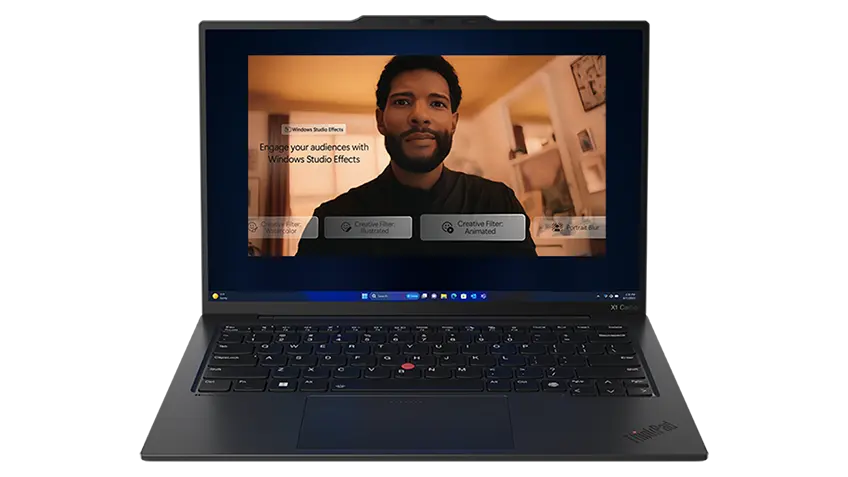
Artificial intelligence (AI) is already changing everyday computing and common digital workflows. From everyday assistance to creative tools, AI continues to influence how technology is used while also creating new products and solutions. An important part of this new ecosystem is the AI PC. These personal computers are designed to support artificial intelligence applications locally on the device, bringing AI efficiency to your hands.
4 Examples of what an AI PC can do for you:
- Automate routine tasks like sorting messages, summarising notes, and organising content in supported apps.
- Keep your PC feeling responsive by adapting performance and power usage when you switch between heavy and light tasks.
- Enhance video calls in real time with clearer audio, background effects, and smarter camera framing in supported setups.
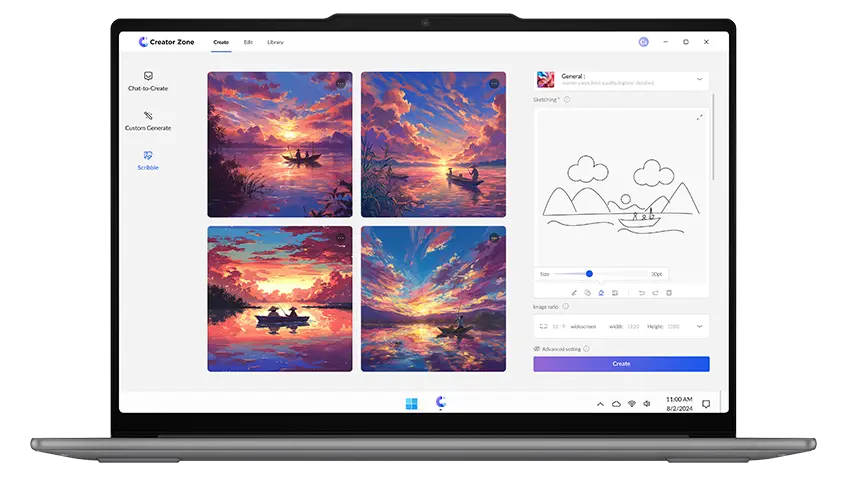
- Speed up common creative edits like quick photo cleanup, background changes, and content enhancements in supported tools.
At Lenovo, AI is a key focus across our broad technology portfolio. Lenovo AI PCs are designed to enhance everyday workflows through AI-enabled hardware and system level capabilities. This overview outlines what an AI PC is, how it works, and how Lenovo AI PCs support different usage needs across laptops and desktops. Let’s dive into the key considerations for choosing one of our best AI PCs to suit your everyday computing needs.
What is an AI PC and How it Works
An AI PC is a personal computer designed to run certain artificial intelligence features directly on the system. Instead of sending all AI tasks to cloud services, an AI PC supports local processing for selected AI applications. This allows AI features to work as part of everyday computing, depending on software and system configuration.
An AI-powered PC includes components that are built to handle AI-related workloads efficiently. These components work together to process data, manage AI-enabled applications, and support system-level AI features during regular use.
Core components that support these AI PC workloads include:
- CPU tuned for AI-assisted multitasking: Higher core/thread capacity and platform capabilities that coordinate AI tasks alongside everyday apps, especially when several workloads run at the same time.
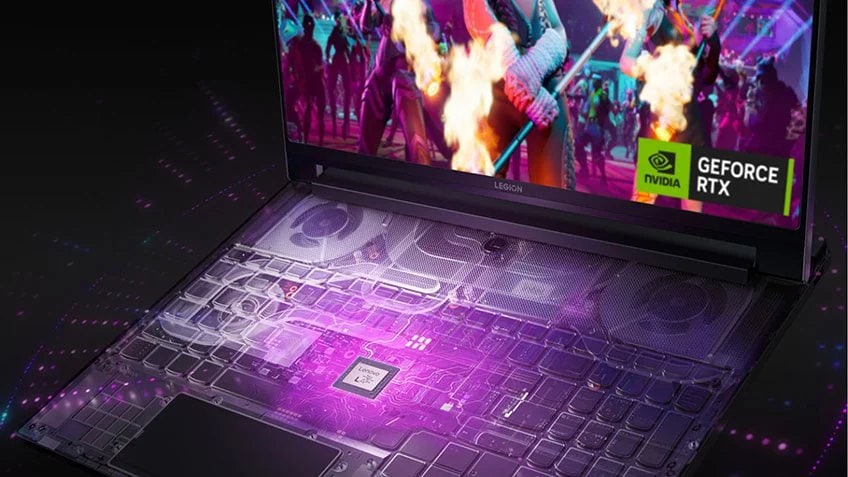
- GPU built for parallel compute: Extending beyond graphics to accelerate AI-enabled creation, data processing, and hybrid AI workflows in applications that support GPU acceleration.
- High-bandwidth memory and fast solid-state storage (SSD): Reducing latency as models, assets, and large files load and update in the background during AI-enabled productivity or creative work.
This design allows the AI computer to perform AI tasks alongside standard computing operations, without changing how users interact with their PC. Lenovo AI PCs are built to support on-device AI features across select laptops and desktops. Let’s dive deeper into Lenovo’s portfolio!
How Lenovo AI PCs Support Different Everyday Use Cases
AI-enabled computing supports different routines depending on how and where a system is used. From portable setups to fixed workspaces, AI features appear across common PC form factors and daily workflows. Lenovo AI PCs reflect these usage patterns through laptop and desktop options built for everyday tasks. These systems support on-device AI capabilities alongside regular computing.
Lenovo AI PCs fall into 3 main categories:
Let's take a closer look at each of these categories.
Lenovo AI Laptops for Flexible Daily Work
Lenovo AI laptops are designed to support flexible daily workflows where portability and on-device intelligence matter. For example, supported AI features such as live captions with translation and automatic camera framing can run continuously in the background. These features handle language processing and video framing directly on the device.
4 Main models that are available across Lenovo AI PC lineup include:
Depending on configuration, these systems can include AI-enabled features such as workload-aware performance tuning, intelligent thermal management, and adaptive system behavior. Combined with on-device AI processing support, these capabilities support multitasking and longer sessions across different work locations.
For example, during a video call with multiple apps open, supported configurations such as workload-aware performance tuning and intelligent thermal management can adjust system behavior to manage heat and performance. This helps keep audio, video, and background tasks running smoothly during longer sessions.
Lenovo Copilot+ PCs for AI-Enhanced Everyday Experiences
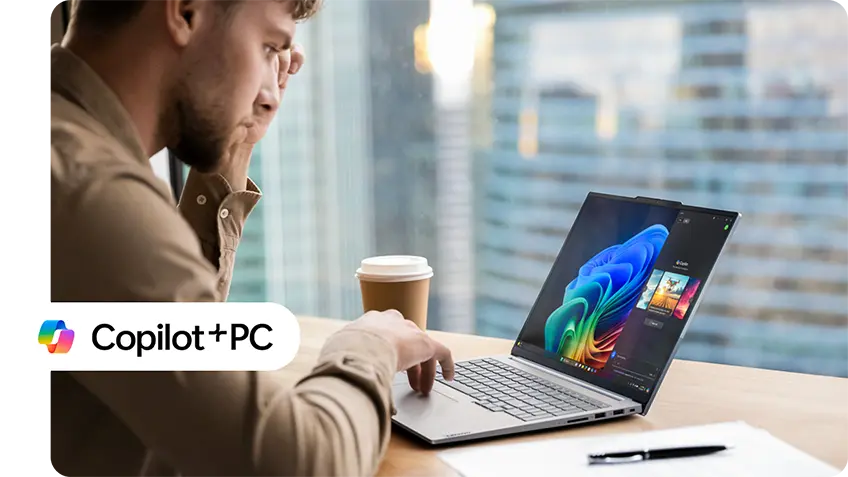
Lenovo Copilot+ PCs are designed for everyday computing scenarios where on-device AI features are integrated into the system experience. These systems focus on running supported AI capabilities locally, depending on hardware configuration and operating system support. This can include experiences such as real-time voice and video enhancements during calls while you continue working across everyday applications.
2 Main models that are available across Lenovo AI PC lineup include:
Our AI PCs are suited for workflows that involve frequent interaction with content, applications, and system-level features across daily tasks. Availability of Copilot+ experiences varies by model, configuration, and software environment. If you are looking for a Lenovo AI PC for daily use, focus on the model’s NPU class and system configuration to match the Copilot+ PC experiences available in your software environment. This helps you choose your best PC for AI workloads based on everyday application use.
Lenovo AI Desktop PCs for Fixed Workspaces
Lenovo AI desktop PCs are designed for users who prefer a fixed workspace with additional performance. A desktop system used in an AI-enabled workspace can support advanced AI workloads, rendering and data driven applications. During these sessions, multiple applications, external displays, and supported on-device intelligent features (requires NPU) can operate together.
2 Main models that are available across Lenovo AI PC lineup include:
Depending on configuration, these AI desktop PCs can support local AI inference and AI-enabled applications that benefit from sustained performance. This can suit workstation workflows such as experimenting with supported machine learning tools or running intelligent features continuously.
Understanding the Core Components of Lenovo AI PCs
Lenovo AI PCs bring together dedicated AI processing and core system hardware to support on-device intelligent features in compatible software. Across laptops, Copilot+ PCs, and desktops, these building blocks help keep everyday computing moving while supported intelligent workloads run alongside regular tasks, based on configuration and software support. This can include studying with notes and research tabs open while supported on-device features assist with tasks such as transcription or language-related tools in compatible applications.
Let’s take a closer look at the core components and what each one contributes to your day-to-day experience.
4 Core Components used in Lenovo AI PCs are:
Neural Processing Unit (NPU)
A Neural Processing Unit (NPU) is dedicated hardware designed to support on-device AI processing in AI PCs, including Lenovo AI PCs. It is optimised to efficiently handle specific intelligent workloads locally, helping reduce power consumption and reliance on cloud processing.
In supported configurations with compatible software, the NPU can assist with audio, imaging, and language-related processing. This may include functions such as voice enhancement, background noise handling, camera effects, and other AI-enabled capabilities available in certain applications and experiences. The availability and behavior of these features depend on operating system support, drivers, and how individual applications implement AI functionality.
By processing these workloads directly on the device, the NPU supports consistent system responsiveness. This is especially relevant during everyday activities such as video calls, content creation, and multitasking when AI-enabled features are active.
CPU and GPU Platforms
The CPU handles general computing tasks such as launching applications, managing system operations, and coordinating what runs when. It keeps everyday workflows organised across the system.
The GPU is built for parallel processing, which supports visual and content-heavy workloads. This can include effects, rendering, and media processing in compatible applications.
In AI-capable configurations, the CPU, GPU, and NPU work together with defined roles. The CPU manages overall system activity, the GPU accelerates parallel and visual tasks, and the NPU supports compatible on-device AI features tied to audio, images, or language. Which processor is used depends on the application and software support, based on configuration.
System Memory (RAM)
RAM affects how smoothly your system handles multiple tasks at the same time by keeping active applications and working data readily available. In AI-capable configurations, this becomes more important because AI-enabled features and background processes can run alongside your primary apps in supported software.
Higher memory configurations help during sessions that involve heavier multitasking, larger working files, or tools that keep intelligent features active during normal operation. With adequate RAM, switching between tasks is more fluid during sustained use.
SSD Storage and Connectivity
SSD storage supports faster system startup, quicker application loading, and more responsive access to local files. This can be helpful when working with larger documents, media files, or projects that are opened frequently during everyday tasks. This can also support AI-enabled workflows where applications rely on fast access to local data during supported on-device processing.
Connectivity helps the system fit into different setups at home, school, or a desk-based workspace. Depending on the model and configuration, Lenovo AI PCs include USB-A ports for accessories, USB-C® ports for charging, data transfer, and display output, and HDMI® ports for connecting external monitors.
Explore Available Lenovo AI PCs and Get Started Now
AI PCs are becoming a natural part of everyday computing as more tasks benefit from on-device AI processing. From portable systems to fixed desktop setups, AI-enabled computers support a wide range of use cases based on configuration and workload needs. Understanding how these AI-powered PCs work, the components involved, and how different form factors support daily routines helps clarify what to look for when comparing options.
Lenovo continues to expand its AI PC offerings across various laptops and desktops. Exploring available configurations and specifications on our website helps you choose a Lenovo AI PC that aligns with your everyday computing tasks.