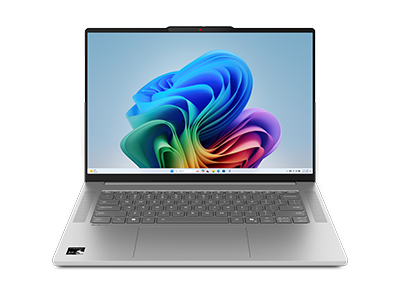
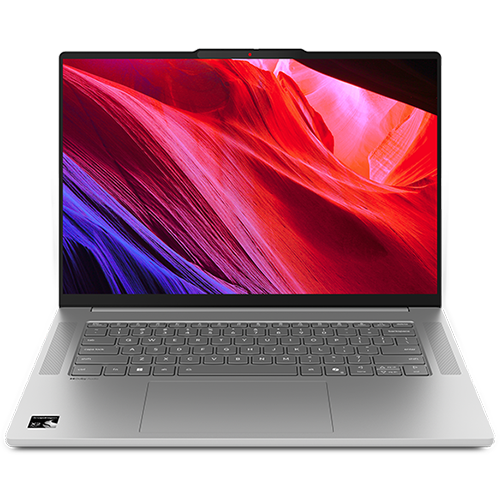
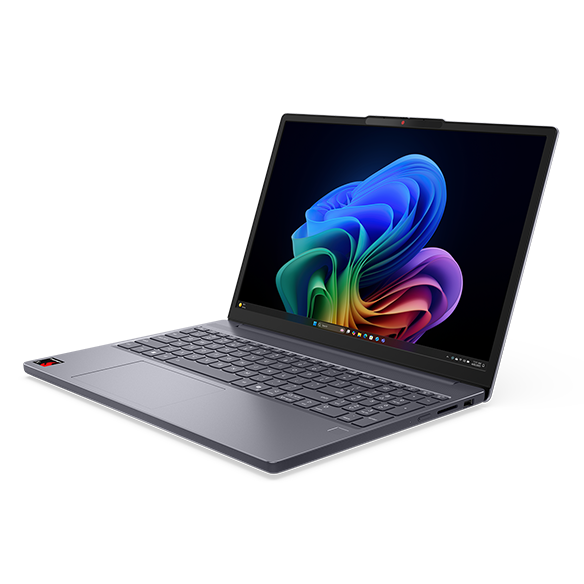
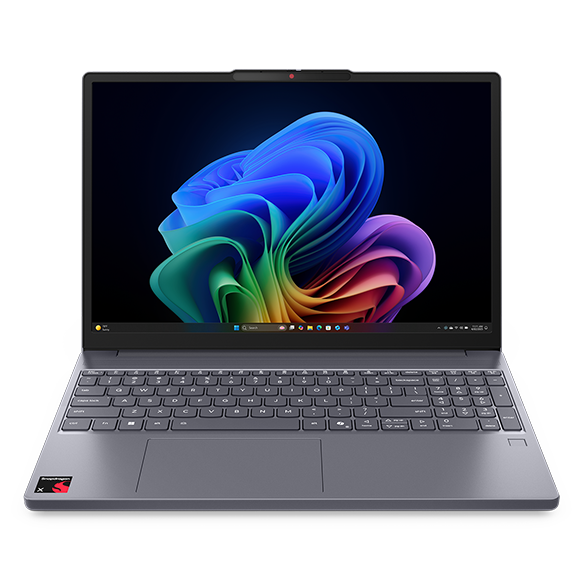
Touchscreen Laptops with Anti-Glare
Introduction
In today's digital landscape, touchscreen laptops have become increasingly popular for their versatility and user-friendly interfaces. Whether you're a student, a professional, or a creative, having a touchscreen laptop can enhance your productivity and make navigation more intuitive. However, glare from screens can be a significant distraction, especially in bright environments, making anti-glare technology an essential feature for many users.
Anti-glare screens help reduce reflections and improve visibility, allowing you to work comfortably in various lighting conditions. This feature is particularly beneficial for those who often find themselves in well-lit offices, coffee shops, or outdoor settings. By combining touchscreen functionality with anti-glare technology, these laptops provide a seamless experience that caters to both work and play.
What Are the Benefits of Touchscreen Laptops?
Touchscreen laptops offer a range of advantages that can significantly enhance your computing experience. They provide a more interactive way to engage with your device, making tasks like browsing, drawing, and navigating applications more intuitive.
Key benefits include:
- Enhanced interactivity: Touchscreen functionality allows for direct manipulation of applications and content, making it easier to perform tasks like zooming in on images or scrolling through documents.
- Improved accessibility: For users with mobility challenges, touchscreen laptops can offer an alternative to traditional input methods, making it easier to navigate and interact with their devices.
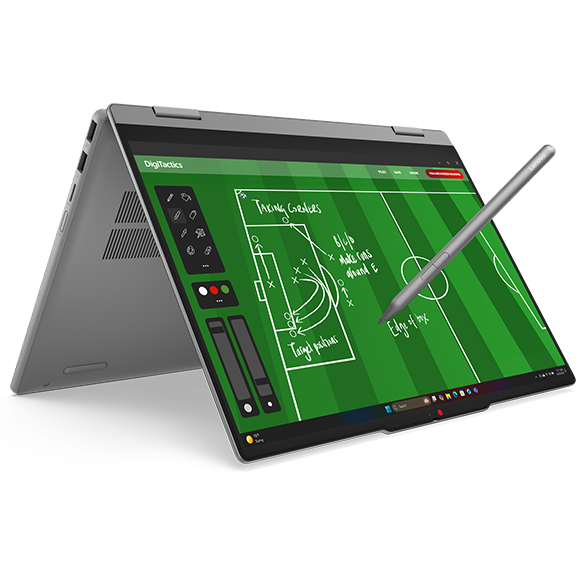
- Versatile usage: These laptops can easily switch between laptop and tablet modes, providing flexibility for various tasks, whether you're typing a report or sketching an idea.
- Engaging presentations: Touchscreen laptops can make presentations more dynamic, allowing you to interact with your content in real-time, which can be particularly useful in educational or professional settings.
Overall, the combination of touchscreen capabilities with traditional laptop features creates a versatile device that can adapt to your needs, making it a valuable addition to your tech arsenal.
Why Is Anti-Glare Technology Important?
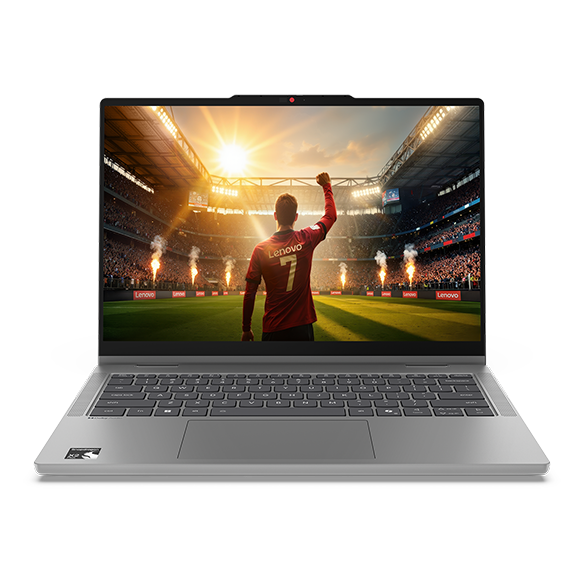
Anti-glare technology is a crucial feature for anyone who spends extended periods in front of a screen. It minimizes reflections and diffuses light, allowing for a clearer view of your display, regardless of your environment.
Key advantages include:
- Reduced eye strain: By minimizing glare, anti-glare screens can help reduce eye fatigue, making it more comfortable to work for long hours without discomfort.
- Better visibility in bright environments: Whether you're working outdoors or in a brightly lit office, anti-glare technology ensures that your screen remains visible, allowing you to focus on your tasks without distractions.
- Improved color accuracy: Anti-glare screens often provide more accurate color representation, which is essential for tasks that require precise visual details, such as graphic design or photo editing.
Incorporating anti-glare technology into touchscreen laptops enhances the overall user experience, making it easier to engage with your device in various settings.
How Touchscreen Laptops with Anti-Glare Enhance Productivity
Combining touchscreen functionality with anti-glare technology creates a powerful tool for productivity. These laptops are designed to help you work more efficiently, regardless of your environment or the tasks at hand.
Key productivity enhancements include:
- Seamless multitasking: Touchscreen laptops allow for quick navigation between applications, making it easier to switch tasks and stay organized throughout your workday.
- Interactive collaboration: When working in teams, touchscreen laptops facilitate real-time collaboration, allowing multiple users to engage with the content simultaneously, which can lead to more productive brainstorming sessions.
- Flexible work styles: The ability to use your laptop in various modes—whether as a traditional laptop or a tablet—enables you to adapt your work style to suit your needs, whether you're typing, drawing, or presenting.
By enhancing productivity through intuitive interaction and improved visibility, touchscreen laptops with anti-glare technology empower users to achieve their goals more effectively.
Choosing the Right Touchscreen Laptop with Anti-Glare
When selecting a touchscreen laptop with anti-glare technology, it's essential to consider your specific needs and preferences. Different models may offer varying features, so understanding what to look for can help you make an informed decision.
Key factors to consider include:
- Screen size: Choose a screen size that fits your usage habits, whether you prefer a compact model for portability or a larger display for enhanced visibility.
- Performance specifications: Look for a laptop with sufficient processing power and memory to handle your tasks efficiently, ensuring smooth performance during multitasking.
- Battery life: Consider how long you need your laptop to last on a single charge, especially if you plan to use it in various locations throughout the day.
- Build quality: Opt for a laptop with a sturdy construction that can withstand daily use, ensuring longevity and reliability over time.
By carefully evaluating these factors, you can find a touchscreen laptop with anti-glare technology that meets your needs and enhances your overall computing experience.