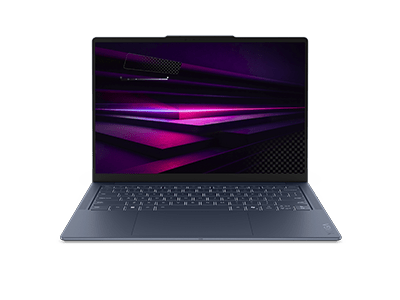
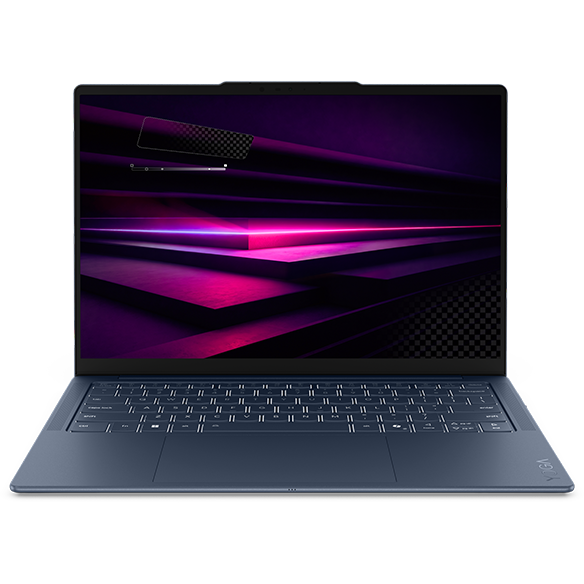
Laptops with HDR and Touch Display
Introduction
In today's digital landscape, the demand for high-quality visuals and interactive experiences has never been greater. Laptops equipped with High Dynamic Range (HDR) technology and touch displays are at the forefront of this evolution, offering users vibrant colors, deeper contrasts, and an intuitive way to interact with their devices. Whether you're a creative professional, a student, or someone who simply enjoys immersive entertainment, these features can significantly enhance your computing experience.
With HDR, you can enjoy stunning visuals that bring your content to life, making everything from movies to graphic design projects more engaging. Coupled with a touch display, these laptops allow for a more hands-on approach to navigation, enabling you to interact with your applications in a way that feels natural and fluid. This combination of technology not only elevates your productivity but also transforms how you consume and create content.
What is HDR and Why Does It Matter?
High Dynamic Range (HDR) is a technology that enhances the range of colors and brightness levels displayed on your screen. It allows for a more realistic representation of images, making them appear more vibrant and lifelike.
Key points include:
- Enhanced Color Accuracy: HDR displays can reproduce a wider spectrum of colors, resulting in more accurate and vivid images. This is particularly beneficial for photographers and graphic designers who rely on precise color representation.
- Improved Contrast: With HDR, the contrast between the darkest and brightest parts of an image is significantly enhanced. This means that details in shadows and highlights are more visible, providing a richer viewing experience.
- Immersive Viewing Experience: Whether you're watching movies or enjoying interactive content, HDR technology creates a more immersive experience by making visuals pop. You'll feel more engaged with the content you're consuming.
Overall, HDR technology plays a crucial role in elevating the visual quality of your laptop, making it an essential feature for anyone who values stunning graphics and vibrant imagery.
The Benefits of Touch Displays
Touch displays offer a unique way to interact with your laptop, providing a more intuitive and engaging user experience. This feature is becoming increasingly popular across various devices, and for good reason.
Key benefits include:
- Intuitive Navigation: Touch displays allow for direct interaction with your applications, making navigation feel more natural. You can swipe, tap, and pinch to zoom, enhancing your overall productivity.
- Enhanced Creativity: For artists and designers, touch displays enable a more hands-on approach to creativity. You can draw, sketch, or edit images directly on the screen, providing a more immersive creative process.
- Versatile Usage: Touch displays can be particularly useful in various scenarios, from presentations to casual browsing. They offer flexibility in how you use your laptop, adapting to your needs as they change throughout the day.
Incorporating a touch display into your laptop experience can significantly enhance your interaction with technology, making everyday tasks more enjoyable and efficient.
How HDR and Touch Displays Work Together
When combined, HDR and touch display technologies create a powerful duo that enhances both visual quality and user interaction. This synergy can transform how you engage with your laptop, whether for work or leisure.
Key advantages include:
- Enhanced Visual Interaction: With HDR, the vibrant colors and improved contrast make touch interactions more engaging. You can see the effects of your actions in real-time, whether you're editing photos or navigating through applications.
- Improved Productivity: The combination of stunning visuals and intuitive touch controls can streamline your workflow. You can quickly access tools and features without the need for a mouse, allowing for a more fluid working experience.
- Immersive Entertainment: For media consumption, the combination of HDR visuals and touch interaction creates a more immersive experience. You can easily navigate menus and settings while enjoying breathtaking graphics.
Together, these technologies elevate your laptop experience, making it more interactive and visually appealing, whether you're working on a project or enjoying your favorite media.
Choosing the Right Laptop with HDR and Touch Display
When selecting a laptop that features both HDR and a touch display, it's essential to consider your specific needs and how you plan to use the device. Here are some factors to keep in mind:
Key considerations include:
- Screen Size: Choose a screen size that fits your lifestyle. Larger displays can enhance your viewing experience, while smaller ones may be more portable.
- Processor and Memory: Ensure the laptop has a capable processor and sufficient memory to handle your tasks smoothly, especially if you plan to use demanding applications.
- Battery Life: Look for a laptop with good battery life to ensure you can use HDR and touch features without constantly searching for a power outlet.
By considering these factors, you can find a laptop that not only meets your performance needs but also enhances your overall computing experience with HDR and touch display capabilities.