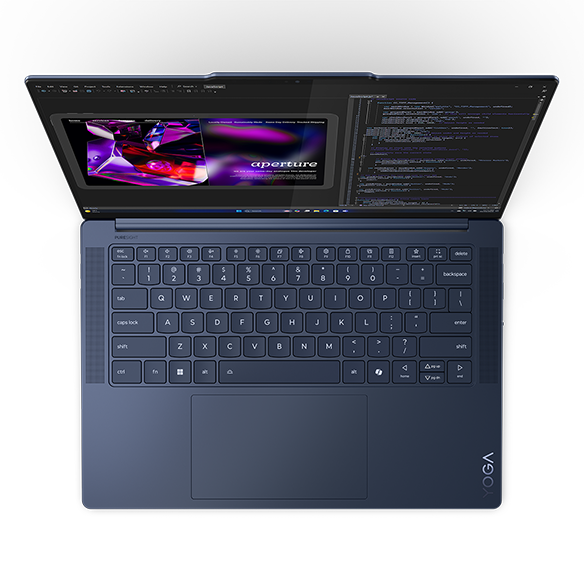
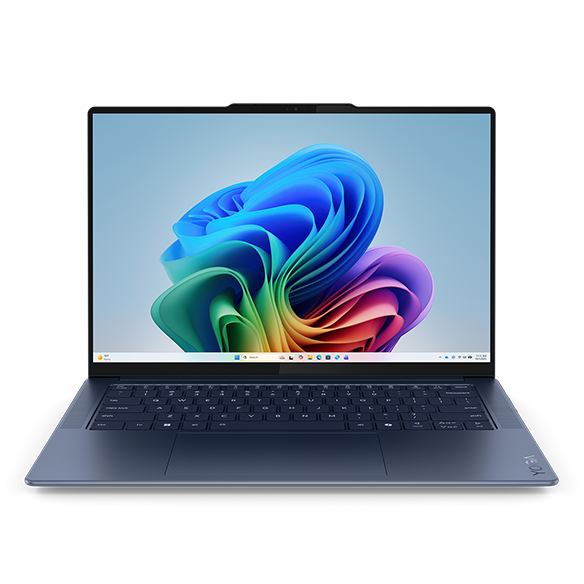
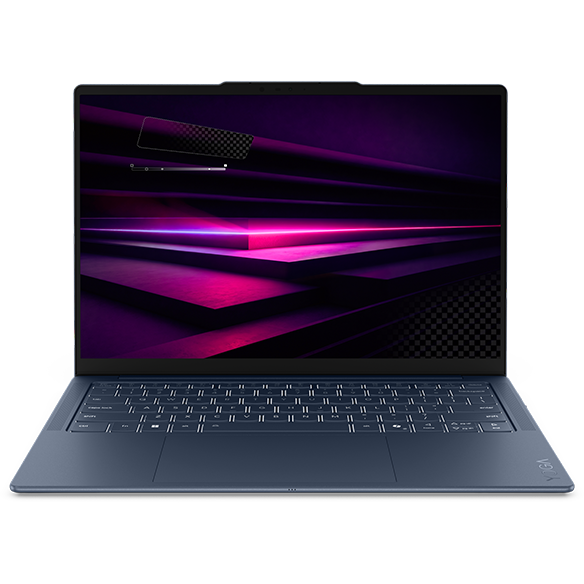
Laptops with Bright Display
Introduction
In today's digital age, a laptop's display quality can significantly impact your overall experience, whether you're working on a presentation, streaming your favorite show, or editing photos. A bright display not only enhances visibility in various lighting conditions but also contributes to a more vibrant and engaging visual experience. For professionals and creatives alike, investing in a laptop with a bright display can make all the difference in productivity and enjoyment.
When considering a laptop, it's essential to look beyond just the resolution. Factors such as brightness levels, color accuracy, and screen technology play crucial roles in how effectively you can use your device. A bright display can reduce eye strain during long hours of work and improve clarity, making it easier to focus on tasks at hand. Let's explore the key features and benefits of laptops equipped with bright displays.
What Makes a Display Bright?
Understanding what contributes to a bright display is essential for making an informed decision when selecting a laptop. Brightness is typically measured in nits, with higher numbers indicating a more luminous screen. However, other factors also influence the overall display quality.
Key aspects include:
- Brightness Levels: A display with higher brightness levels (measured in nits) can perform better in well-lit environments. This is particularly beneficial for users who often work outdoors or in brightly lit offices.
- Color Accuracy: Brightness alone isn't enough; color accuracy ensures that the colors you see on the screen are true to life. This is crucial for tasks like photo editing or graphic design, where precise color representation is vital.
- Screen Technology: Different technologies, such as IPS (In-Plane Switching) and OLED (Organic Light Emitting Diode), can affect brightness and color reproduction. IPS panels generally offer better viewing angles and color consistency, while OLED displays provide deeper blacks and vibrant colors.
By considering these factors, you can better understand how a laptop's display will perform in various scenarios, ensuring you choose a device that meets your specific needs.
Benefits of a Bright Display
Investing in a laptop with a bright display comes with numerous advantages that enhance both productivity and leisure activities. Whether you're a student, professional, or creative, a bright screen can significantly improve your overall experience.
Benefits include:
- Improved Visibility: A brighter display allows for better visibility in various lighting conditions, reducing glare and making it easier to see content clearly. This is especially important for users who frequently work in bright environments.
- Enhanced Color Vibrancy: With a bright display, colors appear more vivid and lifelike, making media consumption more enjoyable. Whether you're watching movies or editing photos, a vibrant screen enhances the overall experience.
- Reduced Eye Strain: Working on a bright display can help minimize eye strain, particularly during extended use. A well-lit screen can make reading text and viewing images more comfortable, allowing for longer work sessions without discomfort.
These benefits make laptops with bright displays an excellent choice for anyone looking to enhance their digital experience, whether for work or leisure.
Choosing the Right Laptop with a Bright Display
When selecting a laptop with a bright display, it's essential to consider your specific needs and how you plan to use the device. Different users have varying requirements, and understanding these can help you make the best choice.
Considerations include:
- Usage Scenarios: Think about where you'll be using your laptop most often. If you work in bright environments or outdoors, prioritize models with higher brightness levels to ensure optimal visibility.
- Screen Size: Choose a screen size that fits your lifestyle. Larger displays provide more screen real estate for multitasking, while smaller screens are more portable and easier to carry.
- Budget: Determine your budget and explore options within that range. While bright displays can be found across various price points, it's essential to find a balance between features and affordability.
By taking these factors into account, you can find a laptop that not only meets your brightness requirements but also aligns with your overall usage needs.
Top Features to Look for in Bright Display Laptops
When searching for laptops with bright displays, certain features can enhance your overall experience and ensure you get the most out of your device. Identifying these features can help you make a more informed decision.
Essential features include:
- High Brightness Levels: Look for laptops with brightness levels of at least 300 nits for optimal visibility in various lighting conditions. Higher levels are preferable for outdoor use.
- Wide Color Gamut: Choose models that support a wide color gamut, such as 100% sRGB or higher, to ensure accurate and vibrant color reproduction.
- Anti-Glare Coating: An anti-glare coating can help reduce reflections and improve visibility in bright environments, making it easier to see the screen without distractions.
By focusing on these features, you can ensure that your laptop provides a bright and enjoyable viewing experience, enhancing your productivity and leisure activities.