Laptops for Presentations
Introduction
In today’s fast-paced business environment, delivering impactful presentations is essential for success. Whether you’re pitching to clients, sharing project updates with your team, or leading a workshop, having the right laptop can make all the difference. A laptop designed for presentations should not only be portable and lightweight but also equipped with features that enhance visual clarity and ensure smooth performance during critical moments.
Choosing a laptop that meets these criteria allows you to focus on your content rather than worrying about technical issues. With a variety of options available, it’s important to understand what features will best support your presentation needs, ensuring that you can engage your audience effectively and leave a lasting impression.
What Features Matter Most for Presentation Laptops?
When selecting a laptop specifically for presentations, several key features should be prioritized to ensure a seamless experience. These features contribute to both the visual quality of your slides and the overall functionality of the device during your presentation.
Key features include:
- High-resolution display: A laptop with a vibrant, high-resolution screen enhances the clarity of your visuals, making it easier for your audience to engage with your content. Look for displays that offer at least Full HD (1920 x 1080) resolution for optimal viewing.
- Powerful processing capabilities: Efficient processors help ensure that your laptop can handle multiple applications simultaneously, allowing you to run presentation software, video content, and other tools without lag. This is crucial for maintaining a smooth flow during your presentation.
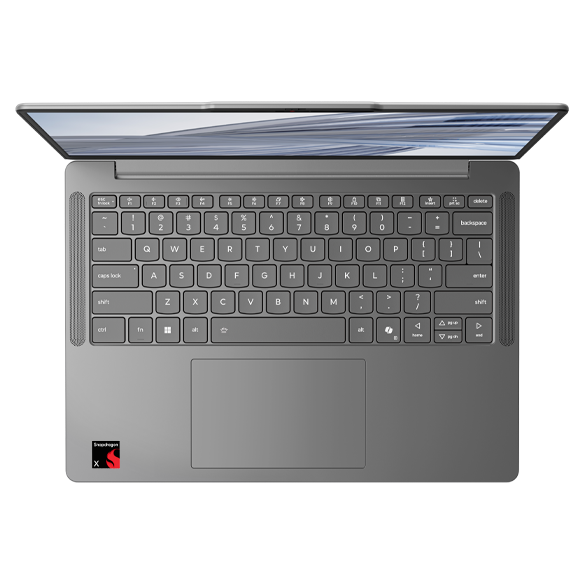
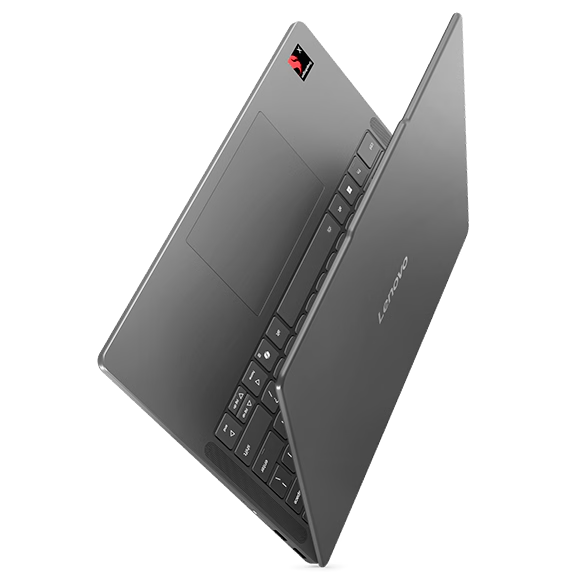
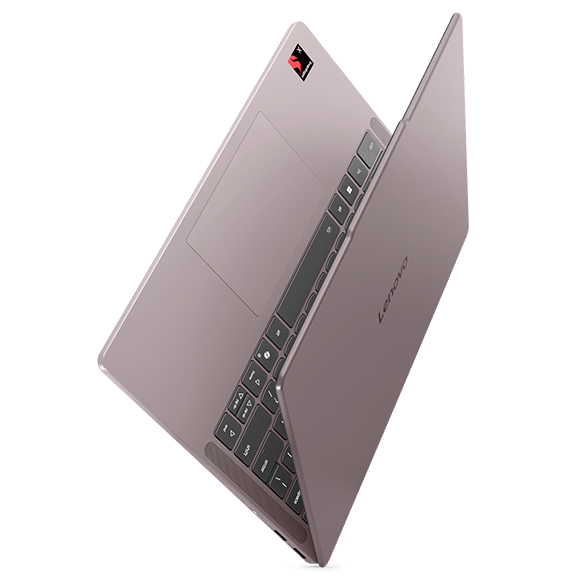
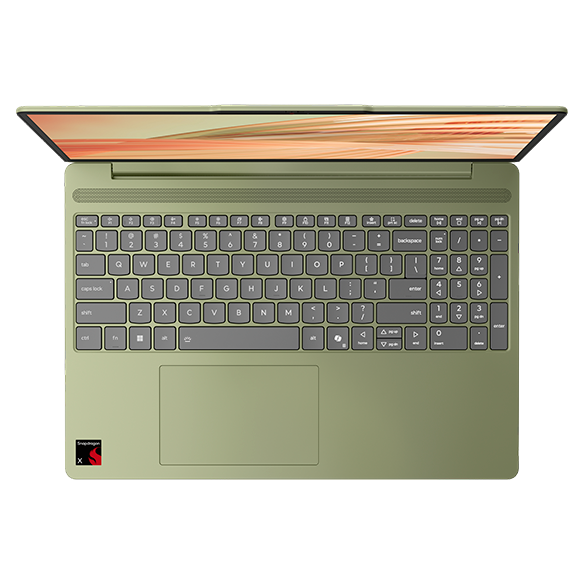
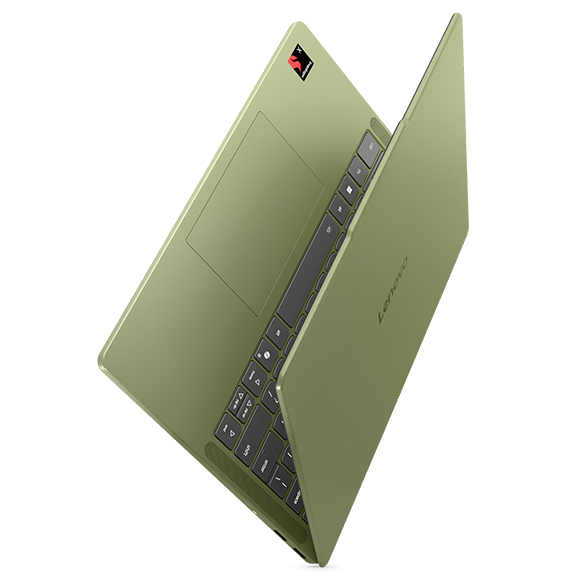
- Lightweight and portable design: For professionals on the go, a lightweight laptop is essential for easy transport between meetings and venues. A slim profile makes it convenient to carry without sacrificing performance.
- Long battery life: Presentations often take place in various settings, and having a laptop that can last through extended meetings without needing a charge is vital. Look for devices that offer all-day battery life to avoid interruptions.
By focusing on these features, you can select a laptop that not only meets your presentation needs but also enhances your overall productivity and effectiveness as a presenter.
Why Portability is Key for Presentations
Portability is a crucial factor when it comes to laptops for presentations. Professionals often find themselves moving between different locations, whether it’s a conference room, a client’s office, or a remote venue. A laptop that is easy to transport can significantly reduce the stress associated with setting up for a presentation.
Benefits of a portable laptop include:
- Ease of transport: A lightweight laptop can easily fit into a briefcase or backpack, making it convenient to carry to various locations. This is especially important for professionals who are frequently on the move.
- Quick setup: With a portable device, you can quickly set up your presentation without the hassle of lugging around heavy equipment. This allows you to focus on your audience rather than your gear.
- Flexibility in presentation settings: Being able to present from different locations, whether in a formal boardroom or a casual coffee shop, allows for greater flexibility in your work environment. A portable laptop adapts to your needs.
Ultimately, a portable laptop enhances your ability to deliver presentations effectively, regardless of the setting. It allows you to be prepared and professional, no matter where your work takes you.
How Display Quality Impacts Presentations
The quality of your laptop’s display plays a significant role in how your presentation is perceived by your audience. A clear, vibrant display can enhance the visual appeal of your slides, making it easier for viewers to absorb information and stay engaged.
Key aspects of display quality include:
- Color accuracy: A display that accurately reproduces colors ensures that your visuals look as intended. This is particularly important for presentations that rely on graphics, charts, or images.
- Brightness and contrast: A bright display with good contrast helps your content stand out, even in well-lit environments. This is essential for ensuring that your audience can see your slides clearly.
- Viewing angles: A laptop with wide viewing angles allows multiple audience members to see the screen without distortion. This is particularly beneficial in larger rooms where attendees may be seated at various angles.
Investing in a laptop with a high-quality display can significantly enhance your presentation experience, making it easier to communicate your ideas effectively and leave a lasting impression on your audience.
Performance Considerations for Smooth Presentations
Smooth performance is critical during presentations, as technical issues can disrupt the flow of your delivery and distract your audience. A laptop that can handle multiple tasks without lag is essential for maintaining professionalism.
Performance factors to consider include:
- Processor speed: A powerful processor ensures that your laptop can handle demanding applications and multitasking with ease. This is crucial for running presentation software alongside other tools.
- RAM capacity: Having sufficient RAM allows your laptop to run multiple applications simultaneously without slowing down. This is particularly important when switching between presentation slides and other resources.
- Storage options: Solid-state drives (SSDs) provide faster load times and quicker access to files, which can be beneficial when preparing for a presentation on short notice.
By prioritizing performance features, you can select a laptop that supports a smooth and efficient presentation experience, allowing you to focus on delivering your message rather than worrying about technical difficulties.
Choosing the Right Laptop for Your Presentation Needs
When selecting a laptop for presentations, it’s essential to consider your specific needs and how the device will support your goals. A well-chosen laptop can enhance your ability to communicate effectively and engage your audience.
Key considerations include:
- Prioritize a high-resolution display for clear visuals that captivate your audience.
- Look for a lightweight and portable design that makes it easy to transport between locations.
- Ensure the laptop has sufficient processing power and RAM to handle your presentation software without lag.
- Consider battery life to avoid interruptions during longer presentations or meetings.
By focusing on these factors, you can select a laptop that not only meets your presentation needs but also enhances your overall productivity and effectiveness as a presenter. Explore Lenovo's offerings to find the right fit for your presentation requirements and elevate your communication skills to new heights.