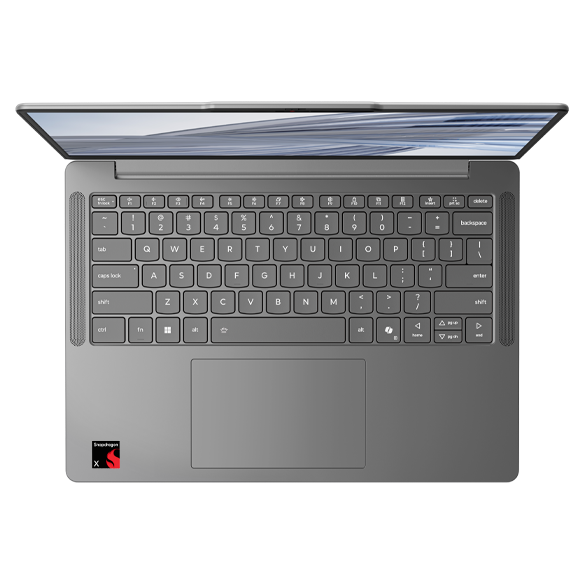
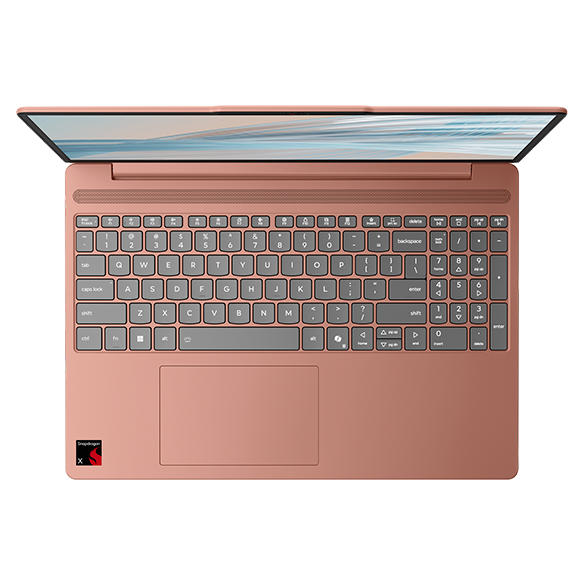
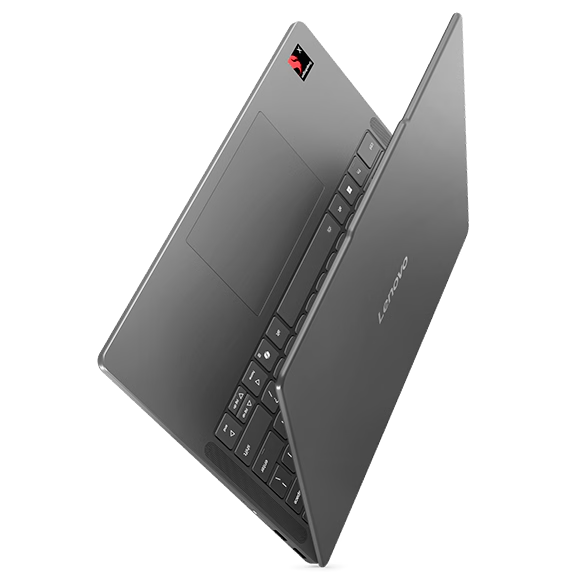
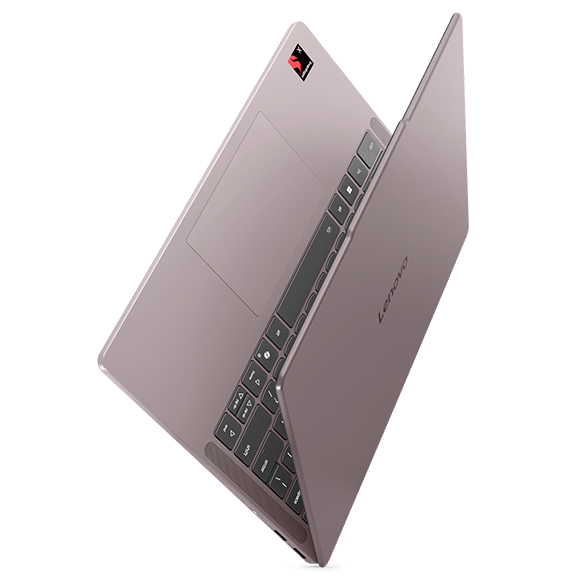
Laptops for Multitasking
Introduction
In today’s fast-paced digital landscape, multitasking has become an essential skill for both professionals and students alike. Whether you’re juggling multiple applications for work, managing various tabs for research, or streaming media while drafting reports, having a laptop that can handle simultaneous tasks efficiently is crucial. A well-equipped multitasking laptop can significantly enhance productivity, allowing you to switch between tasks seamlessly without experiencing frustrating slowdowns.
Choosing the right laptop for multitasking involves understanding your specific needs and the types of applications you frequently use. From resource-intensive software for graphic design to everyday applications like word processors and web browsers, the right device should provide the performance and reliability necessary to keep up with your demands. With the right features, you can elevate your workflow and make multitasking a breeze.
What Features Are Essential for Multitasking?
When it comes to multitasking, certain features can make a significant difference in your overall experience. A laptop that excels in these areas can help you stay productive and efficient throughout your day.
Key features to consider include:
- Powerful Processor: A robust processor is essential for handling multiple applications simultaneously. Look for laptops equipped with the latest processors that can manage demanding tasks without lag.
- Ample RAM: Having sufficient Random Access Memory (RAM) allows your laptop to run multiple applications at once without slowing down. Aim for at least 8GB of RAM for a smoother multitasking experience.
- High-Resolution Display: A clear, high-resolution display enhances your ability to view multiple Windows side by side. This feature is particularly useful for tasks that require attention to detail.
- Fast Storage Solutions: Solid State Drives (SSDs) provide quicker data access and boot times compared to traditional hard drives. This results in faster application launches and improved overall performance.
- Long Battery Life: For those who work on the go, a laptop with extended battery life ensures you can multitask without constantly searching for an outlet.
By focusing on these essential features, you can select a laptop that will effectively support your multitasking needs, allowing you to work more efficiently and productively.
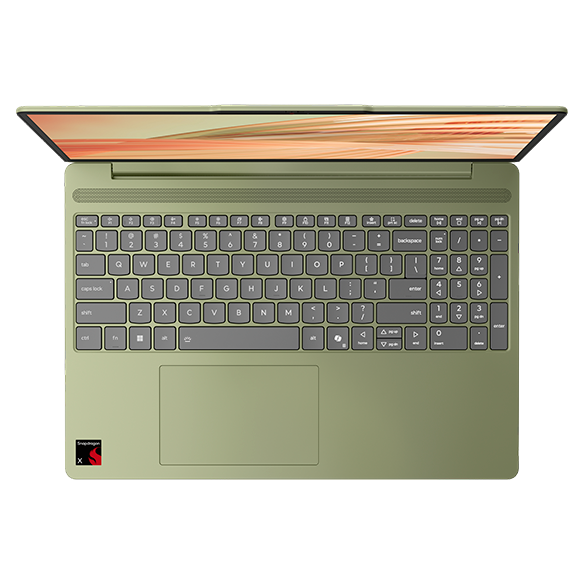
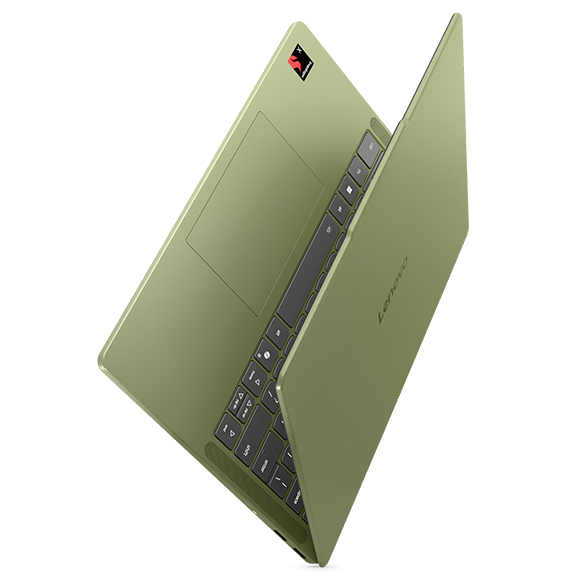
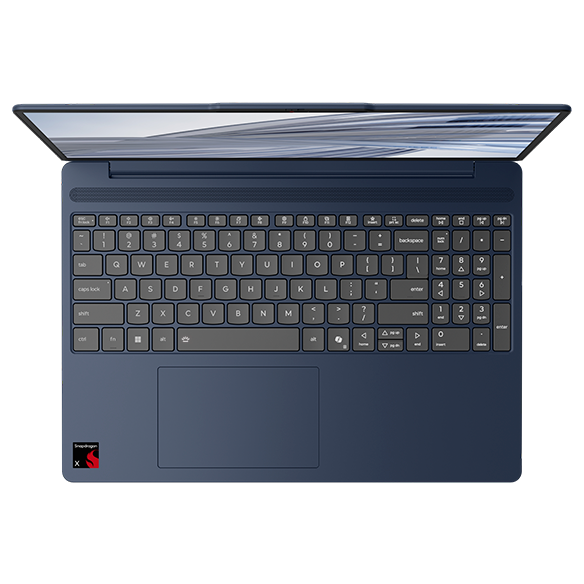
Why Choose a Laptop with a Snapdragon Processor?
Snapdragon processors are known for their efficiency and performance, making them an excellent choice for multitasking laptops. These processors are designed to handle various tasks while maintaining low power consumption, which is particularly beneficial for users who require a balance between performance and battery life.
Benefits of Snapdragon processors include:
- Energy Efficiency: Snapdragon processors are built to optimize power usage, allowing you to multitask for longer periods without draining your battery quickly.
- Integrated Graphics: These processors often come with integrated graphics capabilities, enabling smooth performance for both productivity tasks and media consumption.
- Seamless Connectivity: Snapdragon processors support advanced connectivity options, ensuring you can stay connected to the internet and other devices while multitasking.
Choosing a laptop with a Snapdragon processor can enhance your multitasking capabilities, providing the performance you need while keeping energy consumption in check.
How to Optimize Your Laptop for Multitasking
Once you have selected a laptop that meets your multitasking needs, optimizing its performance can further enhance your experience. Simple adjustments can make a significant difference in how efficiently you can work.
Optimization tips include:
- Manage Startup Programs: Limit the number of applications that launch at startup to improve boot times and overall performance.
- Regularly Update Software: Keeping your operating system and applications up to date ensures you benefit from the latest performance improvements and security patches.
- Utilize Virtual Desktops: Many operating systems offer virtual desktop features that allow you to organize your workspace better, making it easier to switch between tasks.
- Close Unused Applications: While multitasking, it’s easy to forget about applications running in the background. Regularly closing unused programs can free up valuable system resources.
By implementing these optimization strategies, you can maximize your laptop's performance and create a more efficient multitasking environment.
Choosing the Right Laptop for Your Multitasking Needs
Selecting the right laptop for multitasking involves evaluating your specific requirements and how you plan to use the device. Consider factors such as your primary applications, preferred form factor, and budget to find the best fit.
Key considerations include:
- Application Requirements: Identify the software you use most frequently and ensure your laptop has the necessary specifications to run them smoothly.
- Portability: If you plan to work on the go, consider a lightweight laptop that is easy to carry without sacrificing performance.
- Budget: Determine your budget and explore options that provide the best value for your multitasking needs without compromising on essential features.
By carefully considering these factors, you can choose a laptop that will effectively support your multitasking endeavors, helping you stay productive and organized in an increasingly demanding digital world.