
Integrated Tiny Desktops with Windows 11
(30 results)
Brand
Ideacentre (1)
Thinkcentre (16)
Thinkcentre M70q Gen 6 (2)
Color
Black (25)
Grey (4)
Neutral (1)
Price
$ 500 - $ 799.99 (1)
$ 800 - $ 999.99 (3)
$ 1,000 - $ 1,499.99 (10)
Sort by :Best-Selling
- Est Value$ 2,169$ 1,439 34% offSee More
- Est Value$ 3,839$ 1,999 48% offSee More
- Est Value$ 5,099$ 2,799 45% offSee More
- Est Value$ 3,739$ 1,969 47% offSee More
- Est Value$ 1,929$ 1,089 44% offSee More
- Est Value$ 5,999$ 3,119 48% offSee More
- Est Value$ 1,529$ 1,129 26% offSee More
- Est Value$ 2,679$ 1,799 33% offSee More
- Est Value$ 3,449$ 1,919 44% offSee More
- Est Value$ 5,439$ 2,309 58% offSee More
- Est Value$ 1,059$ 769 27% offSee More
- Est Value$ 5,709$ 2,869 50% offSee More
- Est Value$ 4,729$ 2,289 52% offSee More
- Est Value$ 2,079$ 1,469 29% offSee More
- Est Value$ 3,689$ 2,469 33% offSee More
- Est Value$ 1,179$ 849 28% offSee More
- Est Value$ 1,079$ 859 20% offSee More
- Est Value$ 1,329.99$ 999.99 25% offSee More
- Est Value$ 1,959$ 1,579 19% offSee More
- Est Value$ 2,150.99$ 1,699.99 21% offSee More
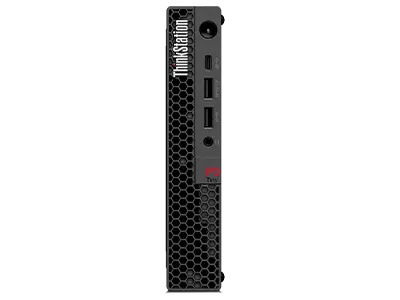


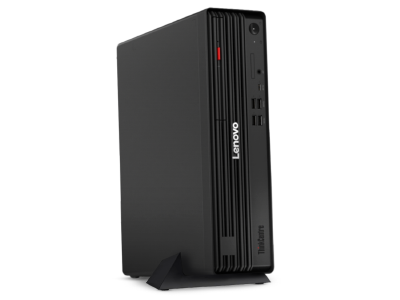
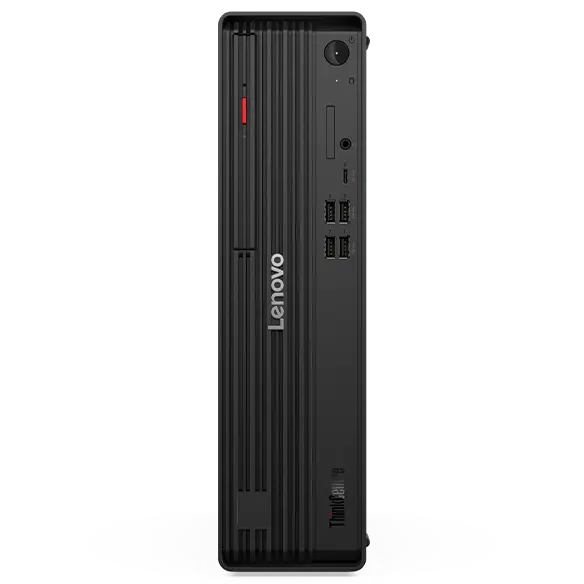
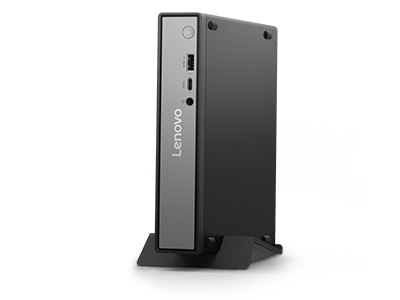

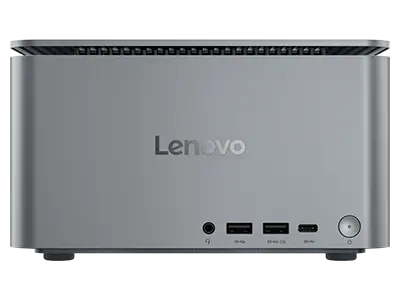
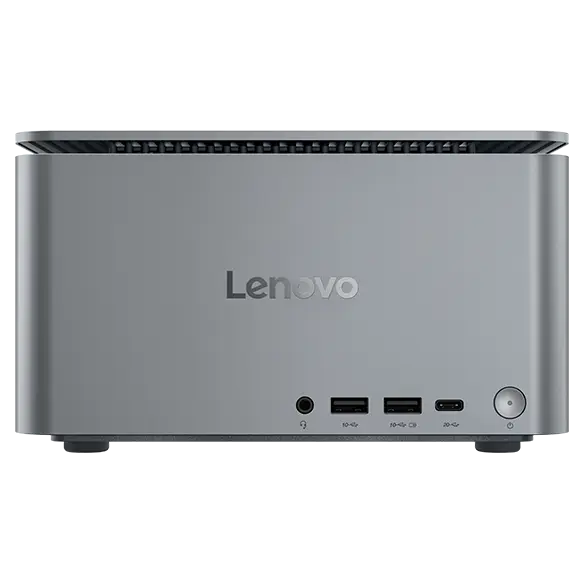


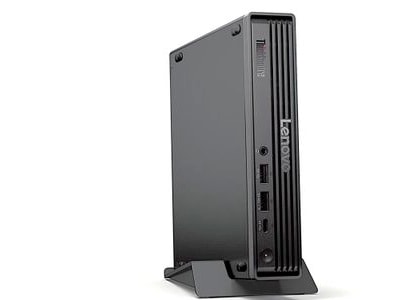

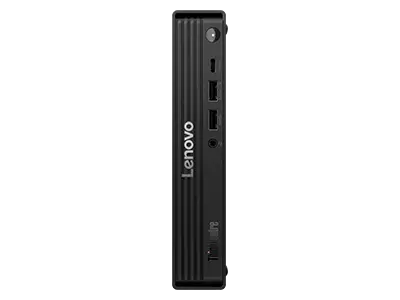


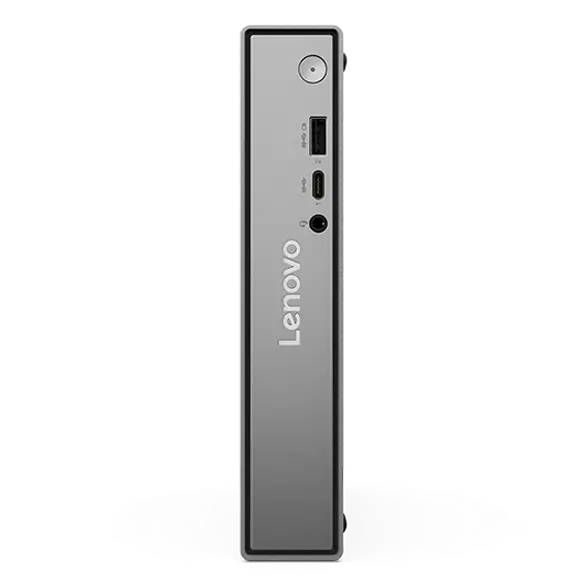


About Integrated Tiny Desktops with Windows 11
Integrated tiny desktops with Windows 11 offer a compact yet powerful computing solution for both home and office environments. These desktops combine efficiency with modern design, making them ideal for users who value space without compromising performance. With options featuring Intel® and AMD processors, ample SSD storage, and generous RAM, you can tackle everyday tasks with ease and speed.
Compact Powerhouses for Every Need
Whether you need a desktop for work, entertainment, or casual browsing, Lenovo's integrated tiny desktops provide versatility and reliability. Their small footprint allows for easy placement in any workspace, while Windows 11 enhances your user experience with a sleek interface and improved functionality. Explore Lenovo's range of integrated tiny desktops to find the perfect fit for your needs.
Moving Forward with Windows 11
- Microsoft will officially end support for Windows 10 on October 14, 2025. After this date, devices running Windows 10 will no longer receive security updates or technical assistance. While those PCs may still function, staying on an unsupported system creates risks such as security vulnerabilities, reduced performance, and limited compatibility with future applications and hardware.
- Upgrading to Windows 11 helps you stay protected while gaining access to Microsoft's latest features and enhancements. Windows 11 delivers a modern design, built-in security protections, and productivity tools like Snap Layouts and seamless Teams integration. These improvements make it easier to multitask, collaborate, and enjoy a faster, more reliable experience.
- Windows 11 also introduces Microsoft Copilot, a built-in AI assistant designed to make everyday tasks simpler. With Copilot, you can generate content, summarize information, adjust settings, or get help across apps using natural language, bringing a new level of convenience and intelligence to your PC.
- Most eligible Windows 10 devices can upgrade to Windows 11 at no cost, and new PCs already come preloaded with it. Planning your upgrade before the October 2025 deadline ensures a smooth transition and long-term reliability for your system.