
Thunderbolt Monitors with Windows 11
(3 results)
Brand
Thinkvision (3)
Price
$ 300 - $ 499.99 (1)
$ 500 - $ 799.99 (1)
$ 1,000 - $ 1,499.99 (1)
Sort by :Best-Selling
- Est Value$ 725$ 534 26% offSee More
- Est Value$ 2,299$ 1,149 50% offSee More
- Est Value$ 884$ 449 49% offSee More


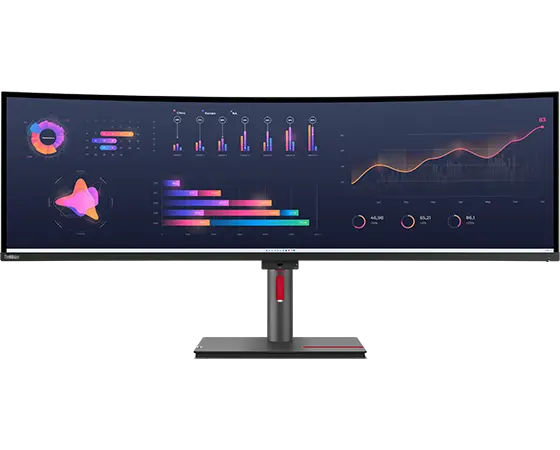
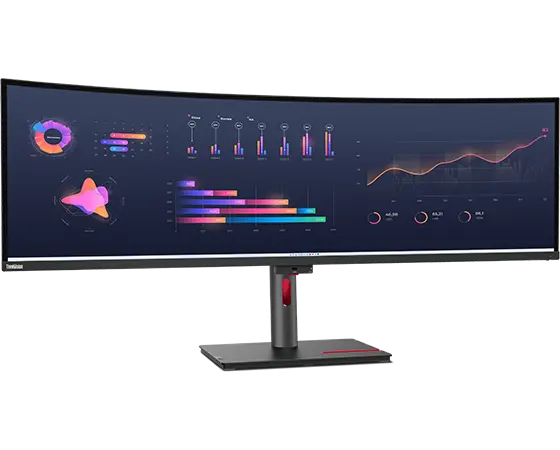
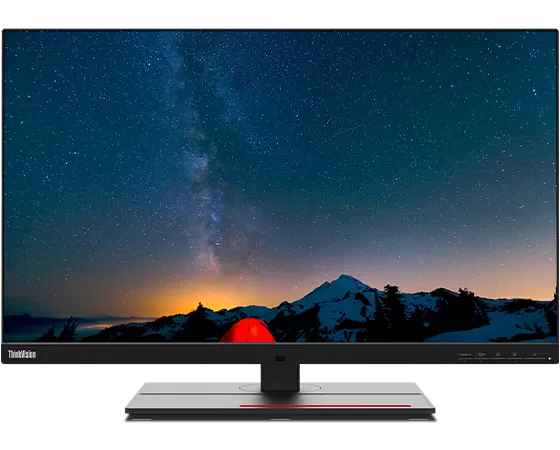

You May Also Like
- Est Value$ 949$ 494 48% offSee More
- Est Value$ 549$ 289 47% offSee More
- Est Value$ 748$ 389 48% offSee More
- Est Value$ 427$ 249 42% offSee More
- Est Value$ 307$ 179 42% offSee More
- Est Value$ 341$ 179 48% offSee More
- Est Value$ 483$ 254 47% offSee More
- Est Value$ 436$ 234 46% offSee More
- Est Value$ 119.99$ 92.39 23% offSee More
- Est Value$ 79.99$ 61.59 23% offSee More
- Est Value$ 213.99$ 188.24 12% offSee More
- Est Value$ 370$ 207 44% offSee More
- Est Value$ 327$ 219 33% offSee More
- $ 419See More
- Est Value$ 249.99$ 154.99 38% offSee More
- Est Value$ 519.99$ 400.39 23% offSee More
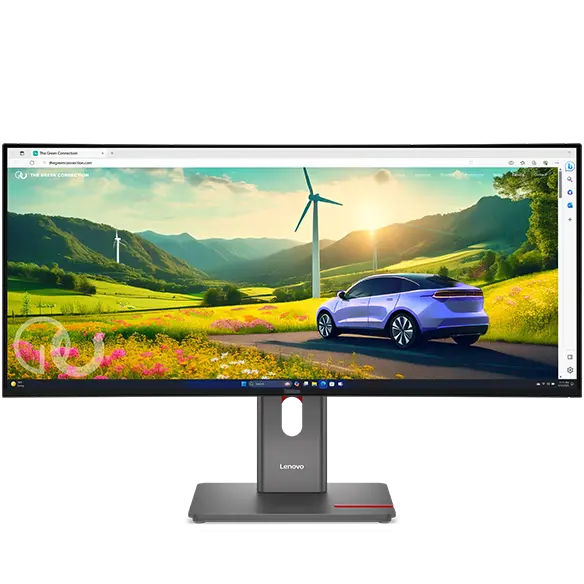
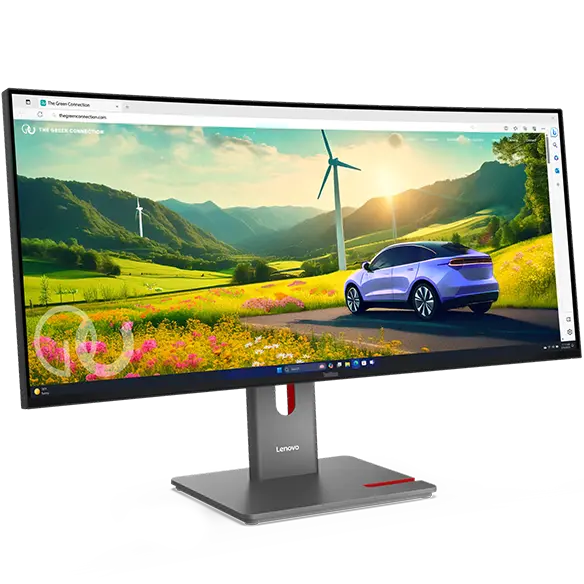
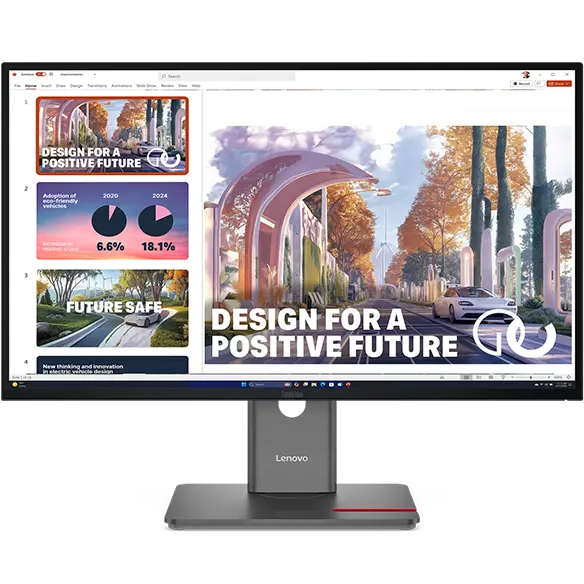
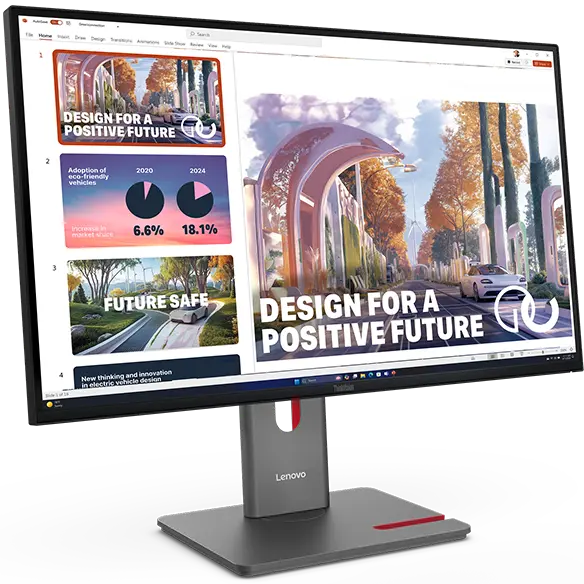
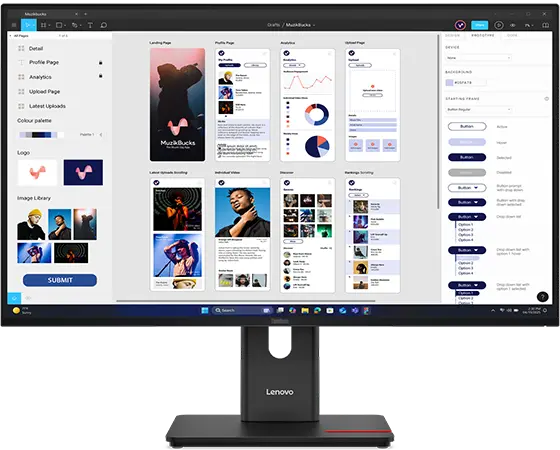
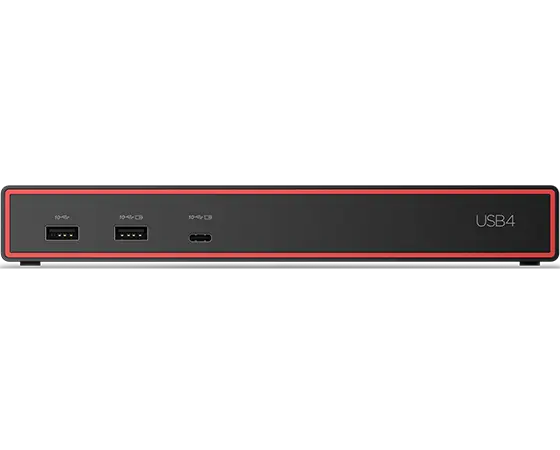
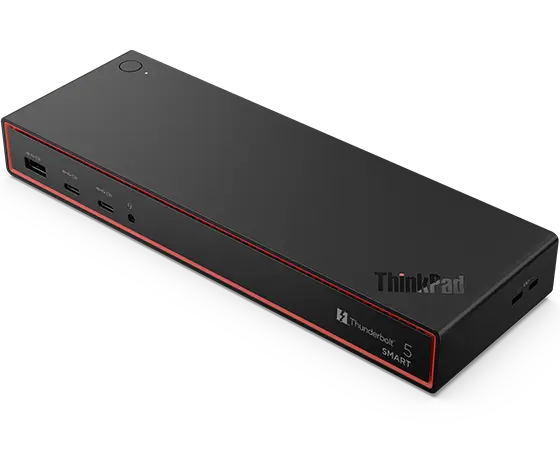
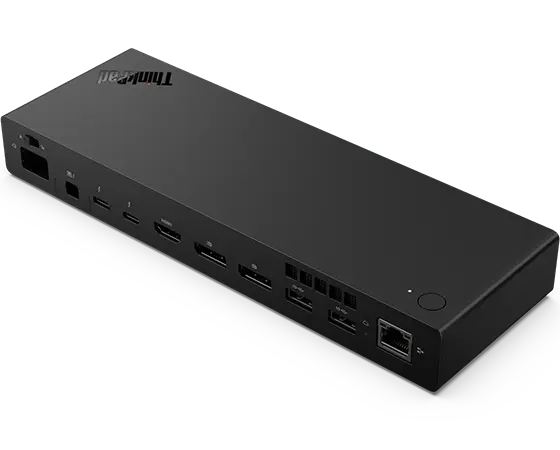
About Thunderbolt Monitors with Windows 11
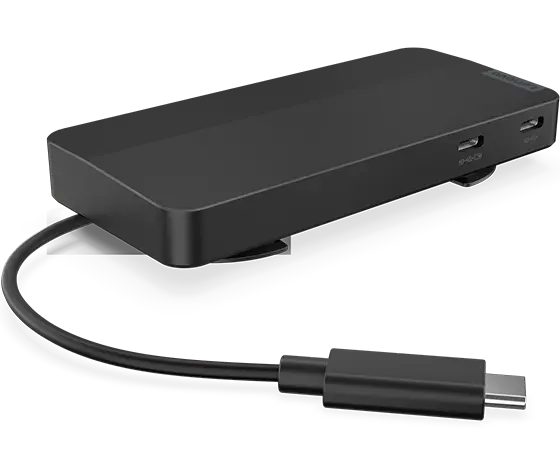
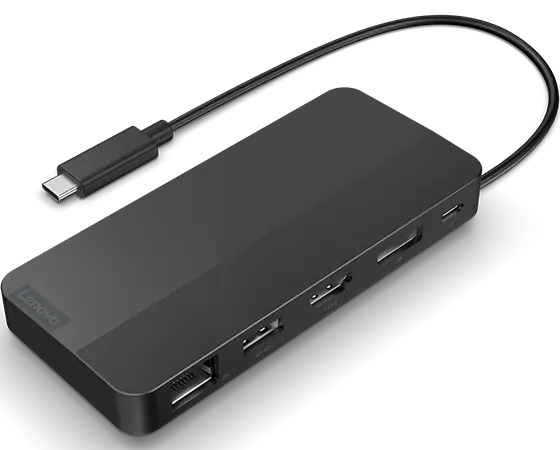
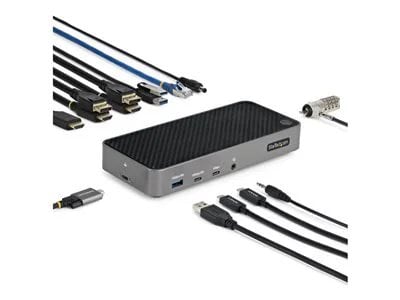
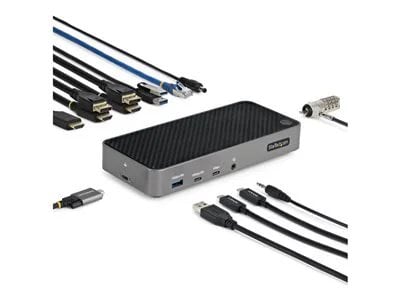
Thunderbolt monitors offer a powerful connection solution for Windows 11 users, enhancing productivity and versatility. With high-speed data transfer and the ability to connect multiple devices, these monitors can simplify your workspace. Whether you’re multitasking on several applications or enjoying high-resolution content, Thunderbolt technology ensures a seamless experience that keeps you connected and efficient.
Enhanced Connectivity and Performance
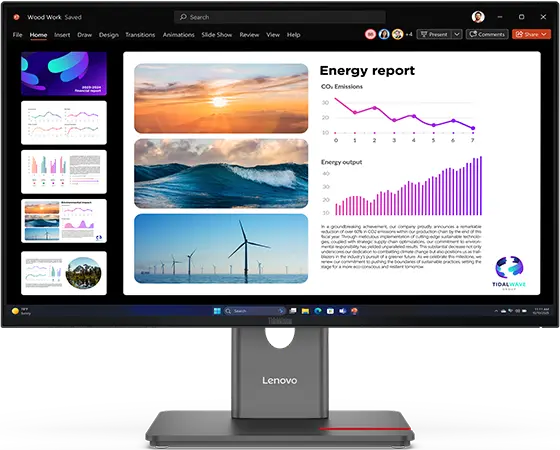
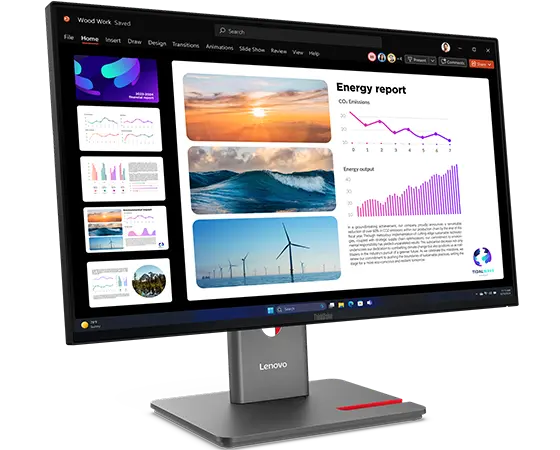
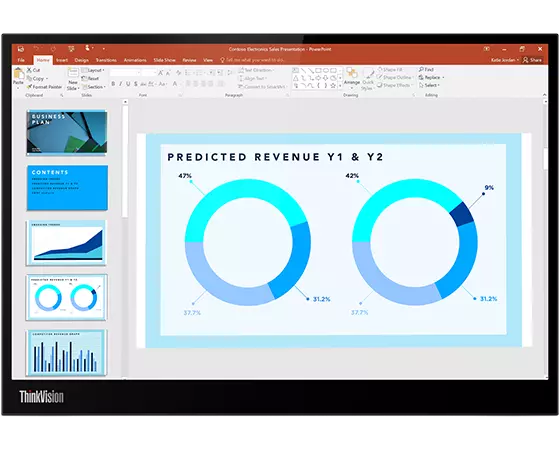
With options for dual 4K displays or even single 8K setups, Thunderbolt monitors provide stunning visuals and robust performance. They are designed to work harmoniously with Windows 11, allowing you to take full advantage of the latest features. Explore Lenovo's selection of Thunderbolt monitors to elevate your computing experience and streamline your workflow.
Moving Forward with Windows 11
- Microsoft will officially end support for Windows 10 on October 14, 2025. After this date, devices running Windows 10 will no longer receive security updates or technical assistance. While those PCs may still function, staying on an unsupported system creates risks such as security vulnerabilities, reduced performance, and limited compatibility with future applications and hardware.
- Upgrading to Windows 11 helps you stay protected while gaining access to Microsoft's latest features and enhancements. Windows 11 delivers a modern design, built-in security protections, and productivity tools like Snap Layouts and seamless Teams integration. These improvements make it easier to multitask, collaborate, and enjoy a faster, more reliable experience.
- Windows 11 also introduces Microsoft Copilot, a built-in AI assistant designed to make everyday tasks simpler. With Copilot, you can generate content, summarize information, adjust settings, or get help across apps using natural language, bringing a new level of convenience and intelligence to your PC.
- Most eligible Windows 10 devices can upgrade to Windows 11 at no cost, and new PCs already come preloaded with it. Planning your upgrade before the October 2025 deadline ensures a smooth transition and long-term reliability for your system.