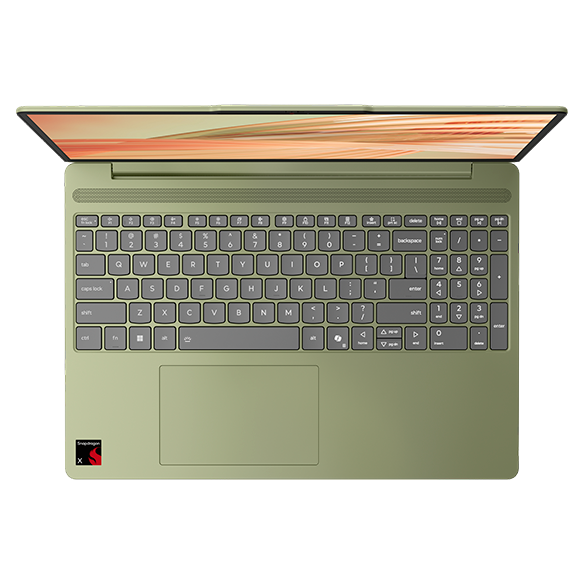
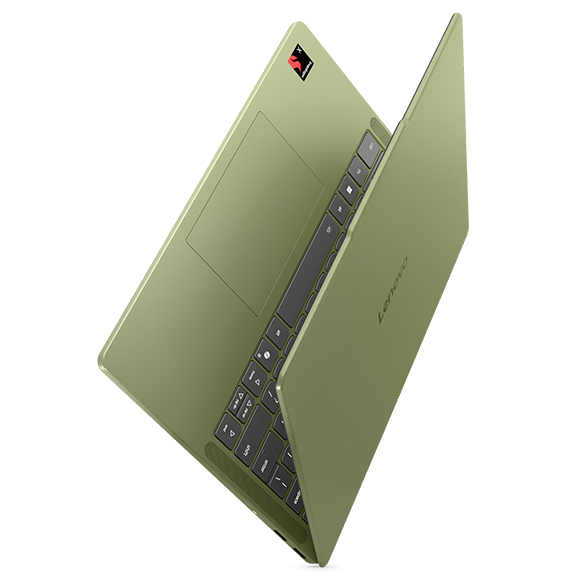
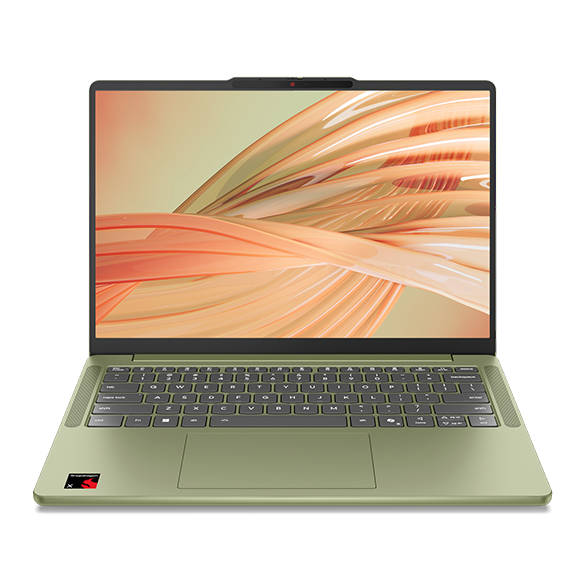
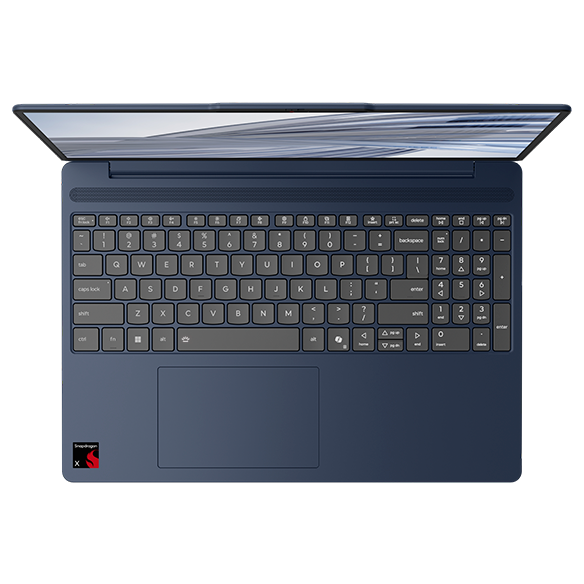
Windows on ARM Laptops
Introduction
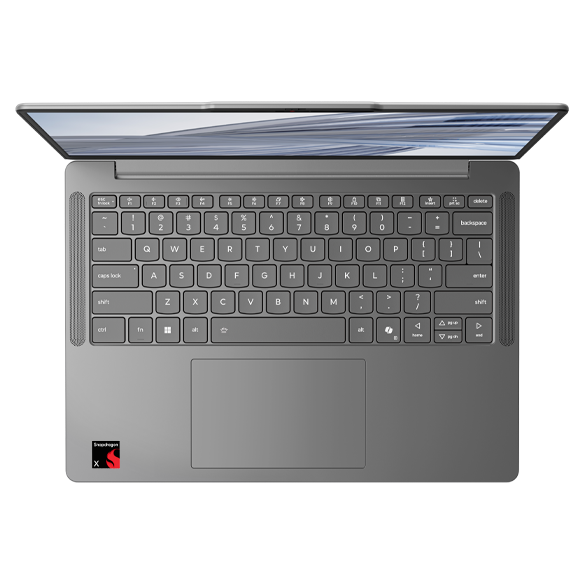
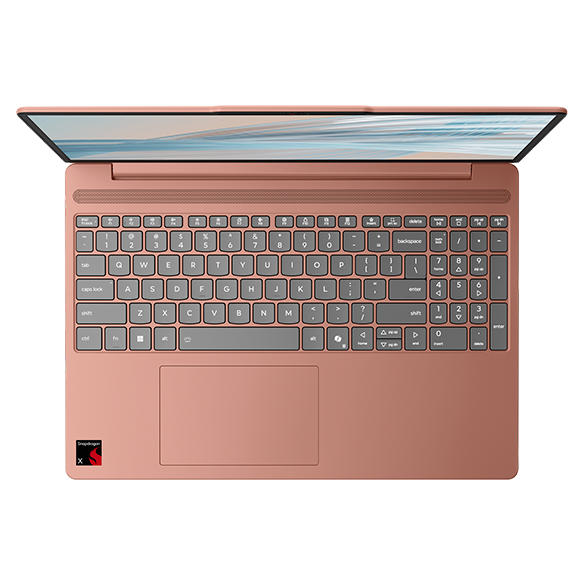
Windows on ARM laptops represent a significant evolution in computing technology, merging the power of Windows operating systems with the efficiency of ARM architecture. This combination allows for devices that are not only lightweight and portable but also capable of delivering impressive performance while maintaining exceptional battery life. As the demand for versatile computing solutions continues to grow, these laptops are becoming increasingly popular among professionals and casual users alike.
The ARM architecture is designed to optimize power consumption, making it an excellent choice for users who require long-lasting battery life without sacrificing performance. With Windows on ARM, users can enjoy a familiar operating system experience while benefiting from the unique advantages that ARM technology brings to the table. This innovative approach is reshaping how we think about productivity and mobility in the digital age.
What Are the Benefits of Windows on ARM Laptops?
Windows on ARM laptops offer a range of benefits that cater to the needs of modern users. By leveraging the strengths of ARM architecture, these devices provide a unique computing experience that can enhance productivity and convenience.
Key benefits include:
- Extended battery life: One of the standout features of ARM-based laptops is their ability to deliver impressive battery life. Users can work, stream, and browse for hours without worrying about finding a power outlet.
- Lightweight and portable: ARM laptops are often designed with portability in mind, making them easy to carry around. This is particularly beneficial for professionals who are always on the go.
- Efficient performance: ARM architecture allows for efficient processing, enabling smooth multitasking and quick application launches. Users can enjoy a responsive experience even when running multiple applications simultaneously.
- Integrated connectivity: Many Windows on ARM laptops come with built-in cellular connectivity options, allowing users to stay connected without relying solely on WiFi networks. This feature is particularly useful for those who travel frequently.
These benefits make Windows on ARM laptops an attractive option for anyone looking for a reliable and efficient computing solution that fits seamlessly into their lifestyle.
How Do Windows on ARM Laptops Compare to Traditional Laptops?
When considering a Windows on ARM laptop, it's essential to understand how it compares to traditional laptops that use x86 architecture. Each type of laptop has its strengths and weaknesses, and the right choice depends on individual needs and preferences.
Comparison highlights include:
- Performance: While traditional laptops often excel in raw processing power, Windows on ARM laptops provide sufficient performance for everyday tasks, making them suitable for most users.
- Software compatibility: Windows on ARM supports a wide range of applications, but some legacy software may not run natively. However, many popular applications are optimized for ARM, ensuring a smooth user experience.
- Battery efficiency: ARM laptops typically outperform traditional laptops in battery life, allowing users to work longer without needing to recharge.
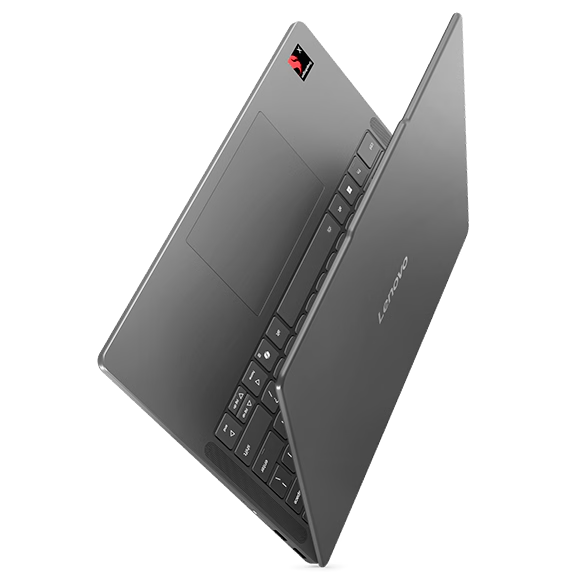
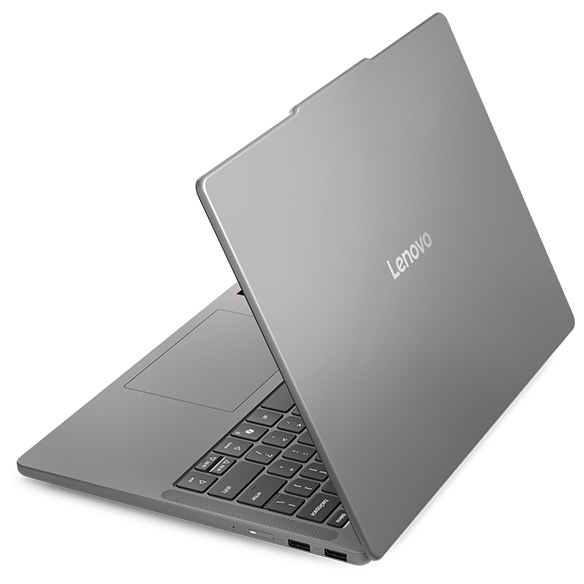
- Weight and design: Windows on ARM laptops are often lighter and more compact, making them easier to transport and use in various settings.
Ultimately, the choice between Windows on ARM and traditional laptops will depend on your specific use cases and preferences. Understanding the differences can help you make an informed decision.
Who Should Consider a Windows on ARM Laptop?
Windows on ARM laptops are well-suited for a variety of users, particularly those who prioritize portability, battery life, and efficient performance. However, they may not be the best fit for everyone.
Ideal users include:
- Students: With their lightweight design and long battery life, ARM laptops are perfect for students who need a reliable device for classes, studying, and group projects.
- Frequent travelers: For those who are often on the move, the portability and built-in connectivity options of Windows on ARM laptops make them an excellent choice for staying productive while traveling.
- Casual users: If your computing needs are primarily web browsing, streaming, and basic productivity tasks, an ARM laptop can provide a smooth and efficient experience.
By identifying your specific needs and lifestyle, you can determine if a Windows on ARM laptop is the right fit for you.
What to Look for When Choosing a Windows on ARM Laptop
When selecting a Windows on ARM laptop, it's essential to consider several factors to ensure you choose a device that meets your needs and expectations. Understanding the key features can help you make an informed decision.
Important features to consider include:
- Processor: Look for laptops equipped with the latest ARM processors, as they will provide better performance and efficiency for your tasks.
- Display quality: A high-resolution display enhances your viewing experience, making it easier to read text and enjoy multimedia content.
- Battery life: Consider the battery life rating when choosing a laptop, as longer battery life translates to more productivity without the need for frequent charging.
- Connectivity options: Check for built-in WiFi and cellular capabilities to ensure you can stay connected wherever you go.
By focusing on these key features, you can find a Windows on ARM laptop that aligns with your specific requirements and enhances your overall computing experience.