Tablets with Pen Support
Introduction
In today's digital landscape, tablets with pen support have become essential tools for creativity, productivity, and learning. Whether you are an artist sketching your next masterpiece, a student taking notes in class, or a professional drafting documents on the go, the ability to use a stylus enhances your interaction with the device, making it more intuitive and versatile. These tablets offer a seamless blend of touch and pen input, allowing users to express their ideas in a more natural and fluid manner.
With the rise of remote work and online education, the demand for tablets that support stylus functionality has surged. They provide a portable solution for those who need to jot down thoughts, annotate documents, or create detailed designs without the bulk of traditional laptops. As you explore your options, understanding the features that make pen support effective will help you choose the right tablet for your needs.
What Are the Benefits of Pen Support on Tablets?
Pen support on tablets offers a range of advantages that enhance user experience and productivity. The ability to write or draw directly on the screen can transform how you interact with your device, making tasks more engaging and efficient.
Key benefits include:
- Natural writing experience: Using a stylus mimics the feel of writing on paper, providing a more comfortable and familiar experience for note-taking and drawing. This can lead to improved retention of information during lectures or meetings.
- Precision and control: Styluses offer greater accuracy than fingers, making it easier to create detailed illustrations or edit documents with fine adjustments. This precision is particularly beneficial for artists and designers who require exact lines and shapes.
- Enhanced creativity: With pen support, users can easily switch between writing, drawing, and navigating their device. This flexibility encourages creative expression and allows for a more dynamic workflow.
- Annotation capabilities: Many applications allow users to annotate PDFs, images, and other documents directly. This feature is invaluable for students and professionals who need to provide feedback or highlight important information.
Overall, pen support significantly enriches the tablet experience, making it a powerful tool for both personal and professional use.
How to Choose a Tablet with Pen Support
When selecting a tablet with pen support, several factors should be considered to ensure it meets your specific needs. Understanding these features will help you make an informed decision.
Key considerations include:
- Stylus compatibility: Not all tablets come with a stylus included, and some may require a specific model for optimal performance. Check if the tablet supports active styluses that offer pressure sensitivity and palm rejection for a better writing experience.
- Screen quality: A high-resolution display enhances the overall experience, making it easier to see details when drawing or writing. Look for tablets with vibrant colors and good brightness levels to ensure visibility in various lighting conditions.
- Battery life: Long battery life is essential for uninterrupted use, especially for those who plan to use their tablet for extended periods. Consider how often you will be using the tablet and choose one that can keep up with your demands.
- Operating system: Different tablets run on various operating systems, which can affect app availability and functionality. Ensure that the tablet you choose supports the applications you need for your work or studies.
By carefully evaluating these factors, you can find a tablet that not only meets your pen support needs but also enhances your overall productivity and creativity.
Popular Tablets with Pen Support
Several tablets on the market offer excellent pen support, catering to a variety of user preferences and requirements. These devices are designed to provide a seamless experience for both casual users and professionals alike.
Notable options include:
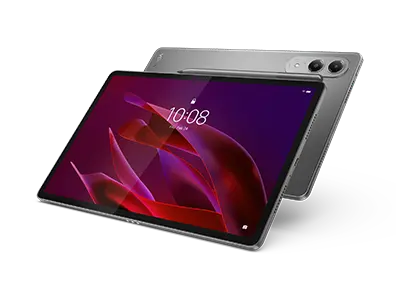
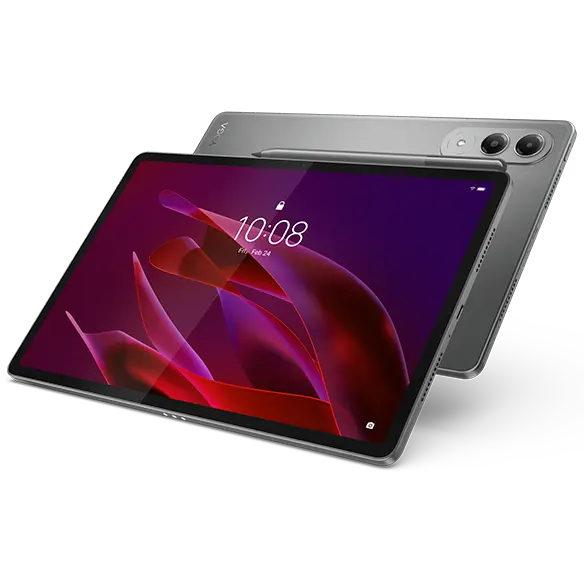
- Lenovo Yoga Tab: This tablet features a versatile design and a high-quality display, making it suitable for both entertainment and productivity. Its pen support allows for easy note-taking and drawing, enhancing its usability.
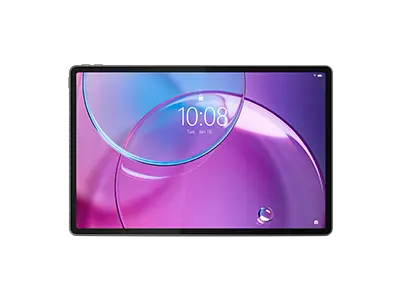
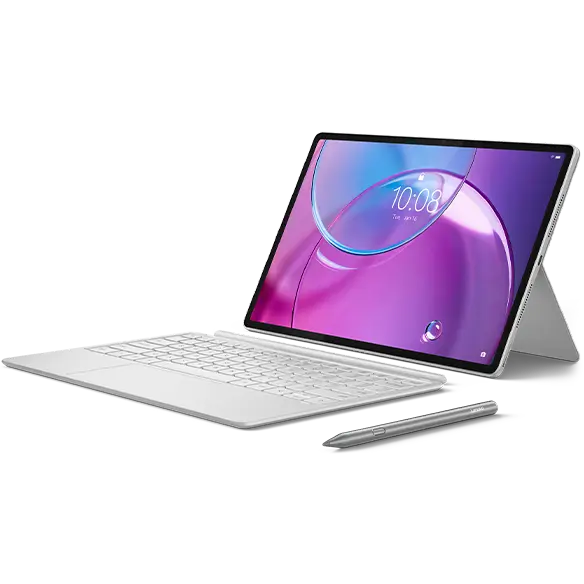
- Lenovo Yoga Tab Plus: With an upgraded display and enhanced performance, this tablet is perfect for users who require more power and functionality. The pen support adds an extra layer of versatility, making it ideal for creative tasks.
These tablets are designed to meet the diverse needs of users, providing a robust platform for creativity and productivity.
Maximizing Your Experience with Pen Support
To get the most out of your tablet with pen support, consider exploring various applications and tools that enhance your workflow. The right software can significantly improve your productivity and creativity.
Tips for maximizing your experience include:
- Explore note-taking apps: Applications like Microsoft OneNote or Notability allow you to organize your notes effectively, making it easy to access and review them later. These apps often support features like handwriting recognition, which can be a game-changer for students.
- Utilize drawing software: For artists, programs like Adobe Fresco or Procreate offer powerful tools for creating stunning digital artwork. Experimenting with different brushes and techniques can help you fully utilize the capabilities of your stylus.
- Customize your settings: Many tablets allow you to adjust pen sensitivity and other settings to suit your preferences. Take the time to customize these features to enhance your writing and drawing experience.
By leveraging the right applications and settings, you can unlock the full potential of your tablet and stylus, making your creative and professional tasks more enjoyable and efficient.