What is SSD?
When researching computers and hard drives (online or in stores), you may come across the acronyms SSD and HDD. However, if you don't understand what these acronyms stand for, it can be difficult to determine:
- What the differences are between the two, and
- What the advantages and disadvantages of each are.
In other words, what do these terms mean, and which option is right for you? The information below can answer some key questions regarding this terminology. If you are in the market for a new computer or hard drive (whether internal or external), read further so that you can make an informed decision about your purchase.
What does SSD stand for?
SSD stands for solid state drive. HDD, by comparison, stands for hard disk drive.
What is a solid state drive?
A solid state drive is a hard drive with no moving parts. A traditional hard drive, or HDD, uses a spinning disk to store data. This data is retrieved with the use of a read/write head on a mechanical arm. Because HDDs have moving components, there is a real risk for mechanical failure at some point in the life of the device. An SSD, on the other hand, has no moving parts. Instead, solid state drives utilize integrated circuits to create a semiconductor array for memory storage. Think of an HDD as a vinyl record player, and an SSD as a computer motherboard.
SSD vs HDD comparison
In addition to being more reliable than standard hard disk drives, SSDs also offer superior performance, read/write capabilities, and speed. Thanks to their design (an SSD can read data directly from a specific flash cell location), SSDs have much lower latency time than HDDs, for both random access and read access. This makes them an ideal choice for heavy read/write workloads, as well as random and varied workloads.
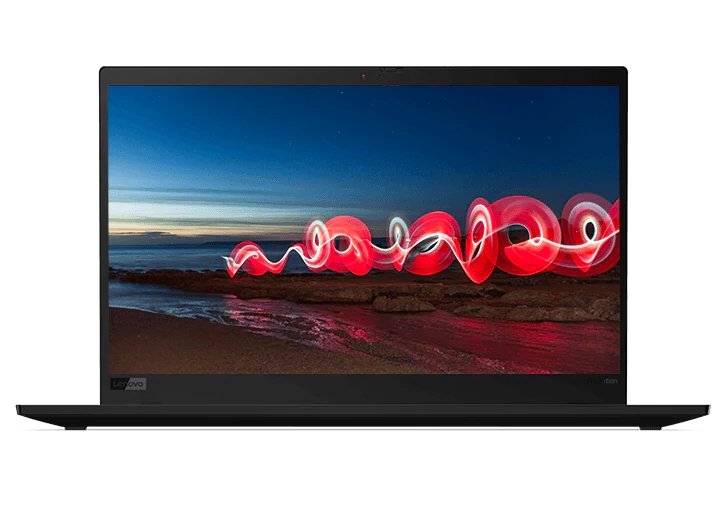
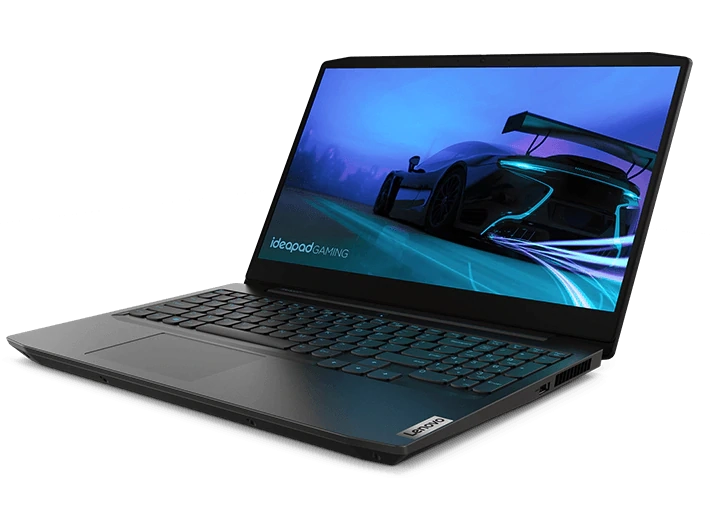
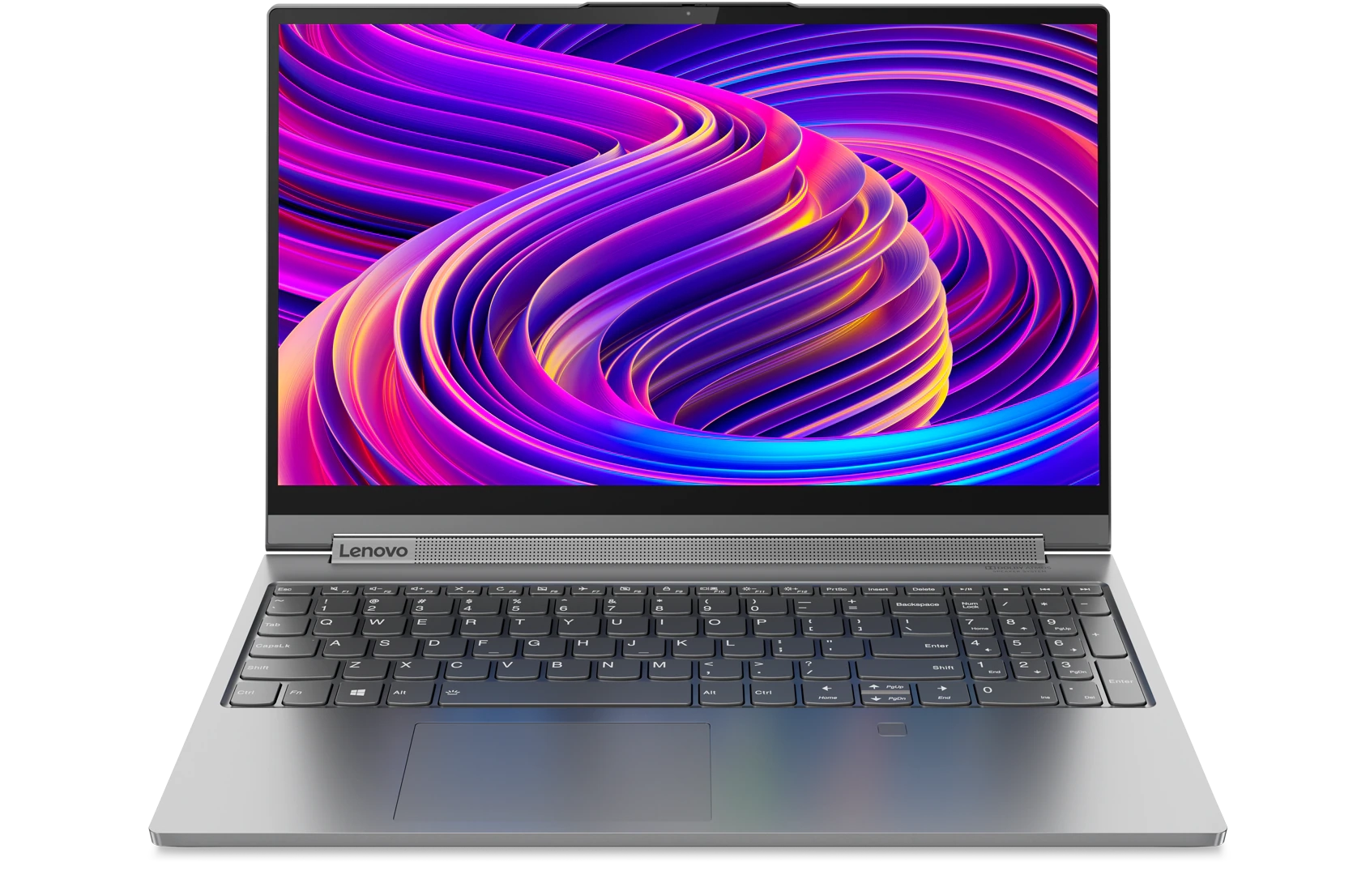
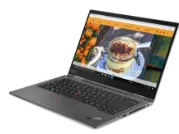
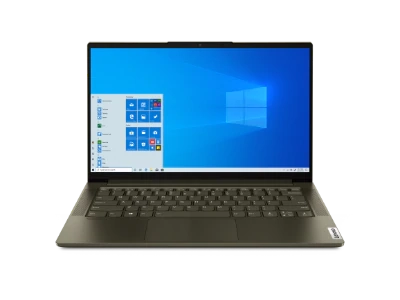
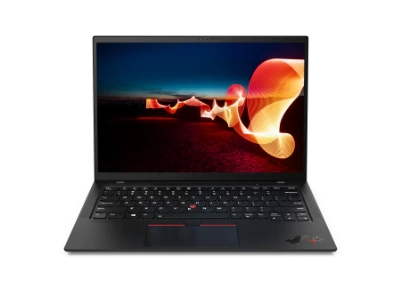
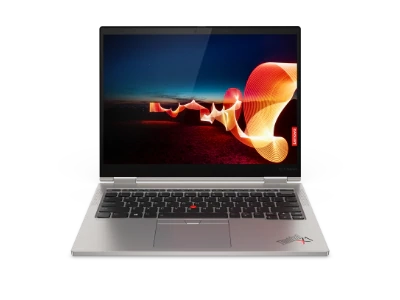
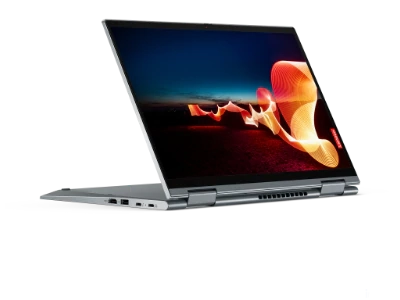
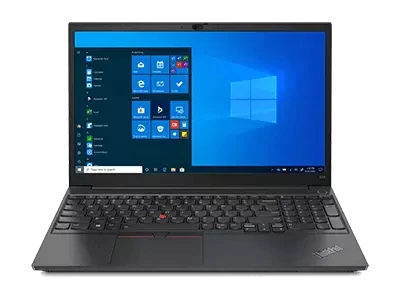
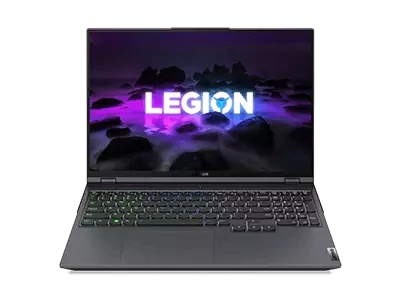
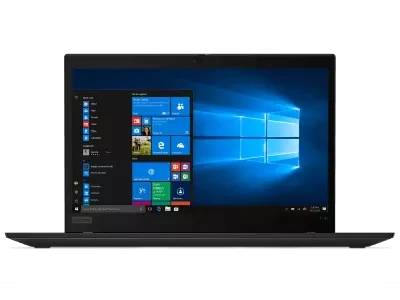
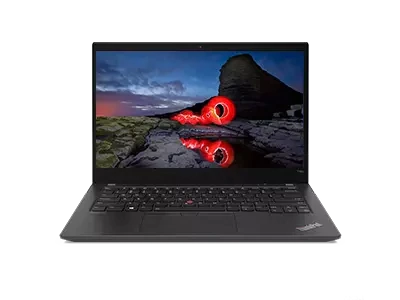
Put simply, any application that could benefit from the delivery of information in real-time or near real-time should leverage solid state drive technology. Lenovo offers solid state drives in a number of its laptop ranges, including:
That being said, solid state drives aren't for everyone. In nearly all cases, traditional HDDs offer storage for less money than solid state drives. For individuals who value storage space over outright speed, HDDs offer an affordable alternative.
Shop Lenovo Intel® Evo™ Certified Products

Shop Related Products