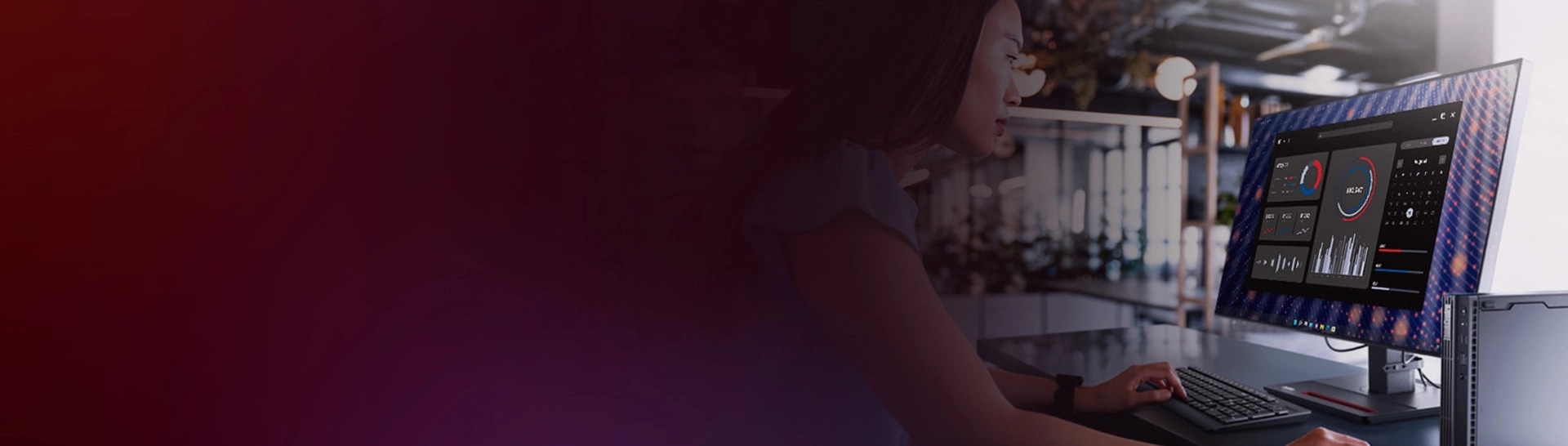

How does the Lenovo ThinkCentre M Series enhance productivity in the workplace?
The Lenovo ThinkCentre M Series is designed with advanced technology and features that optimize performance, ensuring efficient workflow and increased productivity.
What makes the Lenovo ThinkCentre M Series suitable for programming and computing tasks?
The Lenovo ThinkCentre M Series offers powerful processors, ample storage options, and high-speed random access memory (RAM), making it ideal for demanding programming and computing tasks.
How does the Lenovo ThinkCentre M Series contribute to seamless internet connectivity?
The Lenovo ThinkCentre M Series incorporates advanced networking capabilities, including built-in WiFi and ethernet connectivity, ensuring uninterrupted internet access for seamless browsing and online collaboration.
Is the Lenovo ThinkCentre M Series compatible with different operating systems?
Yes, the Lenovo ThinkCentre M Series is compatible with various operating systems, including Windows and Linux®, providing flexibility for users based on their preferences and requirements.
What security features does the Lenovo ThinkCentre M Series offer for data protection?
The Lenovo ThinkCentre M Series includes robust security features such as biometric authentication, encrypted storage, and Trusted platform module (TPM) technology, ensuring enhanced data protection against unauthorized access.
How does the Lenovo ThinkCentre M Series support efficient multitasking?
The Lenovo ThinkCentre M Series is equipped with powerful processors and high-speed random access memory (RAM), enabling smooth multitasking by seamlessly handling multiple applications simultaneously.
What are the expansion options available with the Lenovo ThinkCentre M Series?
The Lenovo ThinkCentre M Series offers a range of expansion options, including multiple USB ports, peripheral component interconnect express (PCIe) slots, and compatibility with external storage devices, allowing for future upgrades and customization.
How does the Lenovo ThinkCentre M Series contribute to energy efficiency and sustainability?
The Lenovo ThinkCentre M Series incorporates energy-saving features, such as power-efficient processors and eco-friendly components, reducing energy consumption and promoting sustainable computing practices.
Can the Lenovo ThinkCentre M Series handle graphics-intensive tasks?
Yes, the Lenovo ThinkCentre M Series comes with powerful integrated or dedicated graphics options, making it capable of handling graphics-intensive tasks such as video editing, 3D rendering, and graphic design.
How does the compact form factor of the Lenovo ThinkCentre M Series save space?
The Lenovo ThinkCentre M Series is designed with a compact form factor, taking up minimal desk space while providing the same level of performance and functionality as larger desktop computers.
Does the Lenovo ThinkCentre M Series offer remote management capabilities?
Yes, the Lenovo ThinkCentre M Series supports remote management through features like Intel vPro technology, allowing IT administrators to efficiently manage and troubleshoot systems remotely.
How does the Lenovo ThinkCentre M Series ensure reliable data storage?
The Lenovo ThinkCentre M Series offers various storage options, including high-capacity hard drives and solid-state drives (SSDs), ensuring reliable and secure data storage for both personal and business use.
What display options are available with the Lenovo ThinkCentre M Series?
The Lenovo ThinkCentre M Series supports a wide range of display options, including multiple monitor setups, high-resolution displays, and compatibility with external monitors for enhanced productivity and visual experience.
How does the Lenovo ThinkCentre M Series optimize system performance?
The Lenovo ThinkCentre M Series incorporates advanced technologies, such as Intel Optane memory and efficient cooling systems, to optimize system performance and ensure smooth operation even during demanding tasks.
Does the Lenovo ThinkCentre M Series support virtualization?
Yes, the Lenovo ThinkCentre M Series is compatible with virtualization technologies such as VMware® and Hyper-V, enabling users to create and manage virtual environments efficiently.
How does the Lenovo ThinkCentre M Series facilitate seamless communication and collaboration?
The Lenovo ThinkCentre M Series features integrated audio and video capabilities, along with options for conference room setups, ensuring smooth communication and collaboration among team members.
Does the Lenovo ThinkCentre M Series offer easy accessibility and upgradability?
Yes, the Lenovo ThinkCentre M Series is designed for easy accessibility and upgradability, allowing users to easily replace or upgrade components such as memory, storage, and graphics cards.
How does the Lenovo ThinkCentre M Series ensure system stability and reliability?
The Lenovo ThinkCentre M Series undergoes rigorous testing and quality control processes to ensure system stability and reliability, providing users with a dependable computing experience.
What support and warranty options are available with the Lenovo ThinkCentre M Series?
The Lenovo ThinkCentre M Series comes with various support options, including warranty coverage and access to customer support for timely assistance and troubleshooting.
How does the Lenovo ThinkCentre M Series cater to different budget requirements?
The Lenovo ThinkCentre M Series offers a range of models with varying configurations, allowing users to choose options that align with their budget requirements without compromising on performance.
How does the Lenovo ThinkCentre M Series ensure efficient cooling for optimal performance?
The Lenovo ThinkCentre M Series incorporates advanced cooling technology, such as strategically placed fans and heat sinks, to dissipate heat effectively and maintain optimal performance levels.
What connectivity options are available with the Lenovo ThinkCentre M Series?
The Lenovo ThinkCentre M Series offers a range of connectivity options, including USB ports, HDMI, DisplayPort, and audio jacks, providing seamless integration with various peripherals and devices.
Does the Lenovo ThinkCentre M Series support dual monitor setups for increased productivity?
Yes, the Lenovo ThinkCentre M Series is compatible with dual monitor configuration, allowing users to expand their workspace and enhance productivity by having multiple screens simultaneously.
How does the Lenovo ThinkCentre M Series ensure data security in a business environment?
The Lenovo ThinkCentre M Series includes features like BIOS-level security, Kensington lock slots, and optional secure USB keyboard and mouse, ensuring robust data security in a business environment.
Can the Lenovo ThinkCentre M Series be easily integrated into existing IT infrastructure?
Yes, the Lenovo ThinkCentre M Series is designed to seamlessly integrate into existing IT infrastructure, supporting common industry standards and protocols for easy deployment and management.
Does the Lenovo ThinkCentre M Series offer remote power management capabilities?
Yes, the Lenovo ThinkCentre M Series supports remote power management, allowing IT administrators to remotely power on/off or restart systems, reducing energy consumption and simplifying maintenance.
What software solutions are available with the Lenovo ThinkCentre M Series for enhanced productivity?
The Lenovo ThinkCentre M Series comes preloaded with productivity-focused software suites, such as Microsoft Office, enabling users to efficiently create documents, spreadsheets, and presentations.
Does the Lenovo ThinkCentre M Series provide customizable configurations to meet specific business needs?
Yes, the Lenovo ThinkCentre M Series offers customizable configurations, allowing businesses to choose components such as processors, storage capacities, and memory options to meet their specific requirements.