Lenovo Tablet Software Technology

TEMPORARILY UNAVAILABLE
DISCONTINUED
Temporary Unavailable
Cooming Soon!
. Additional units will be charged at the non-eCoupon price. Purchase additional now
We're sorry, the maximum quantity you are able to buy at this amazing eCoupon price is
Sign in or Create an Account to Save Your Cart!
Sign in or Create an Account to Join Rewards
View Cart
Remove
Your cart is empty! Don’t miss out on the latest products and savings — find your next favorite laptop, PC, or accessory today.
item(s) in cart
Some items in your cart are no longer available. Please visit cart for more details.
has been deleted
Please review your cart as items have changed.
of
Contains Add-ons
Subtotal
Proceed to Checkout
Yes
No
Popular Searches
What are you looking for today ?
Trending
Recent Searches
Items
All
Cancel
Top Suggestions
View All >
Starting at
Lenovo Tablet Software Page
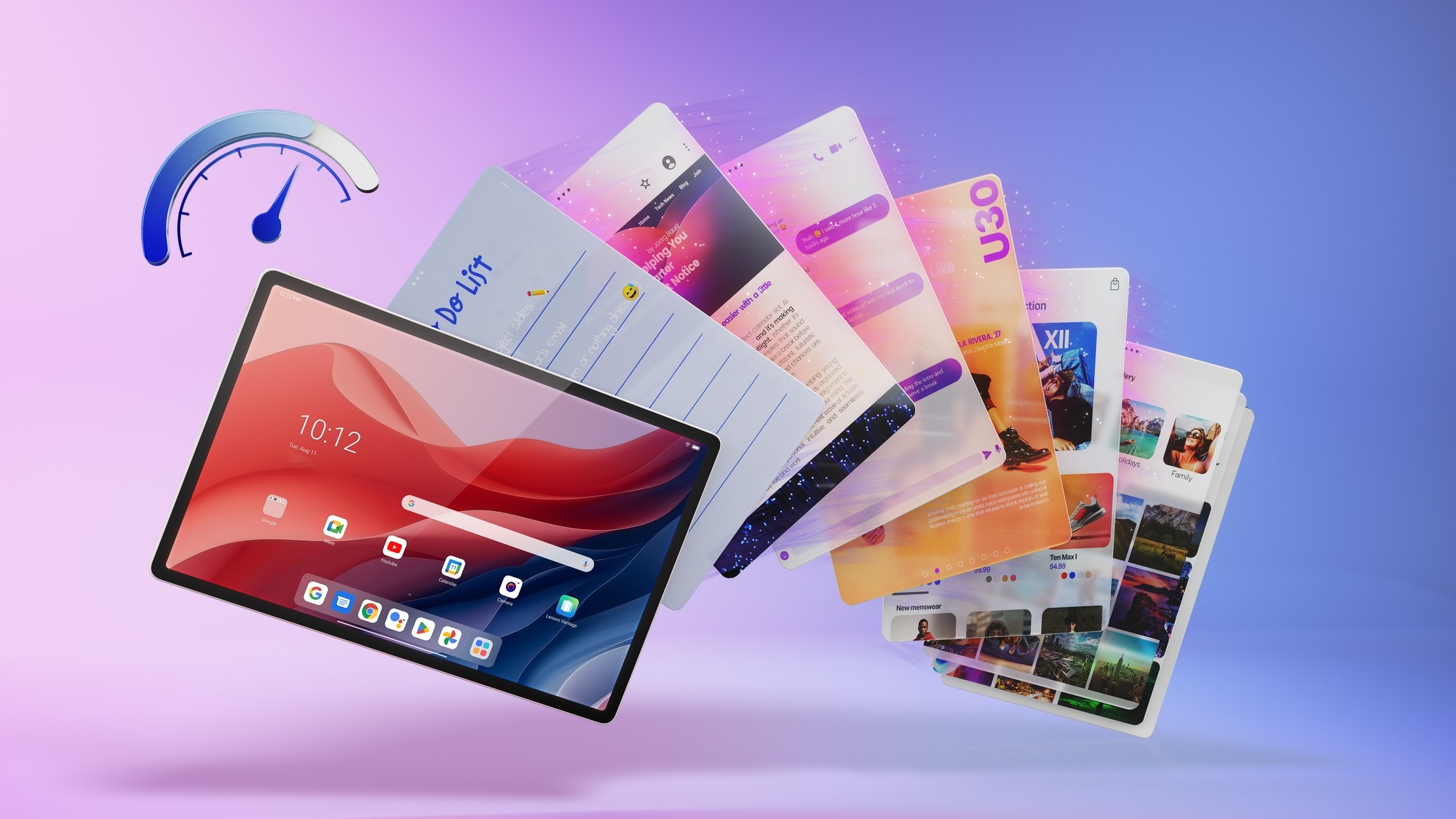
Hero image introducing Lenovo TurboSystem software, showcasing smooth performance, seamless multitasking, split-screen productivity.

Lenovo Tablet Software

The intelligence behind ultimate performance

Smart. Seamless. Always one step ahead.

Lenovo Android tablet software is engineered to respond instantly and run effortlessly. Backed by proprietary Lenovo technologies, your tablet stays smooth, precise and intelligently optimized.

TurboSystem

Stay powered. Stay smooth.

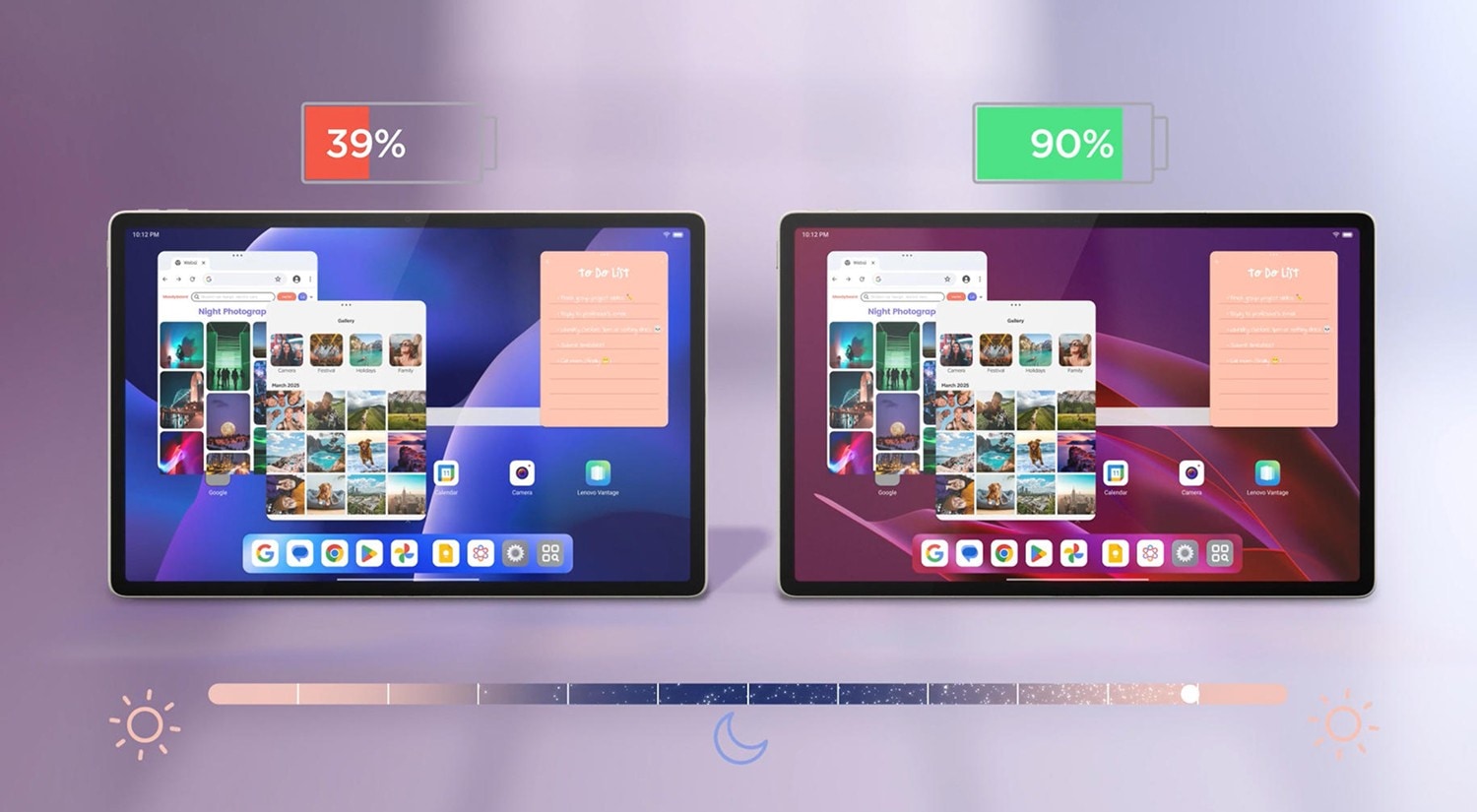
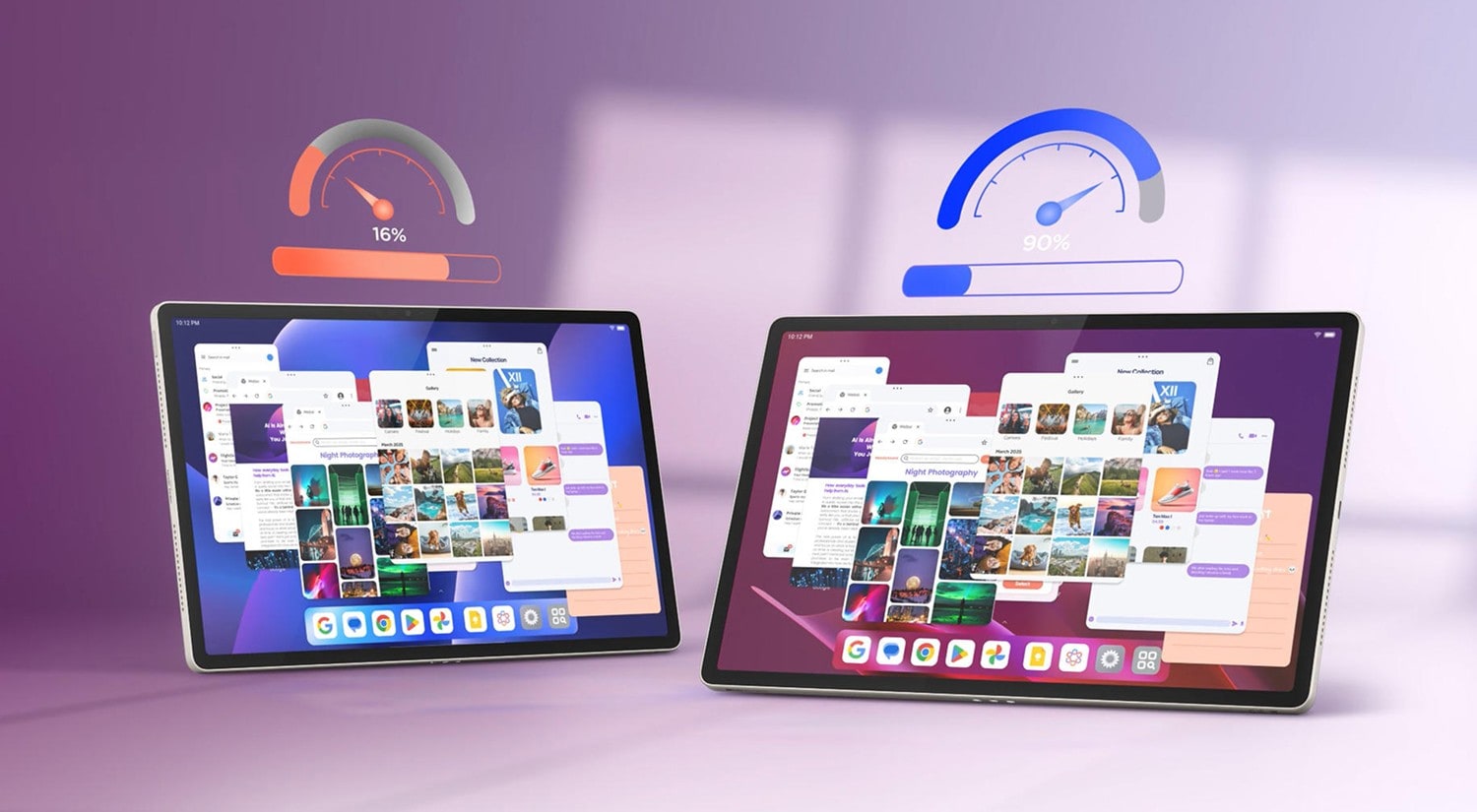
Lenovo TurboSystem is designed to boost performance, extend battery life, and keep your tablet running fluidly throughout the day. By fine-tuning the Android OS, it helps apps launch faster, multitasking feel lighter, and energy usage stay efficient where it matters most.
01

Smart power saver (2.0)

Battery lasts longer, even when you forget to charge. Non-essential functions like notifications and GPS are turned off when not in use, helping your tablet conserve energy in the background and stretch every charge.

Select your model to view estimated standby time:

Up to

1250.32

hours

44.9% longer than with smart power saver off

Comparison image showing how Lenovo TurboSystem Smart Standby disables background features like GPS and notifications to improve battery life versus standard standby mode.

02

Smooth performance (1.0)

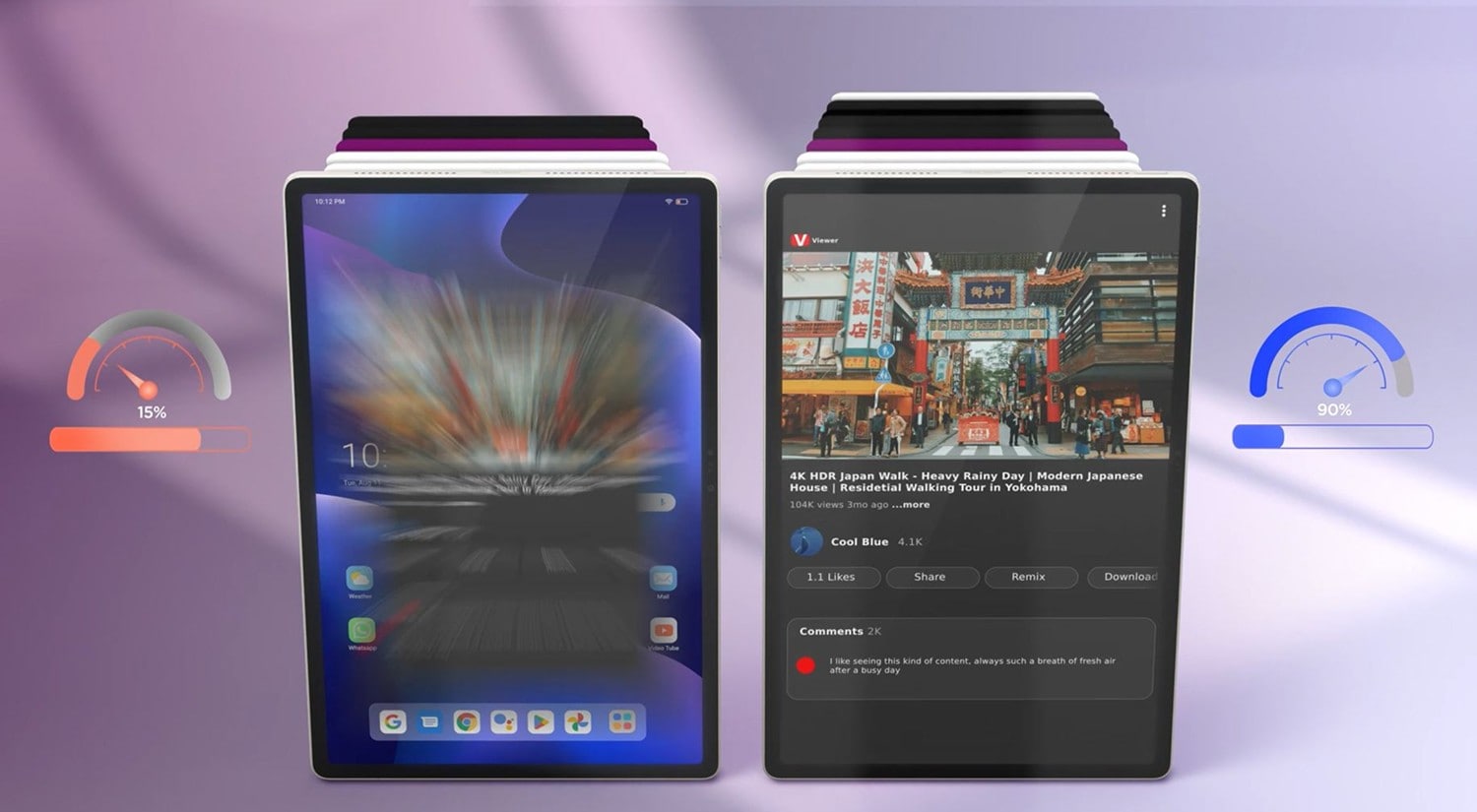
Apps open fast. Switching stays smooth. SuperMemCleaner uses the Linux PSI module to track system memory signals, detect pressure early, and clear background tasks before they slow you down. This keeps multitasking responsive, even under load.

Select your model to see the speed improvement with SuperMemCleaner on:

Up to

1.8

min

12.09% faster than without SuperMemCleaner

Comparison image of Lenovo TurboSystem Smart Performance showing faster app launch, reduced memory usage, and smoother multitasking versus standard performance.

03

Smarter background control (1.0)

Keeps your most-used apps alive, without draining speed. The system learns your habits and limits background use to keep a smart balance. It improves memory efficiency, saves battery, and keeps your favorite apps ready to reopen instantly.

Select your model to see alive apps at the backend:

Up to

12

apps

Comparison image showing how Lenovo TurboSystem keeps frequently used apps running in the background while reducing battery drain, versus a standard system mode.

TurboTouch

Fast, smooth, precise.

Experience near-instant response, stable control and seamless gestures — even during fast-paced gaming or multitasking. TurboTouch reduces latency across system layers, from the signal path through the Android input stack, by continuously optimizing touch processing in real time.
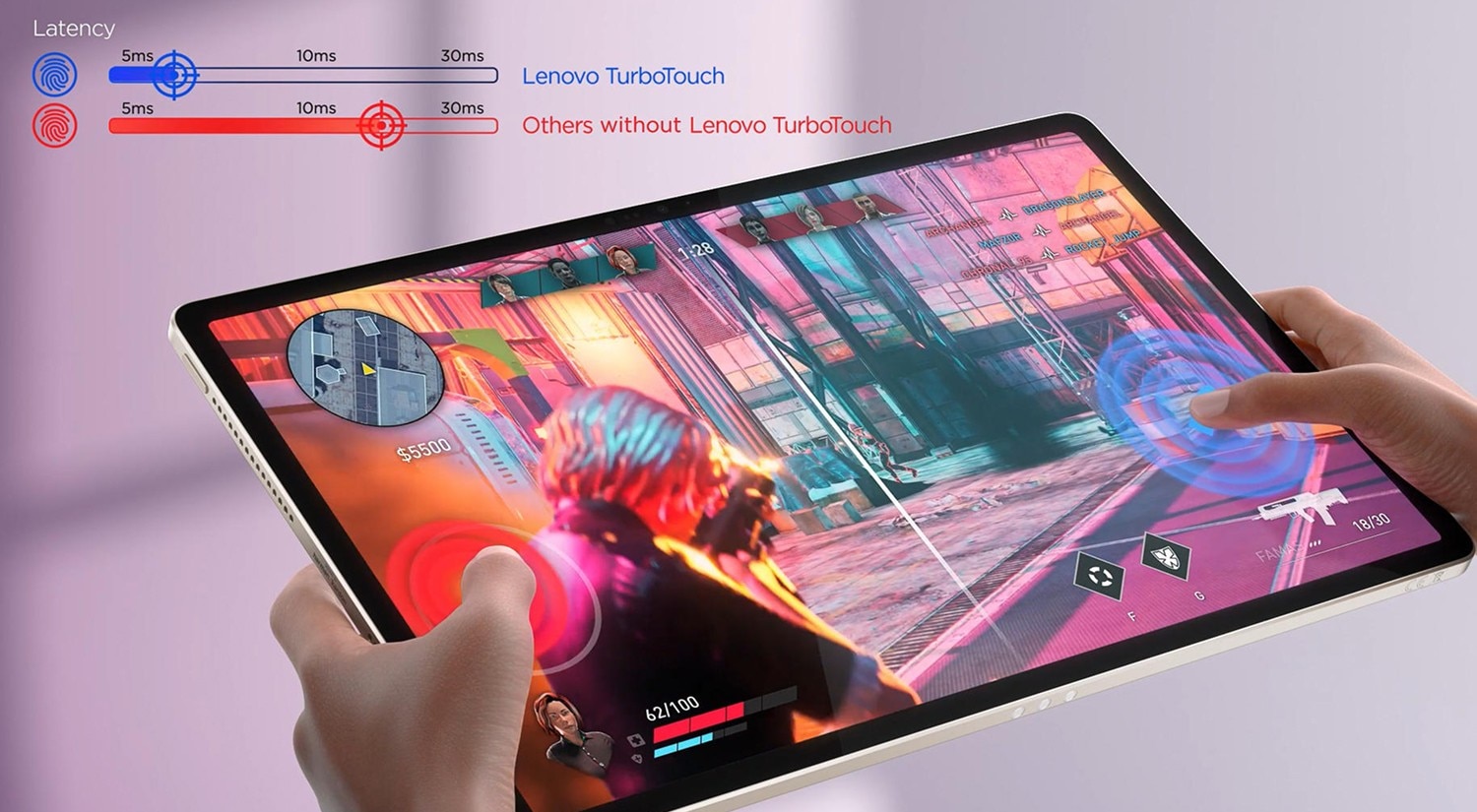
Comparison image of Lenovo TurboTouch showing faster, smoother touch response and lower input latency versus standard tablet interaction.

TurboVision

Optimized apps, effortless experience.

Designed specifically for tablets, TurboVision ensures third-party apps display smoothly across split screens, floating windows and desktop-style layouts. It works behind the scenes to adjust layouts automatically without requiring app developers to optimize for larger screens—so you can multitask freely and stay in flow no matter how many apps you open.
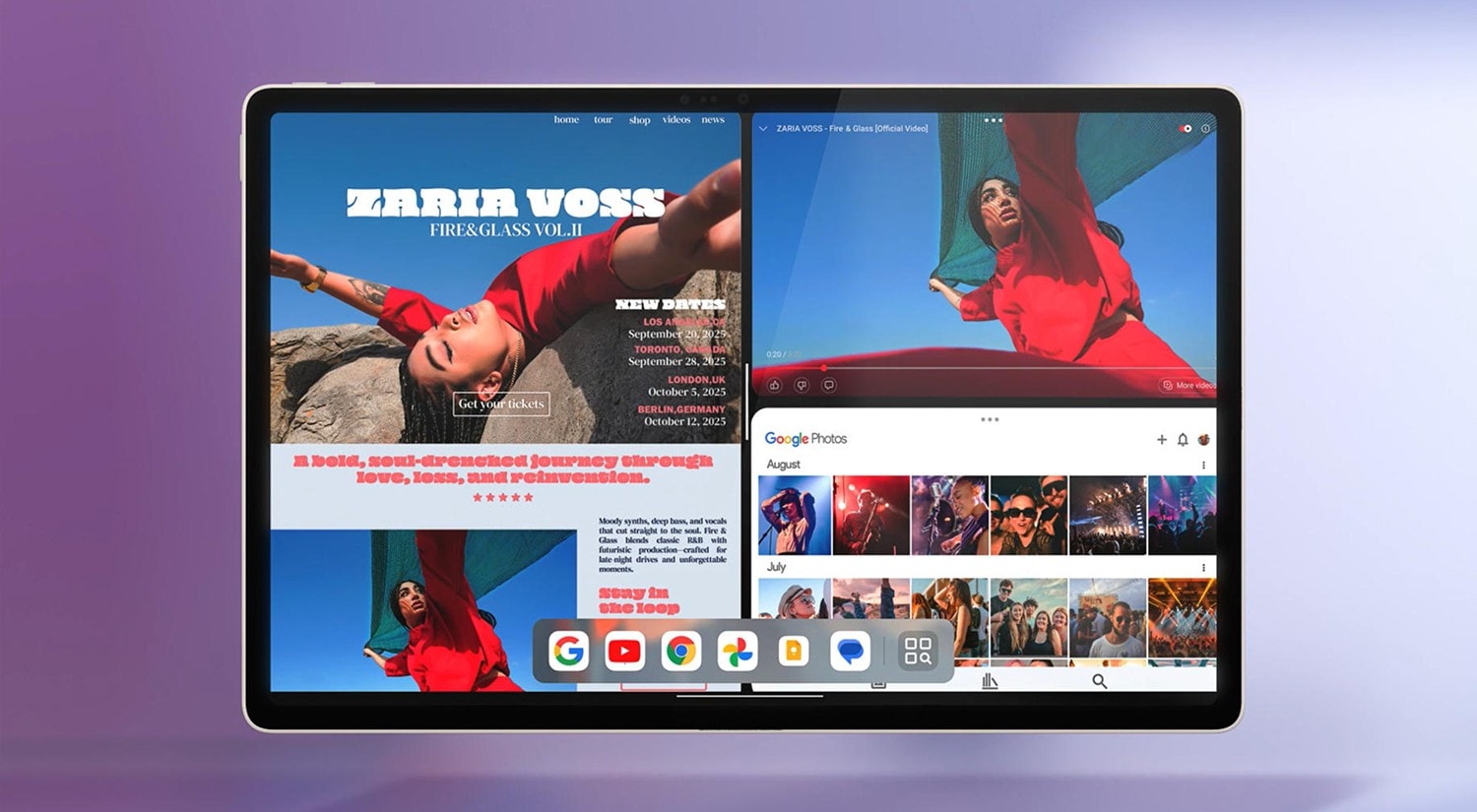
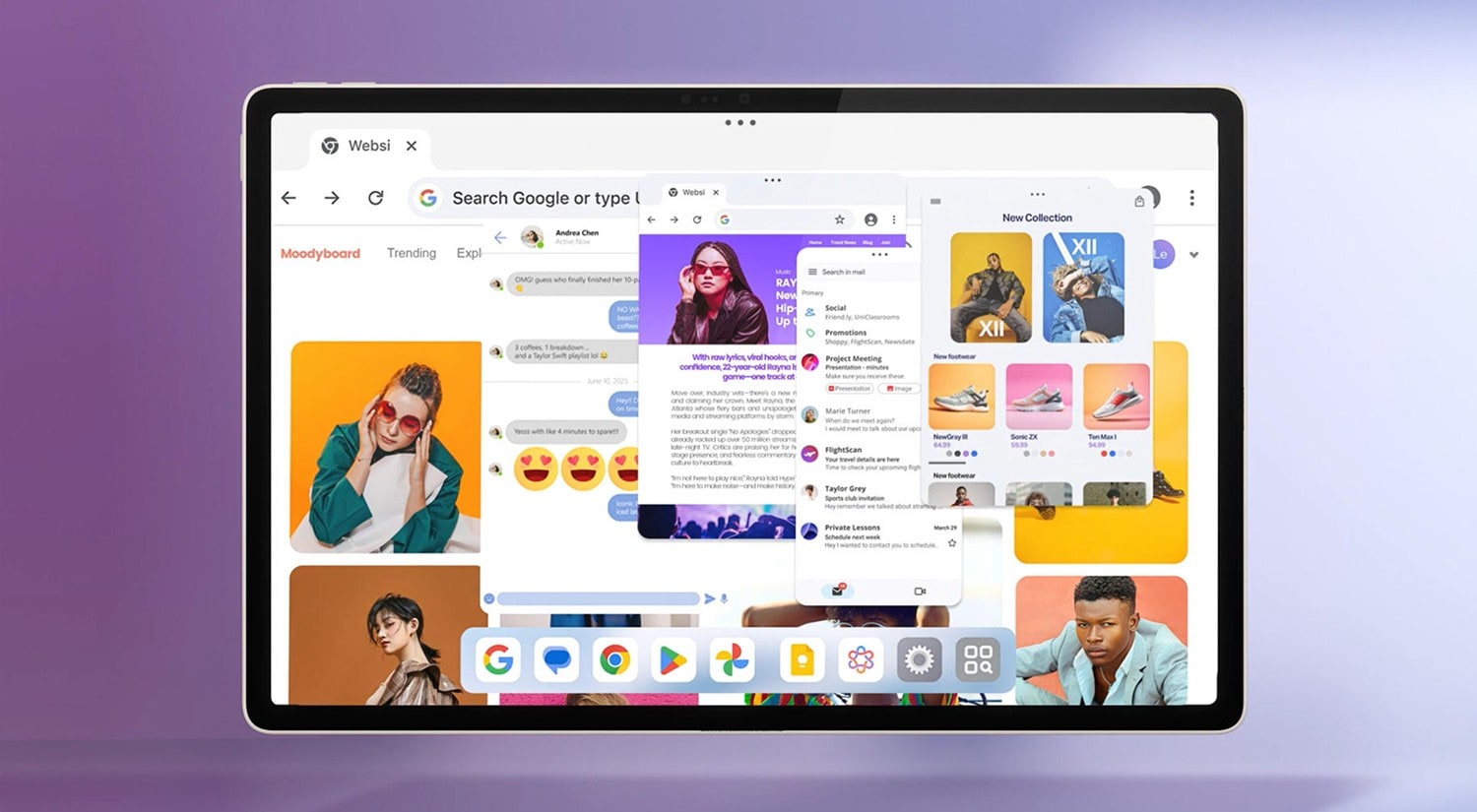
An image of Lenovo TurboVision showing split screen and floating windows with four apps running simultaneously for advanced multitasking on tablet.

Split Window

See more, do more, in one screen. Split Window lets you open up to 4 apps at once, arranged side by side for seamless multitasking. Whether you're watching a lecture while taking notes, comparing documents or chatting while browsing, everything stays clear, responsive and easy to manage.

An image of Lenovo TurboVision floating window feature allowing users to open and move mini app windows over the main screen.

Floating Window

Keep tools on screen without losing focus. Floating Window lets you open up to 10 apps in pop-up form and place them anywhere you need. You can freely resize each window to fit your workflow—whether it's taking notes during a call or checking files while watching a video.

An image of Lenovo TurboVision PC Mode transforming tablet UI into a desktop-like experience with resizable windows and taskbar.

PC Mode

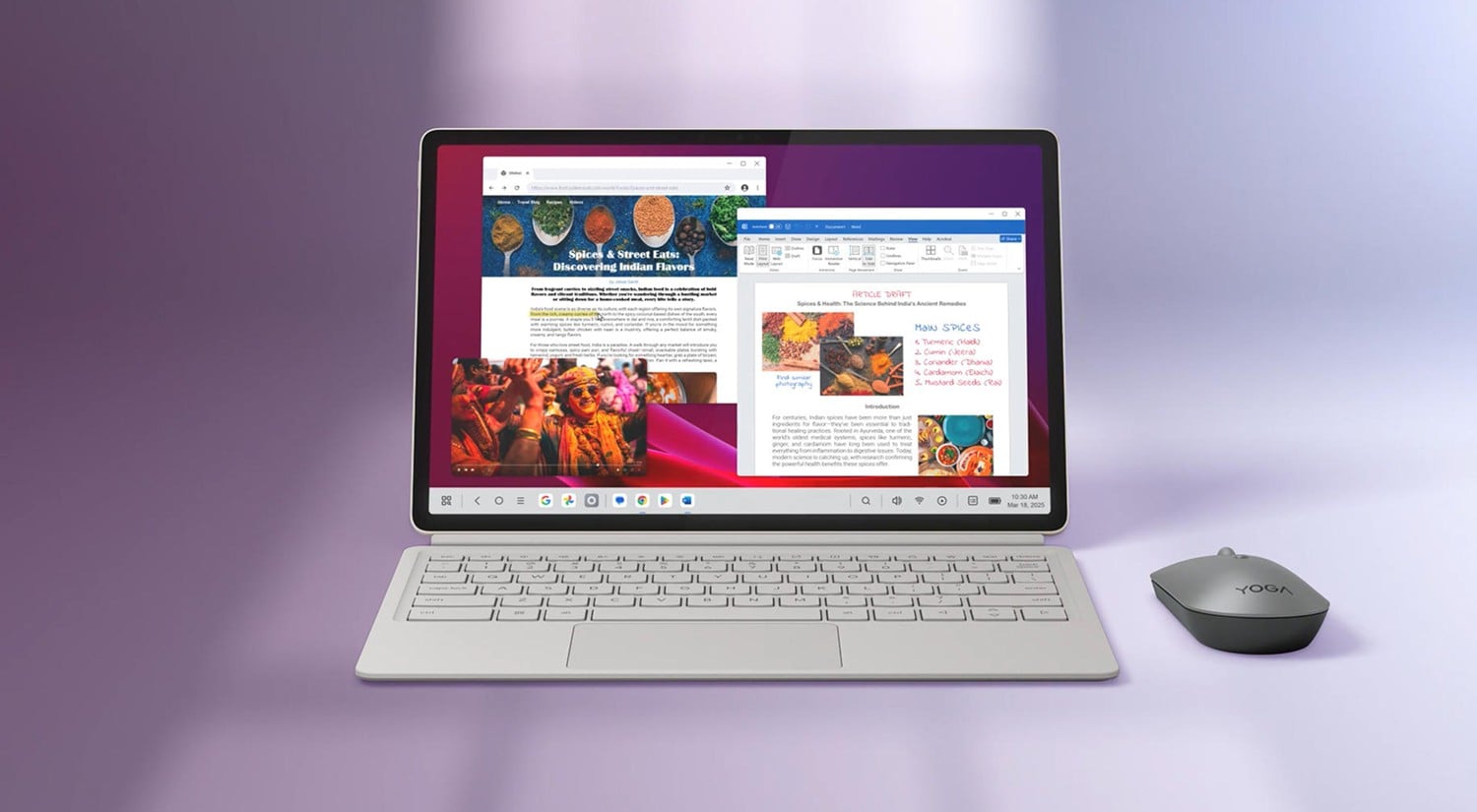
Work like you would on a desktop. PC Mode activates automatically when you attach the tablet keyboard, switching the interface to a desktop-style layout with a taskbar and resizable windows. It gives you the freedom to type, organize and multitask just like on a PC—with support for up to 10 open windows at once.

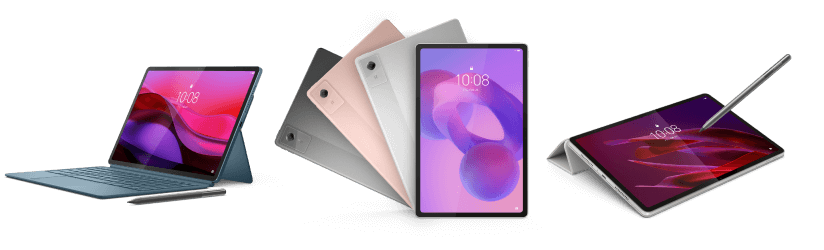
Banner featuring multiple tablet models available for purchase.

Experience Tablet Software

Shop All Tablets

Performance results are based on Lenovo internal laboratory testing. All comparisons are made against previous-generation models or the same device with the relevant features disabled. Actual performance may vary depending on device configuration, usage conditions, system settings, software version, and other environmental factors.

Compare  ()
x