VisionTek USB-C Charging Station for Multiple Devices
(8 results)
StarTech USB-C Charging Station for Multiple DevicesVisionTek Multi-Device ChargersVisionTek USB-C Chargers for LaptopLogitech USB-C Charging Station for Multiple DevicesTargus USB-C Charging Station for Multiple DevicesVisionTek Dual USB-C Docking StationsThinkPad USB-C Charging Station for Multiple DevicesVisionTek USB-C Battery ChargerVisionTek Multi-Device Laptop ChargerVisionTek USB-C Hubs with Charger
 $179.99Delivery FREE Standard Delivery: Get it by Thu. Sep 26
Earn in Rewards Join Now! JOIN MYLENOVO
REWARDS!!• Earn & redeem rewards
• Engagement rewards
• Member exclusive offers
• Free to Join — Join now!
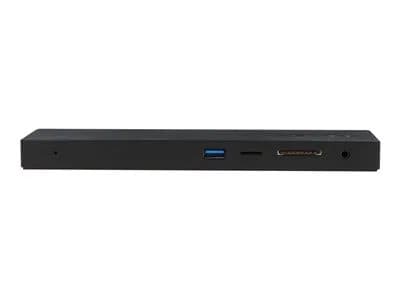
Price Match GuaranteePart Number 78806092Key Details- Supports up to 3 displays (HDMI or DP) via DP Alt Mode
- USB Type-C connection to host system
- 2 DP, 1 HDMI, 4 USB Type-A ports, audio, Ethernet, SD reader, Kensington Lock
- 100W power delivery from included power supply
See MoreSee Less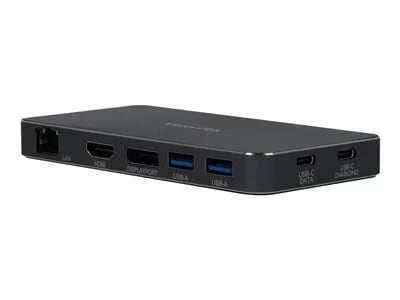 $109.99Price Match GuaranteePart Number 78285382Key Details
- Supports up to 2 displays (HDMI, DP) via DP Alt Mode
- USB-C connection to host system
- 1x DP, 1x HDMI, 2x USB-A ports, 1x Ethernet, 1x USB-C data port
- 100 W Power Delivery supported
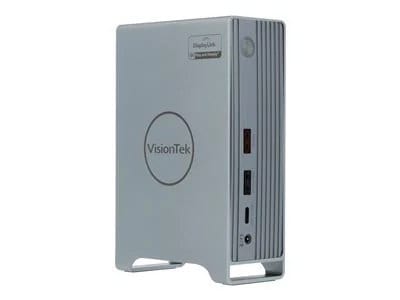
See MoreSee Less $369.00Price Match GuaranteePart Number 78122528Key Details
Universal Compatibility – Windows™, Mac™ or Chrome™ the VT7000 is compatibile with USB 3.0,USB-Cm Thunderbolt™ 3 and Thunderbolt™ 4 systems, making this an ideal docking station for mixed system environments. The VT7000 comes with both USB Type-A to C and USB Type-C to C cables for ease of compatibility and setup
Connect ThreeExternal Displays – 2 Displays are powered by DisplayLink,1x HDMI powered by DisplayPort over USB-C
Power Delivery - Charge your compatibile USB-C laptop with up to 100W of Power Delivery
3x USB 3.0 Ports (2x 5Gbps, 1x 10Gbps w/ BC 1.2)
2x USB-C Ports (1x 5Gbps, 1x 10Gbps w/ BC 1.2) to connect all your USB Devices
1x RJ45 Ethernet with 10/100/1000 Mbps keeps you wired to the internet at the fastest speeds
See MoreSee Less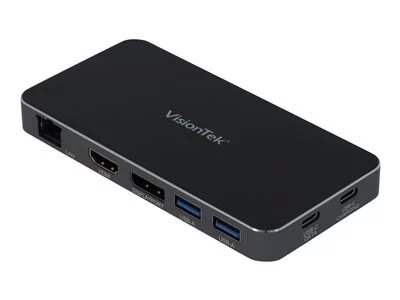 $139.99Price Match GuaranteePart Number 78065586Key Details
- Universal Compatibility
Windows, Mac or Chrome the VT4000 is compatible with USB 3.0, USB-C and Thunderbolt 3 systems running Windows, Mac OSX or Chrome OS, making this an ideal docking solution for environments with a variety of systems. - Connect Two External Displays
Increase productivity by expanding your workspace with up to two additional displays. DP 1.2 supports resolutions up to 4096 x 2160 @60Hz. Includes display support for HBR2(5.4GHz) that is backwards compatible with HBR(2.7GHz). - 11-in-1 Dock with 6 USB Ports
The VT4000 was designed for maximum compatibilty by including many of the most commonly needed ports in one dock.
See MoreSee Less- Universal Compatibility
 $214.99Price Match GuaranteePart Number 78306289Key Details
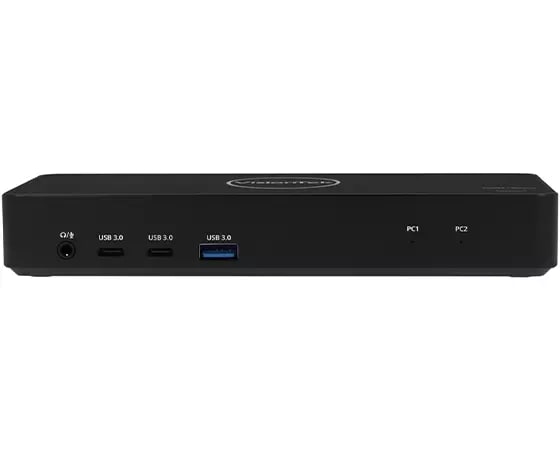
- Compatible with both USB-C DP Alt Mode Laptops and Desktop Computers
- Supports resolutions up to 4K (3840 x 2160 @60Hz) via HDMI and DisplayPort ports
- Supports Extend and Mirror Display Mode
- Supports KVM switching between 2 systems
- 3x SuperSpeed USB 3.0 USB-A and 2x USB-C ports, speeds up to 5Gbps
- USB BC 1.2 ports for fast charging devices
- Built-in Gigabit Ethernet RJ45 and Audio Jack
- USB-C Power Delivery up to 100W to PC2 with included power supply
- USB-C Power Pass-through up to 100W to PC1 with user supplied USB-C power supply
See MoreSee Less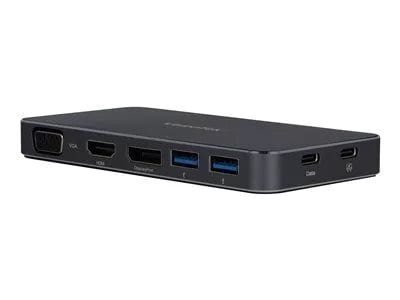
 $339.00Price Match GuaranteePart Number 78157604Key Details
Universal compatibility for USB Type-C
Full compatible with M1 Mac
Supports up to 3 external displays
Up to 100W USB-C power delivery
4 x USB-A 3.1 Gen1 Ports 5Gbps
1 x USB-C 3.1 Gen1 Port 5Gbps
1 x USB-A quick charge port
1 x USB-C power delivery port
1 x DisplayPort 1.2
1 x HDMI 2.0
1 x HDMI 1.4
RJ45 Gigabit Ethernet Port
See MoreSee Less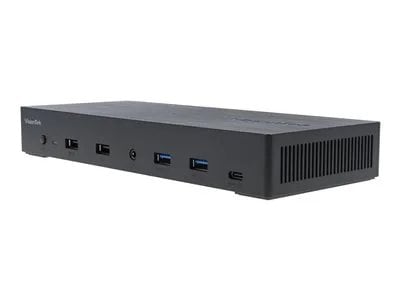 $380.99Price Match GuaranteePart Number 78463262Key Details
- Supports 2 displays via DisplayLink and 1 display via DisplayPort over USB-C
- Dual USB-C connections to host systems
- 1x HDMI, 2x DP, 4x USB, 1x USB-C, audio, Ethernet
- Security lock slot
- 100 W of power delivery via USB-C to each system
- USB-C 3.2 Gen 2 connectivity
Compatible with USB-C and Thunderbolt 3/4, making this an ideal KVM switch docking station for environments with a variety of systems. - Connect up to 3 displays
Increase productivity by expanding your workspace with up to three additional displays for a single system. You can also switch and share displays between systems.
See MoreSee Less

Showing 1 - 8of8Results
You May Also Like
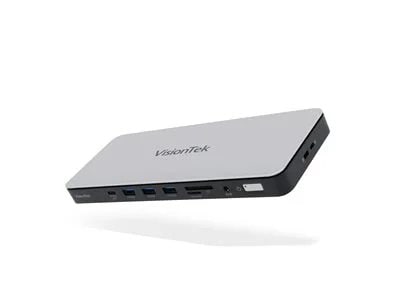 $250.99Price Match GuaranteePart Number 78392993Key Details
- Supports up to 3 Displays (HDMI or DP) via DP Alt Mode
- USB-C connection to host system
- 2x DP, 2x HDMI, 3x USB-A Ports 10Gbps, 3x USB-C 10Gbps, Audio, Ethernet, SD / microSD Card Reader, Kensington Lock
- 100W Power Delivery from included Power Supply
See MoreSee Less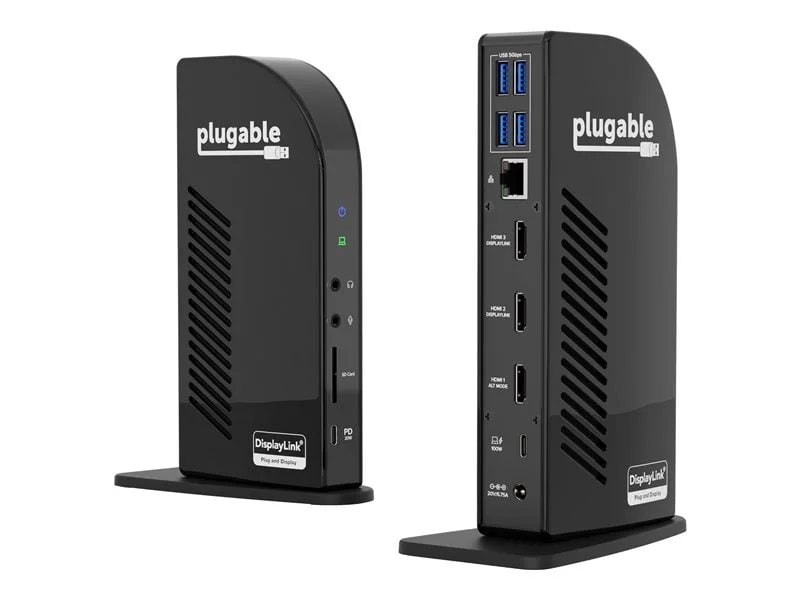 Est Value$254.99
Est Value (Estimated Value) Estimated value is Lenovo's estimate of product value based on industry data, including the prices at which Lenovo and/or third-party retailers and e-tailers have offered or valued the same or comparable products. Third-party data may not be based on actual sales. $179.95 29% offPrice Match GuaranteePart Number 78808737See MoreSee Less Est Value$209.99
Est Value (Estimated Value) Estimated value is Lenovo's estimate of product value based on industry data, including the prices at which Lenovo and/or third-party retailers and e-tailers have offered or valued the same or comparable products. Third-party data may not be based on actual sales. $149.95 29% offPrice Match GuaranteePart Number 78808733See MoreSee Less Est Value$324.99
Est Value (Estimated Value) Estimated value is Lenovo's estimate of product value based on industry data, including the prices at which Lenovo and/or third-party retailers and e-tailers have offered or valued the same or comparable products. Third-party data may not be based on actual sales. $229.95 29% offPrice Match GuaranteePart Number 78808736See MoreSee Less $104.99Price Match GuaranteePart Number 78455168Key Details
4K UHD display support
Whether you want to run a presentation on a larger display or use an external display, this dual video docking station supports HDMI displays up to 4K.Connectivity made simple
Enhance your productivity and connect to more with two USB-A 3.2 Gen 1 ports (one fast-charging).Charge and power host device
With up to 100W Power Delivery pass-thru, this dock allows you to power and charge your USB-C laptop or host simply by connecting the laptop's power adapter into the USB-C port. Great for laptops with only one USB-C port.Perfectly portable
Slim and light, this dock is perfect for the home, office, or anywhere in between. Great for mobile workers or those in hoteling or hot desking environments.Plug-and-play simplicity
With no need for additional software, this adapter easily attaches to your USB-C Alt. Mode (including Thunderbolt 3) host device (i.e., laptop) to help you connect to a wired network, more peripherals, and transfer data.
See MoreSee Less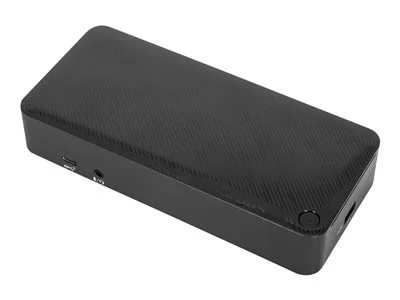 $269.99Price Match GuaranteePart Number 78601383Key Details
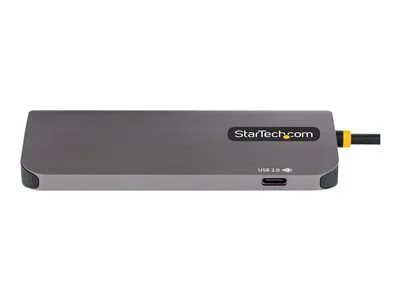
Supports Dual DisplayPort™ and HDMI Monitors
The USB-C® Universal DV4K Docking Station with 100W Power is Thunderbolt™ 3 compatible, but that’s only the beginning. Enjoy two DisplayPort™ or two HDMI ports (or a mix of the two) with your dual display and create a picture-perfect image at 4K Ultra HD. Compare photos, documents, spreadsheets for work, or browse email with ease from screen to screen. Enjoy unbeatable compatibility all in one place using a single docking station with power.
All About the Ports
With one USB 3.2 Gen 2 Type-C port and four USB 3.2 Gen 1 Type-A ports, it’s simple to connect the latest keyboards, exterior drives, and other peripherals to customize your workspace experience. The dock also includes a fast-charging port for charging your smartphone, tablet, or other devices.
Innovative Design
Compact and sleek, this patented dock is a sure fit for shrinking desktops and tight spaces. The dock is also equipped with a VESA® bracket mounting provision, which allows for use of the Targus VESA Mount Bracket (ACX003GLZ – sold separately) to hold your dock behind your display for even greater space savings.
Enterprise Software Suite: A Targus Exclusive
Enhance security and improve user experience with the Targus Enterprise Software Suite for DOCK182USZ.
Wi-Fi Auto Switch: auto enables/disables Wi-Fi functionality when the dock’s Ethernet connection is active, reducing unnecessary network traffic and enabling faster connection speeds.
MAC Address Cloning: auto replaces the MAC address of the connected Targus Ethernet network adapter with any (Wired Ethernet, Wireless Ethernet, Bluetooth) MAC address of the local host, supporting device-based authentication methods.
Ghost Device Removal: purges older, latent Targus docking station devices from the local registry preventing registry bloat.
Targus A/V Configuration Utility:
restores audio configuration, icon, and first-level application window’s positions to external monitors when re-connecting to a previously used Targus docking station.
Learn More
View and Download Software
What’s in the Box
Quick Start Guide
USB C/M to C/M Cable, Black; 1m, 5A, 10Gbps, E-marked, screw-in (part# ACC1133GLX)
Adapter, AC to DC, output: 19V, 7.89A, 150W (part# 800-0496-001A)
AC Power Cord, C5 Connector, US plug 3P, 1.8M (part# 511-0518-001A)
Dock
See MoreSee Less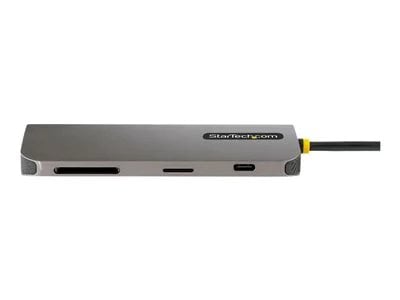

 $287.99Price Match GuaranteePart Number 78338241Key Details
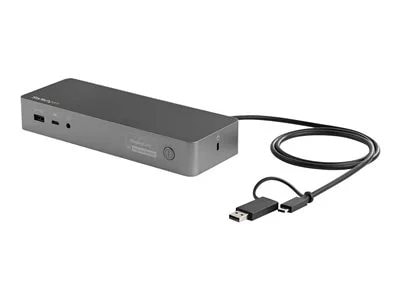
The Uniquely Universal Host Cable
The USB-C dock comes with a universal host cable that is designed with an attached USB-C to USB-A adapter to accommodate USB-A laptops. The cable also features an extended length of 1 meter (3.3 ft.) to support a wide variety of workstation setups. Replacement or extra cables can be purchased separately here.100W Power Delivery
For high performance laptops that require more charging power, the dock powers and charges your laptop as you work with 100W PD for faster charging, using the 150W power adapter - all through a single cable.Flexible Monitor Connections
This is a dual 4K60Hz video docking station with support for both Ultra HD DisplayPort and/or HDMI monitors that lets you configure your video connections to best suit your needs. •Text | Dual 4K DisplayPort | Up to 4096 x 2160p @ 60Hz •Text | Dual 4K HDMI | Up to 4096 x 2160p @ 60Hz •Text | Single 4K DisplayPort + Single 4K HDMI | Up to 4096 x 2160p @ 60Hz •Text | Single 5K DisplayPort * | Up to 5120 × 2880 *Requires monitor support for 5K using two DP portsCertified for Universal Compatibility & Reliability
This docking station is fully certified to meet top industry standards for USB-IF (USB 3.1 Gen 1, USB Type-C and Power Delivery), VESA DisplayPort and DisplayLink (video connections) certification to guarantee the highest quality, reliability, and compatibility.Easy and Convenient Setup
For fast setup right out of the box, the combo cable (USB-C with attached USB-A adapter) lets you connect any laptop. The dock has mounting holes for workstation mounting (bracket not included).
See MoreSee Less
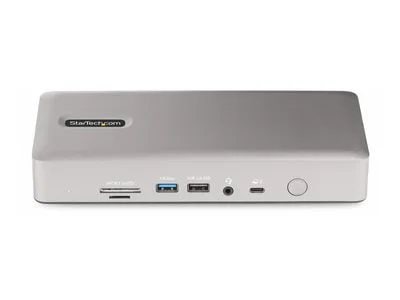 $272.99Price Match GuaranteePart Number 78789218Key Details
- Flexible High-Performance Video Supporting up to Quad-Monitor 4K 60Hz
The dock is equipped with 2x HDMI and 2x DisplayPort video outputs for connecting multiple monitors to the host computer. The dock offers video flexibility, supporting single, dual, triple, or quad monitor configurations. With an Intel 12th Gen processor or higher that supports DP 1.4 with DSC, the docking station can support a quad-monitor configuration with resolutions up to 4K 60Hz. Quad displays are also available at lower resolutions or refresh rates on computers without DSC or with earlier Intel revisions. In addition, the dock supports a single 8K 60Hz display on either of the HDMI output ports. Apple computers equipped with M1, M2, or M3 Max/Pro processors support dual displays. For Apple computers featuring the M1, M2, or M3 base processor, as well as iPad Pros with M1 or later processors, a single display is supported. - Port Connectivity
The docking station utilizes the high 40Gbps throughput available from your computer's Thunderbolt 4, Thunderbolt 3, or USB4 port to provide a wide range of port connectivity to suit a variety of applications, including daisy chaining up to five devices from the TB4/USB4 ports. The dock features: • 2x HDMI ports to connect displays • 2x DisplayPort ports to connect displays • 3x USB 3.2 Gen 2 (10Gbps) Type-A ports to connect USB peripheral devices • 1x USB 3.2 Gen 2 (10Gbps) Type-C ports to connect USB peripheral devices • 2x USB 3.2 Gen 1 (5Gbps) Type-A ports to connect USB peripheral devices • 1x USB 2.0 (480Mbps) Type-A port that supports BC 1.2 with 7.5W (1.5A) for charging battery powered USB devices • 1x 2.5 Gigabit Ethernet port with PXE boot and WoL to connect to a wired Local Area Network (LAN) • 1x Secure Digital (SD) 4.0/UHS-II card reader to externally access SD, SDHC and SDXC memory cards • 1x Micro Secure Digital (microSD) 4.0/UHS-II card reader to externally access mSD, mSDHC and mSDXC memory cards • 1x 3.5mm 4-position TRRS Audio Jack to connect a 3.5mm headset - 98W USB Power Delivery Certified
The Thunderbolt 4 docking station includes a 180W power adapter and supports 98W USB power delivery. This enables the dock to charge the laptop, with enough additional power for the downstream USB 2.0 port to support BC 1.2 with 7W (1.5A) for charging tablets, smartphones or other battery-powered USB devices. - Thunderbolt Certified
This certification ensures the dock will be fully compatible with Intel Evo/Tiger Lake (11th gen & up) Thunderbolt 4 laptops including: Dell Precision 5560/5760, XPS 13 9310, HP EliteBook 850 G8, ProBook 450 G8, and Lenovo X1 Carbon 9th Gen. The dock is also compatible with M1/M2/M3 Pro/Max MacBooks. - Enhance Productivity and Device Management with the StarTech.com Connectivity Tools Application
Developed to improve performance and security, StarTech.com Connectivity Tools is the only software suite on the market that works with a wide range of IT connectivity accessories. The software suite includes: •Text | Advanced Windows Layout Utility : To setup and save custom windows layouts. •Text | Mac Address Pass-Through Utility : To improve network security. •Text | USB Event Monitoring Utility : To track and log connected USB devices •Text | Wi-Fi Auto Switch Utility : Enabling users to quickly access faster network speeds via wired LAN.
See MoreSee Less- Flexible High-Performance Video Supporting up to Quad-Monitor 4K 60Hz
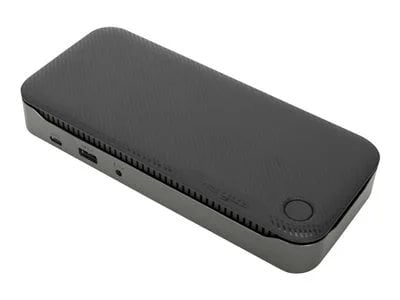
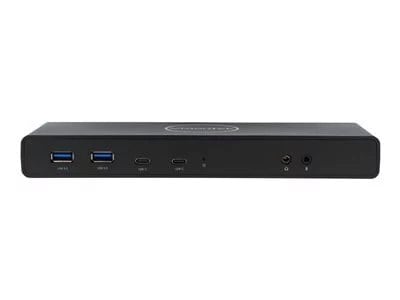
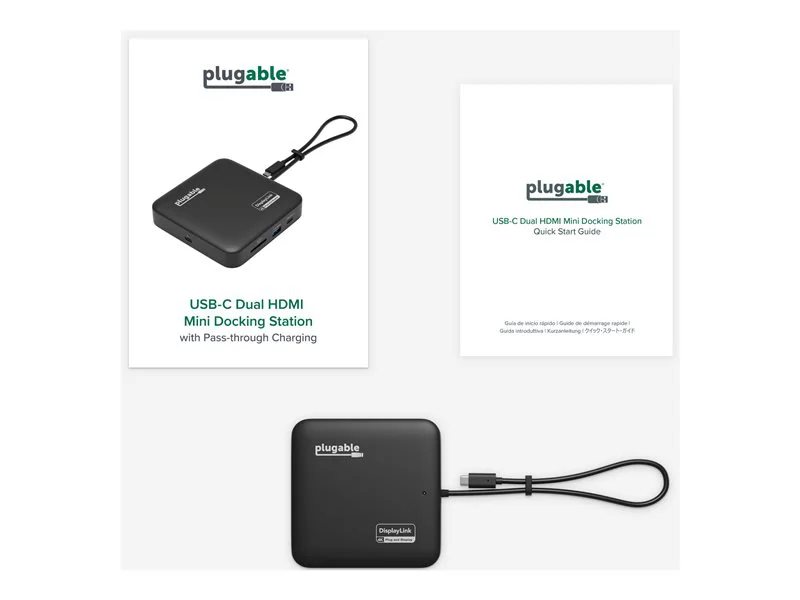 Est Value$169.99
Est Value (Estimated Value) Estimated value is Lenovo's estimate of product value based on industry data, including the prices at which Lenovo and/or third-party retailers and e-tailers have offered or valued the same or comparable products. Third-party data may not be based on actual sales. $119.95 29% offPrice Match GuaranteePart Number 78808728See MoreSee Less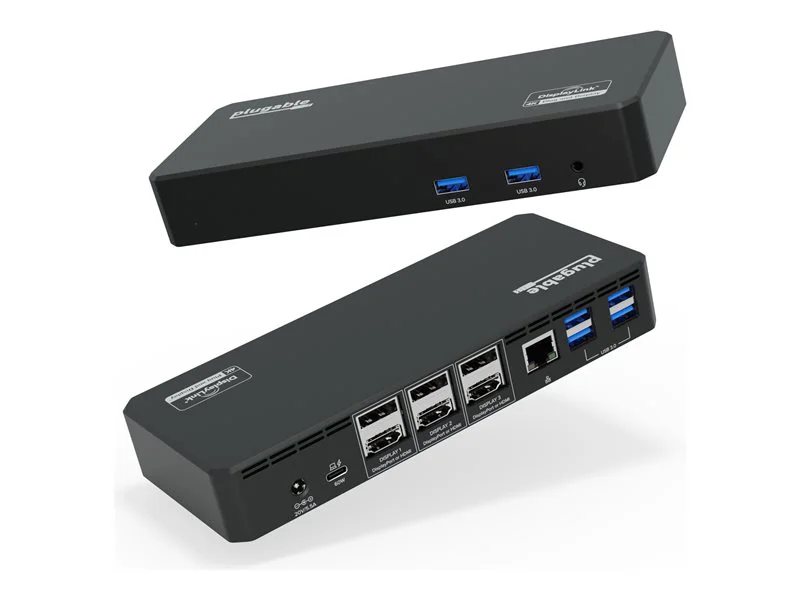 Est Value$269.99
Est Value (Estimated Value) Estimated value is Lenovo's estimate of product value based on industry data, including the prices at which Lenovo and/or third-party retailers and e-tailers have offered or valued the same or comparable products. Third-party data may not be based on actual sales. $189.95 30% offPrice Match GuaranteePart Number 78808740See MoreSee Less
Showing 1 - 16 of 46 Results
About VisionTek USB-C Charging Stations for Multiple Devices
Managing multiple devices can be a challenge, but with a VisionTek USB-C charging station, you can streamline your workspace. These docking stations are designed to provide efficient power delivery and connectivity for various devices, making it easier to keep everything charged and ready to go. With options for multiple displays and power passthrough, you can enhance your productivity without the clutter of tangled cables.
Versatile Connectivity and Power
VisionTek's USB-C charging stations offer a range of features, including support for high-resolution displays and robust power delivery up to 100W. Whether you need to connect dual or triple displays, these stations provide the flexibility to adapt to your needs. Explore Lenovo's selection of VisionTek USB-C charging stations to find the ideal solution for your multi-device setup.