

View Transcript
Alexa Carlin (00:27): Hello. And welcome to Accelerating Your AI Journey. I'm your host, Alexa Carlin. And today, we're talking about AI PCs. Specifically, we're talking about the Lenovo Aura Edition imagined with Intel, and how those experiences are making life simpler and more productive for AI PC users everywhere. Joining me today is Kevin Beck, Senior Technologist, Commercial Solutions at Lenovo. Welcome.
Kevin Beck (00:57): Hey. Thank you, Alexa. Great to be here.
Alexa Carlin (00:58): Yeah, excited to have you. So, just tell us a little bit about you and what inspires you about working with emerging technologies.
Kevin Beck (01:06): All right. I've been doing this for a long time and I kind of break it down into three areas. One, as just a general geek, the process of figuring out what all this new technology is good for. And then as somebody who's also an inventor, figuring out how to make it work is super exciting. And then one of the job title they use sometimes on stage is explainer of things. So, then figuring out how to convey to people what this new technology can actually do for them. You combine all that and it's just super interesting stuff.
Alexa Carlin (01:38): Yeah, definitely. I could see that. So, how do AI PCs help to elevate the user experience?
Kevin Beck (01:44): There's a number of different ways. And some of them are pretty obvious to people who've been using it. But there's the automation of just repetitious things that you wouldn't want to do. The ability to have a personalized assistant there that can answer your questions immediately without breaking your chain of thought or your flow. The ability to have local processing on the computer when you're doing more data-driven things, that obviously speeds things up. And then the ability to have that NPU, that neural processing unit directly there that is tuned, or I should say a lot of applications are specifically designed to use that to accelerate that process. And so, the way we look at it to tie all that together is that AI PCs should really bring three things to people, to make things more personalized, more productive, and more protected.
Alexa Carlin (02:37): The three Ps.
Kevin Beck (02:38): The three Ps, easy enough to remember.
Alexa Carlin (02:40): Yeah, definitely. So, now specifically, what defines a Lenovo Aura Edition AI PC imagined with Intel? I know we have one right here with us.
Kevin Beck (02:49): Yeah, we do. Right here. So, the Lenovo Aura Edition AI PCs are really the product of a multi-year collaboration with Intel that is unique in the industry. We spent over two years working with 10,000 respondents to a number of surveys, going back to those folks and really finding out what was meaningful to people about the way they used PCs and the experiences they had with them. So, of course, all of them have the latest Intel Core Ultra processor, so that's going to bring a lot of processing power to all of these features that we've added. But very briefly, it's something called Smart Modes, which are specifically designed to let people change settings, and applications, and modes, and features that would typically be scattered in different places. To do that very immediately and to adapt to the exact situation and what they're working on at that time.
Kevin Beck (03:47): And then Smart Care, which gives you a lot of tools and different ways to access information and support for your PC, in case you do have problems. And then something called Smart Share, which is this really cool way of just taking your phone, Android or iOS, and tapping it on the side of your system to instantly share your photos to your system.
Alexa Carlin (04:03): So, just tap it?
Kevin Beck (04:04): Yeah, just tap it.
Alexa Carlin (04:05): Don't have to press a button or anything like that?
Kevin Beck (04:05): Nope.
Alexa Carlin (04:05): Oh, wow.
Kevin Beck (04:08): And I could go into the details. It's a interesting combination of detecting the sound, and detecting the motion, and the vibration in both things simultaneously, but it just works. Just tap, ready to share.
Alexa Carlin (04:19): Wow, that's awesome.
Kevin Beck (04:21): And so, at the end of all that, what you've got is a collection of thin, light, cool, modern, fabulous PCs with incredible graphics and best in class battery life that tie all these new experiences together.
Alexa Carlin (04:33): Yeah. I mean, it all sounds so interesting. So, can you dive a little bit deeper into these experiences, like you mentioned Smart Mode?
Kevin Beck (04:41): Sure. I'll start with Smart Modes. And there's five subsets to Smart Mode. We've got shield, collaboration, attention, power, and wellness. Shield, as you might expect, enhances the privacy and security of your PC. It'll do things like auto prompt you to use a VPN if you're on unfamiliar network. And it's got some really cool camera-driven AI type functionality that will, one, alert you on screen if somebody is detected looking over your shoulder.
Alexa Carlin (05:08): Wait, so while you're in the office, you can get a look-
Kevin Beck (05:11): Or a coffee shop.
Alexa Carlin (05:12): Oh, wow.
Kevin Beck (05:13): Yep. So, we'll tell you there's another set of eyes detected over your shoulder.
Alexa Carlin (05:17): Right. And the coffee shop would be more important?
Kevin Beck (05:19): Exactly. So, that's privacy alert, but then the privacy guard will actually blur your screen automatically.
Alexa Carlin (05:25): Wow, that's crazy. Or on the airplane?
Kevin Beck (05:28): Exactly. Exactly.
Alexa Carlin (05:29): I was just on an airplane and I would be like, "Are these people looking over?"
Kevin Beck (05:32): Exactly. So, shield, that makes sense. And then collaboration. There's a lot of different AI driven, some AI, some not, things that go into making your video conferencing experience more seamless, just easier to use, like automatically blurring your background so you don't have to remember to set something. A low light enhancer, an AI driven low light enhancer function that'll bring up the light in a natural way, make you look better and auto-framing. So, you don't have to worry about taking your laptop and getting the right position. We'll auto-frame you in the screen. And then something that will just pop you up as a automatic presenter mode on the screen so you can see yourself in applications that don't already have that.
Alexa Carlin (06:15): Oh, that's very useful.
Kevin Beck (06:17): Yep. And then attention, I like to refer to this jokingly as the save you from yourself mode. So, you can set four periods of time, however long you want, set the mode to block you from accessing a list of domains.
Alexa Carlin (06:33): I get the title now.
Kevin Beck (06:37): Exactly. So, if you know that you yourself are prone to distraction, looking at certain websites, you can block those. And then set a timer to block any pop-ups or notifications for certain periods of time, however long you want.
Alexa Carlin (06:50): Very, very helpful with productivity.
Kevin Beck (06:52): Yep. And then power. On PCs, there are obviously different modes. Typically, they are something like save me the most battery life possible, the standard balanced mode, and then super performance mode. And just having that all together in a simple widget that's invoked with one key, pop-up, turn all these different modes off and on, is part of the overall experiential design of the Lenovo Aura Edition AI PCs. And then, finally, we've got wellness. So, this is the little bit of the mother mode. So, it will do things like tell you to look up if you so choose. Remind you, I should say, to look up from the screen and rest your eyes every so often. Look at something in the distance, rest your eyes. And the camera will also give you posture alerts.
Alexa Carlin (07:42): Wow. So, it just tells you if you're like slouching?
Kevin Beck (07:45): It will tell you if you are slouching it.
Alexa Carlin (07:45): Interesting.
Kevin Beck (07:47): Tell you you need to straighten up.
Alexa Carlin (07:48): A lot of moms will be very happy about that.
Kevin Beck (07:50): Very happy. Even though they can't be in the room, they're there in spirit. So, that's Smart Modes. And then you've got Smart Care, which is a set of experiences, if you will, which, one, let you interact with support in the way that you want to. Some people prefer texting, some people prefer a phone call, some people prefer a video call. So, if you've enrolled in these advanced support options, it lets you choose any of those.
Alexa Carlin (08:19): Oh, wow.
Kevin Beck (08:20): And then just gathering all the information on the product, all the documentation, all the videos, everything so that you can learn about it, about a new product. It's probably not the first thing that most people do, is go read the manuals.
Alexa Carlin (08:33): Yeah. Probably not a lot of people at all.
Kevin Beck (08:37): Exactly.
Alexa Carlin (08:37): Which I was just getting on my husband about that. I was like, "Please read the manual." And he's like, "I got it. I got it."
Kevin Beck (08:44): Yeah. It wouldn't be the first thing you do, but it's all there in one place. And then if you do unfortunately have a problem, it gives you the ability to immediately and again, all in one place, track the status of any requests for support or repair or anything that you've got, just all in one place.
Alexa Carlin (09:00): Wow, that's very helpful.
Kevin Beck (09:02): And finally, you've got Smart Share, and we've talked a little bit about this. And explaining the technology I think would be fascinating. Will take much longer than we've got here. So, through a combination of an app that works on your phone, Android or iOS, and an application on the computer, that both are constantly monitoring for a specific sound of the phone tapping against the side of the screen, and monitoring the vibration sensors that are present in all computers and phones. So, when all of those things happen simultaneously, instantaneously, you tap and you pop up an application on both devices that lets you instantly share photos back and forth.
Alexa Carlin (09:46): Wow, that's very helpful. I mean, I could just think about all the use cases in my world for sure.
Kevin Beck (09:51): Yeah. And like I said, this all came out of years of research that was specifically designed to pull out what people did and didn't like about their experiences with PCs. And then take all that, put it in a place where there's one key to tap and you've got a pop-up widget that lets you turn all these things off and on in groups, to specifically suit the situation or whatever work you're trying to do at the time. Very personalizable, very productive, and also very protective.
Alexa Carlin (10:22): Yeah. So, we talked about all these experiences. Let's talk about the real life use case for employees, say. So, what do these experiences actually mean for these day-to-day users?
Kevin Beck (10:36): Okay. I think it goes back to that blanket of how do you personalize these things. Most of the things, not all, but many I should say of the things that you can do through a Lenovo Aura Edition AI PC, you could dig down into the settings and find these individual things, and turn them off and on, but then sometimes you want them, sometimes you don't. Having them all in one place, one, just lets people get past all the settings and the techno-gorp that most people who aren't me don't care about. And just immediately get their PC in the shape, the mode, the settings that they want for what they're doing at the time. So, there's a huge, we think, productivity gain there. Obviously, from a business user perspective, the security features that are in the shield mode in Smart Modes are attractive to a lot of people, especially administrators and folks who are responsible for that sort of thing.
Alexa Carlin (11:37): Yes. I could see IT leaders really happy about that.
Kevin Beck (11:38): Exactly. And then having the ability for people to instantly or very quickly, I should say, access a full range of support options for their PC. So, some of that could be self-service. I think a lot of people would like to solve their own problems if they could without having to call somebody.
Alexa Carlin (11:58): Oh, yeah. Definitely.
Kevin Beck (12:00): But it gives you both options. Interact the way you want and have full access to all the information right there at your fingertips.
Alexa Carlin (12:06): Yeah. My dad, who's in the workforce, he still likes picking up the phone, but I'm definitely more of a chatter.
Kevin Beck (12:14): Yep. 100% agree. And video calls for certain things might be very necessary for some people, but I think there's a continuum to that.
Alexa Carlin (12:27): Yeah. Well, I mean that sounds definitely like there's so many use cases for overall productivity and just enhancing the employee experience, I'd say.
Kevin Beck (12:35): Right. And that's all the stuff that's specific to the Aura Edition modes, but then you've got the foundational nature of it being a modern AI PC with those latest Intel Core Ultra processors. Just the battery life performance, the on-system AI performance. There's huge productivity gains, not only there in terms of saving time, but also the battery life gains that you get from doing these things so efficiently and locally. Just when you look at the total experience, I think it's a pretty serious leap forward in what PCs can do.
Alexa Carlin (13:14): Yeah. Sounds like it. So, I have one final question for you. What makes the partnership between Lenovo and Intel unique?
Kevin Beck (13:22): So, I'll go back to how we developed both the Aura Edition, which is across a number of Lenovo products, the ThinkPads and some of our consumer products. But we also, as part of this multi-year research project, created an entirely new series of ThinkPads called the ThinkPad X9 Series. So, when you look at the depth of that partnership over multiple years, of beginning by gathering user feedback and user input, and then analyzing that, data is just data until you figure out what to do with it, right?
Alexa Carlin (13:58): Yes. That's a big conversation.
Kevin Beck (13:59): Analyzing that and developing what we termed an experience-first strategy. And then having multiple teams around the world and all of our different development organizations, ours and Intel's, working on bringing all this together, both as a overall set of both software and hardware-driven experiences. And developing an entirely new type of ThinkPad that has a very different look and feel from an engineering perspective, is designed in a very different and interesting way. Wish I had time to tell you all about that. So, when you look at what we've been able to do in partnership and collaboration with Intel over this process, I honestly think the results speak for themselves. Pretty fabulous stuff.
Alexa Carlin (14:42): Yeah. I definitely want to check it out. I mean, you have one here.
Kevin Beck (14:45): There we go.
Alexa Carlin (14:47): Well, thank you so much. This has been a very insightful conversation.
Kevin Beck (14:50): Well, thank you. It's been fabulous.
Alexa Carlin (14:53): I'd like to thank my guest, Kevin Beck, Senior Technologist, Commercial Solutions at Lenovo, for stopping by and talking with us today. And thank you for watching. Visit us online to learn more about how Lenovo can help you accelerate your AI journey on the road to smarter AI for all.
MUSIC (15:12): Lenovo, Lenovo.

Kevin Beck
Senior Technologist, Commercial Solutions, Lenovo
Kevin Beck is a Senior Technologist focusing on innovation, technical evangelism, and the differentiation of Lenovo’s PCs and devices. His passion is distilling the inner workings and behind-the-scenes details of technology and engineering into compelling stories that augment the Lenovo brand. Kevin is a graduate of North Carolina State University and a Lenovo Master Inventor, with 43 patents issued or pending in the field of information technology.

Unlocking the Power of AI PCs With ISVs
Cedric Courteix, Senior Business Development & ISV Engagement Manager, Commercial AI PC, Lenovo

Securing the Modern Workplace in the AI Era
Surya Kuppuswamy, Director of Strategy & Product Management, Commercial Cybersecurity Solutions, Lenovo
Contact Us
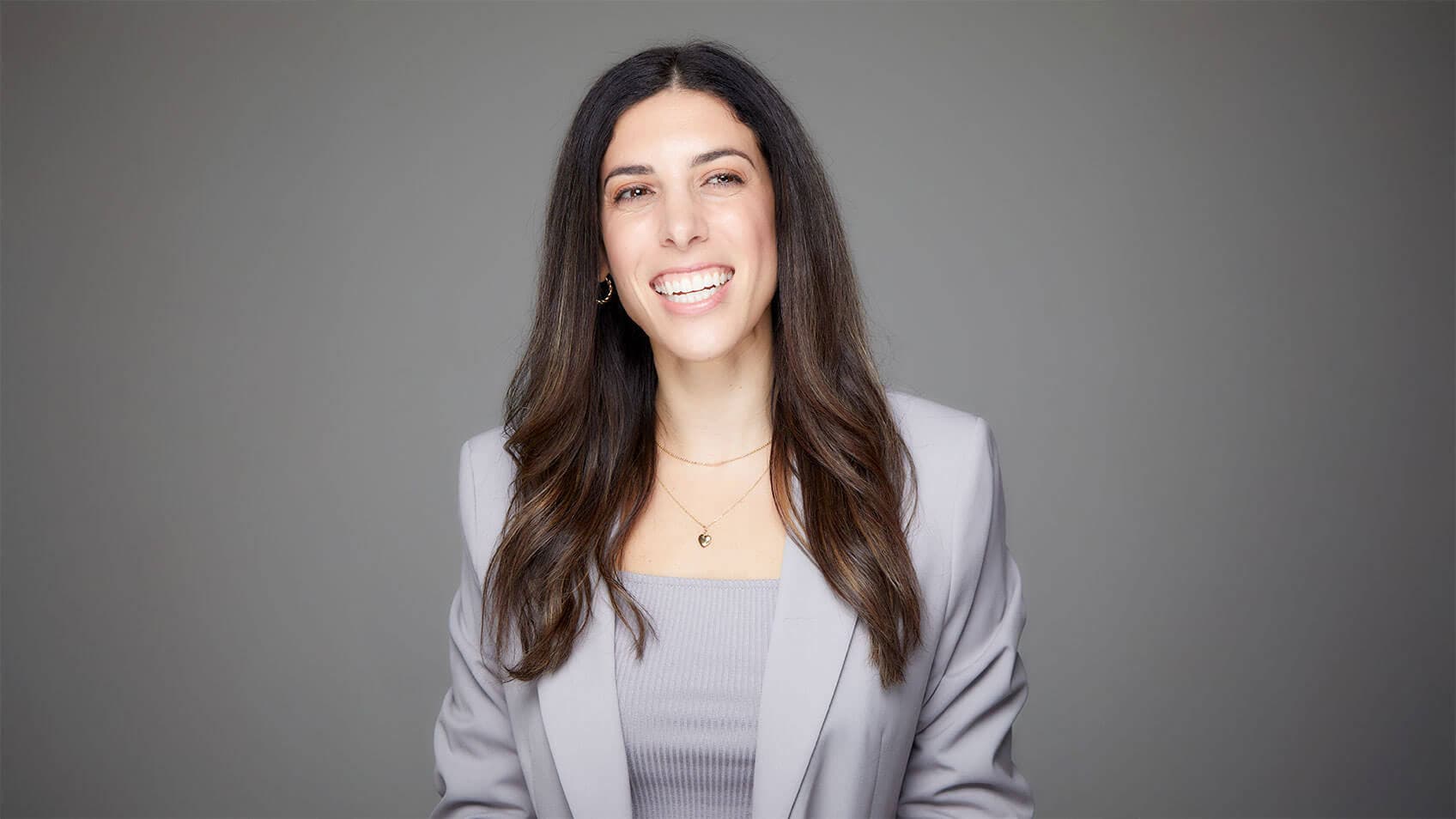
Meet Your Host,
Alexa Carlin
Alexa Carlin is an in-demand public speaker, bestselling author, top content creator for women's empowerment, and the Founder of Women Empower X. Alexa has worked with Fortune Global 500 brands to create captivating and relatable content. She has been featured on the Oprah Winfrey Network, Cheddar TV, FOX, ABC, CBS, TEDx and in Entrepreneur, Glamour Magazine, and Forbes, among others.


