


Seamless Integration
Managing multiple devices is made easier by making your Lenovo PC the center home.

Collaboration Made Easy
The app enables users to collaborate between devices, boost productivity and more in a secure connective framework

Cross-Platform Functionality
Users can connect to a diverse range of products within Lenovo and outside Lenovo devices.
Device Management and Collaboration
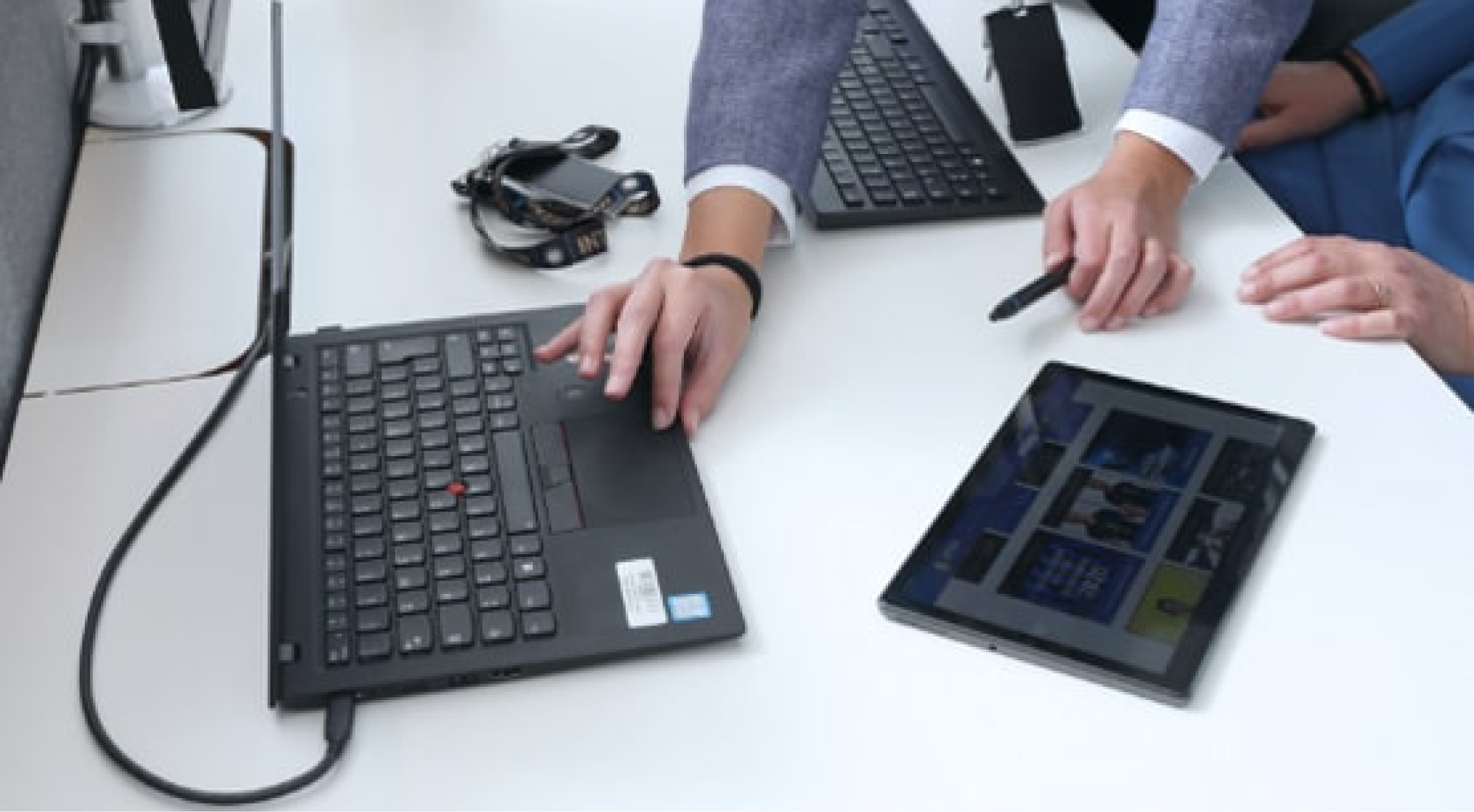
Whether you're working solo or as part of a team, Lenovo Freestyle provides the tools you need to be successful on all your digital projects. With smart and secure connectivity, you can easily pair your Lenovo devices and extend your desktop to your tablet for more screen space or mirror it when needed. Plus, with the Smart Task Collaboration feature, you can use your tablet's touch, pen, and on-screen keyboard inputs directly in your PC's Windows environment without sacrificing functionality on either device.

Device Ecosystem
Lenovo Freestyle allows users to securely pair multiple devices, such as a Lenovo tablets and PCs, and Motorola phones, enabling seamless extension of the desktop to other devices for additional display space. Users can leverage touch, pen, and tablet inputs directly into the extended or mirrored Windows environment of their PC for enhanced productivity.
Key Features and Compatibilities
Screen Sharing: Seamlessly share your screen with other devices, allowing you to collaborate with colleagues or friends in real-time. A powerful tool that makes collaboration simple and easy.
App Streaming: Users can stream apps from a smartphone or tablet directly to your PC. Enjoy all your favorite apps on a bigger screen, with the convenience of using your keyboard and mouse.
Lenovo FreeDrop: Effortlessly transfer files between devices with seamless file sharing and management capabilities. Quickly move files between your smartphone, tablet, and desktop computer without the hassle of emailing or manually transferring them.
