
 Annual Sale
 Laptop Deals
 Desktop Deals
 Workstation Deals
 Gaming PC Deals
 PC Accessories Deals
 Monitor Deals
 Tablets & Phones Deals
 Server & Storage Deals
 Clearance Sale
What is a 200Hz monitor?
A 200Hz monitor is a high-refresh-rate display that update 200 times per second. This makes motion smoother and reduces blur, especially during fast-paced tasks like gaming or video editing.
Can I use a 200Hz monitor for programming?
Of course! While it’s not essential for coding, a 200Hz monitor can make scrolling through large files much smoother, reducing screen tearing and making navigation feel more fluid. It can also improve your overall display experience, especially on a multi-monitor setup where you might be switching between windows or applications frequently.
What hardware do I need for a 200Hz monitor?
To make full use of a 200Hz monitor, you’ll need a powerful GPU, fast connections like DisplayPort or HDMI 2.1, and a system that can handle high frame rates. Without these, you might not hit 200Hz.
Would a 200Hz monitor work well for video editing?
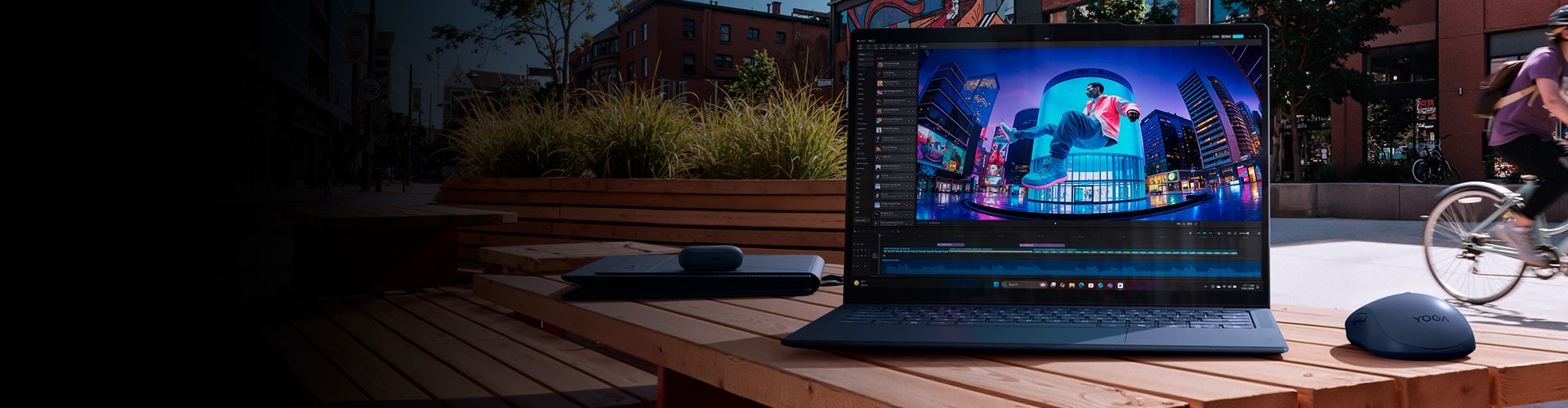
Yes, it would. A 200Hz monitor provides smoother scrubbing over timelines and clearer fast-motion sequences. If you're editing high-frame-rate content, it performs even better, displaying frames more accurately.
How does a 200Hz monitor handle fast motion?
A 200Hz monitor excels at fast motion by reducing motion blur and screen tearing. Whether you're gaming or watching action-packed videos, it ensures every detail shows up crisp and clear.
Can I watch movies on a 200Hz monitor?
Absolutely! Movies look fantastic on a 200Hz monitor. While most films don’t use such a high refresh rate, the monitor’s quick response time ensures smoother playback and vivid visuals.
When would I notice the difference with a 200Hz monitor?
You’ll notice it in fast-paced games, where every frame counts, high-speed video editing that demands precision and smooth playback, or any task involving constant motion on the screen, such as animations or transitions. Even something as simple as scrolling through webpages feels noticeably slicker and more responsive, making everyday tasks smoother and more enjoyable.
Would a programmer see any value in a 200Hz monitor?
Yes, a programmer might appreciate smoother multi-window navigation and minimal screen rasterization, especially when multitasking or working across several applications. The seamless transitions and reduced lag can make a noticeable difference during long coding sessions.
What connection ports are best for a 200Hz monitor?
Ideally, you’ll want DisplayPort or higher-end HDMI standards to support 200Hz refresh rates. Older connections might not be able to carry a signal fast enough for smooth performance.
Can I use a 200Hz monitor for graphic design?
Yes! A 200Hz monitor significantly enhances precision for tools like photo editing or illustration. The higher refresh rate not only smooths motion but also reduces input latency, making every brushstroke or adjustment feel more immediate and responsive. This can be especially beneficial for creatives working on detailed projects, where accuracy and timing are critical.
Is a 200Hz monitor better than 144Hz?
It depends on your usage. A 200Hz monitor provides an extra boost in smoothness compared to 144Hz. Although the difference is smaller, competitive gamers or anyone loving buttery-smooth visuals will notice it.
Does a 200Hz monitor support HDR?
Many do! Pairing HDR with a 200Hz monitor brings vivid brightness, excellent color accuracy, and stunning visuals. It’s the perfect mix for both fast refresh and rich, immersive content.
What makes a 200Hz monitor feel different from a 60Hz one?
The difference lies in smoothness and responsiveness. A 60Hz monitor refreshes its image 60 times per second, which is sufficient for many tasks but can feel less fluid during fast-paced activities. In contrast, a 200Hz monitor refreshes more than three times faster, updating the image 200 times per second. This significant increase provides a sharper, smoother experience, especially noticeable when playing fast-action games, scrolling through web pages, or watching animations.
What are the advantages of using a 200Hz monitor for competitive gaming?
A 200Hz monitor provides a significantly smoother gaming experience than lower-refresh-rate screens. Competitive gamers benefit most from this since every millisecond matters in fast-paced games like first-person shooters or racing games. The increased refresh rate minimizes motion blur and ghosting, ensuring you see opponents or obstacles more clearly and respond faster. This can give you a key competitive edge.
Do I need a specific type of graphics card to fully utilize a 200Hz monitor?
Yes, you’ll need a GPU capable of consistently delivering frame rates close to or above 200 FPS. Mid to high-end GPUs like NVIDIA RTX or AMD RX series cards are common choices for this. Ensure your GPU also supports the appropriate connection types (like DisplayPort 1.4 or HDMI 2.1) to achieve the full refresh rate.
How does adaptive sync technology (like G-Sync or FreeSync) enhance the performance of a 200Hz monitor?
Adaptive sync tech matches your monitor’s refresh rate to the frame rate output by your GPU, eliminating screen tearing and stutter. On a 200Hz monitor, this ensures even smoother visuals, especially in games with fluctuating frame rates, and provides a more consistent experience overall.
Are there specific resolutions that make the 200Hz refresh rate more impactful?
A 200Hz monitor shines most at 1080p or 1440p resolutions, where modern GPUs can achieve the necessary frame rates. At 4K, reaching 200 FPS is challenging due to the heavy processing power required. Stick to 1080p for competitive gaming and 1440p for a balance of visual quality and performance.
What’s the difference in motion clarity between a 200Hz and a 240Hz monitor?
The difference between 200Hz and 240Hz is relatively small, as the refresh rate gap narrows at these higher levels. While motion clarity improves slightly, it’s often unnoticeable unless you’re comparing them side-by-side in fast-action games or scenarios.
How does response time on a 200Hz monitor impact performance?
Response time is crucial for reducing ghosting or pixel lag. Most 200Hz monitors feature low response times (1ms to 4ms), ensuring fast-moving objects in games or videos stay sharp and clear. Combined with the refresh rate, it creates smooth and responsive visuals.
Can I use a docking station to connect a laptop to a 200Hz monitor?
Yes, but the docking station needs to support high-bandwidth connections like DisplayPort 1.4 or HDMI 2.1. Also, your laptop’s GPU must output the necessary signal. Make sure your dock isn’t a performance bottleneck.