Lenovo Docking Stations

DISCONTINUED
Temporary Unavailable
Cooming Soon!
. Additional units will be charged at the non-eCoupon price. Purchase additional now
We're sorry, the maximum quantity you are able to buy at this amazing eCoupon price is
Sign in or Create an Account to Save Your Cart!
Sign in or Create an Account to Join Rewards
View Cart
Remove
Wow, your cart is empty!
item(s) in cart
111
cart
has been deleted
Please review your cart as items have changed.
of
Contains Add-ons
Proceed to Checkout
Yes
No
Popular Searches
What are you looking for today ?
Trending
Recent Searches
Items
All
Cancel
Top Suggestions
View All >
Starting at
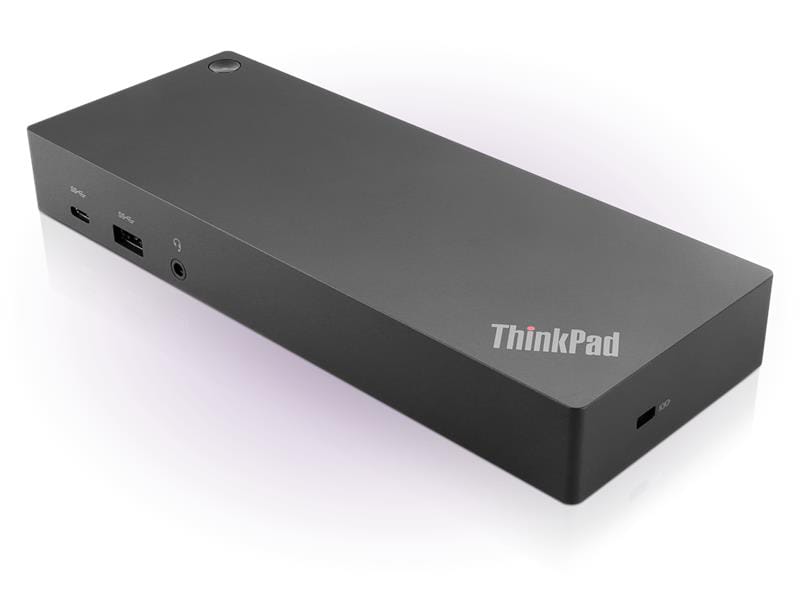
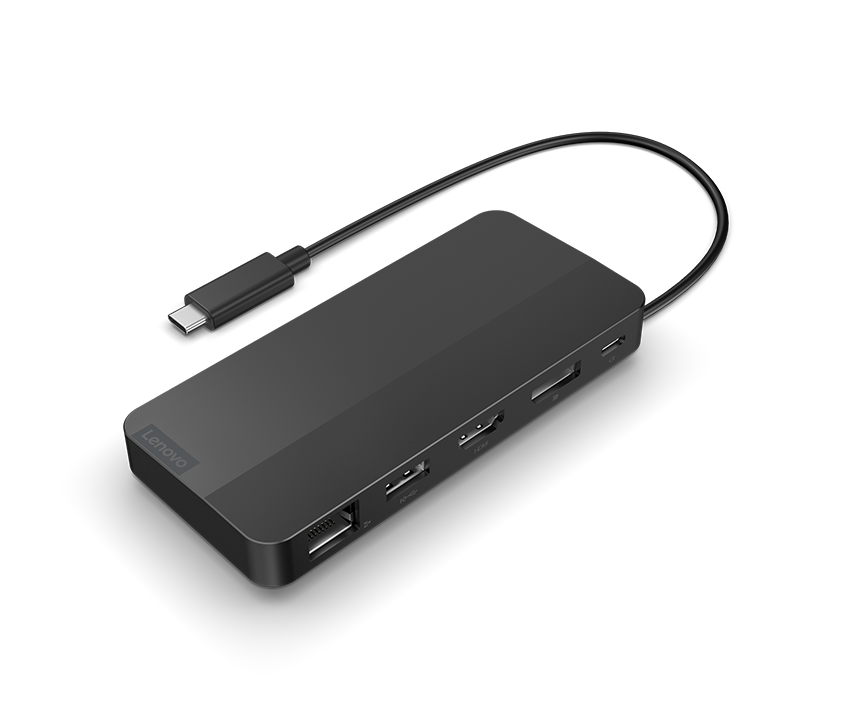
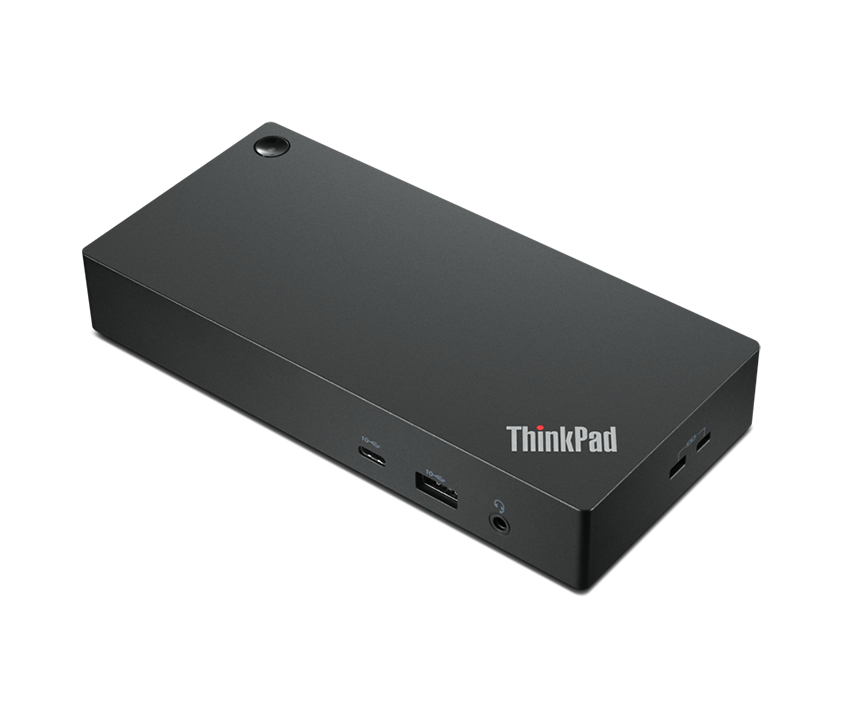
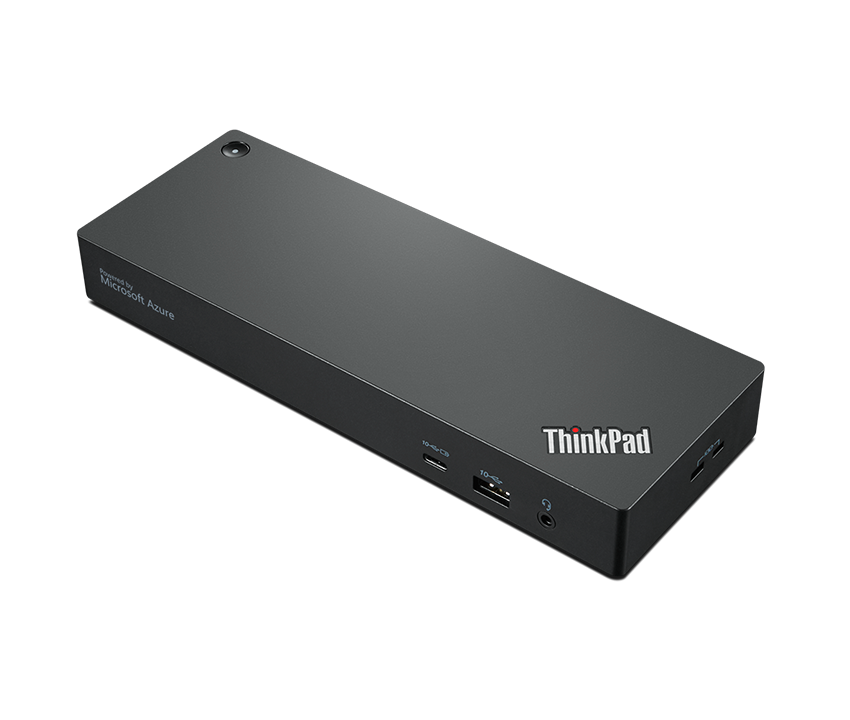
45-degree view of a ThinkPad docking stations.
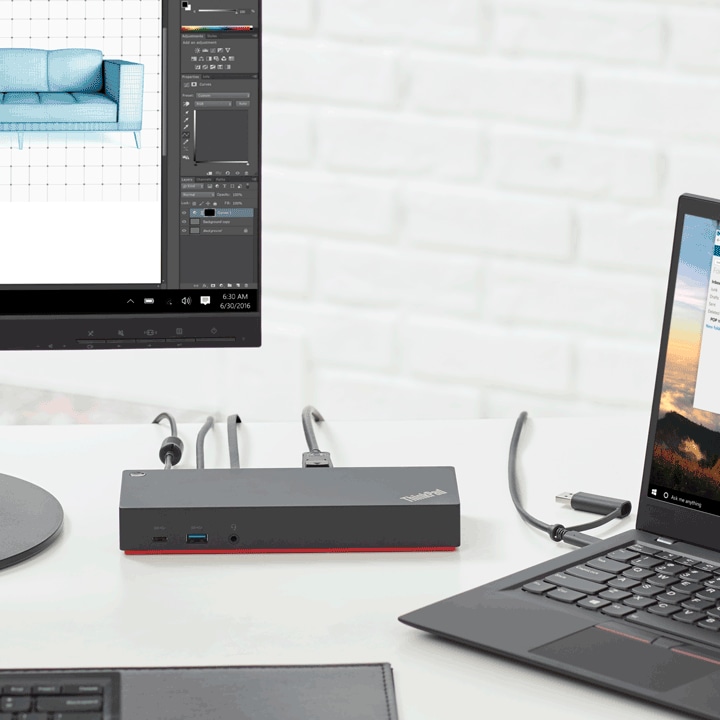
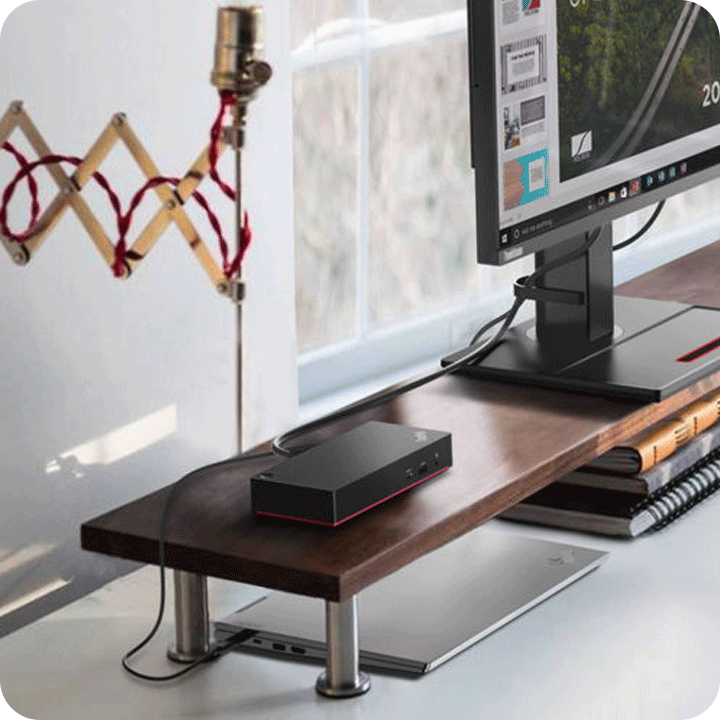
At home, the dock connects with one laptop and one monitor.

ThinkPad Quality Assurance

Lenovo ThinkPad docking stations undergo rigorous testing to ensure exceptional quality and reliability. Each dock is subjected to over 7,000 cable bends, hundreds of hot ejects, and 48-hour extreme temperature cycles, reflecting Lenovo’s dedication to ThinkPad standards. Designed for ergonomic ease, these docks guarantee smooth connectivity and a consistently high-quality user experience.

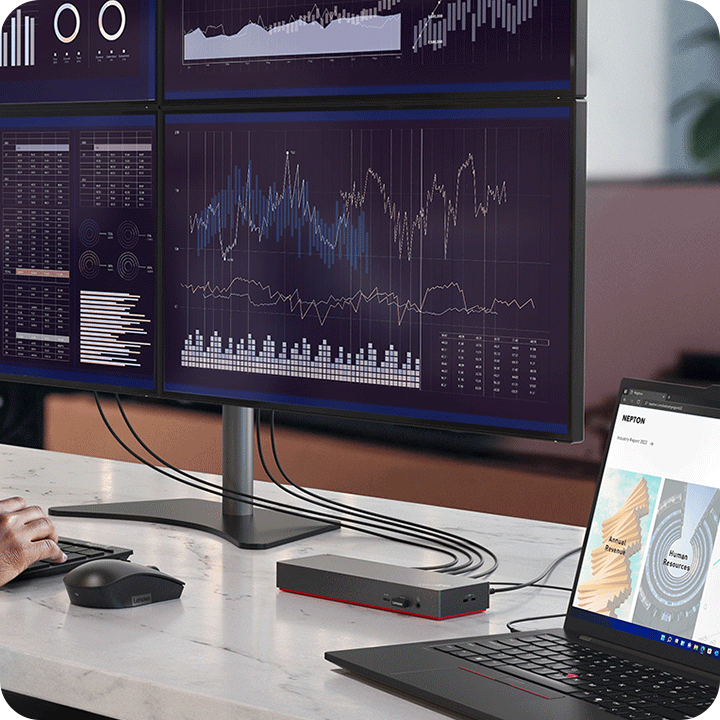
In the office, a person is using the dock which supports four 4K displays to analyze the data.

Universal Compatibility

Our docks work seamlessly with Lenovo and other laptop brands, enhancing data, power, and video capabilities. For ThinkPad users, additional IT management features like PXE Boot, Wake-on-LAN (WOL), and MAC address pass-through offer a more comprehensive IT solution.

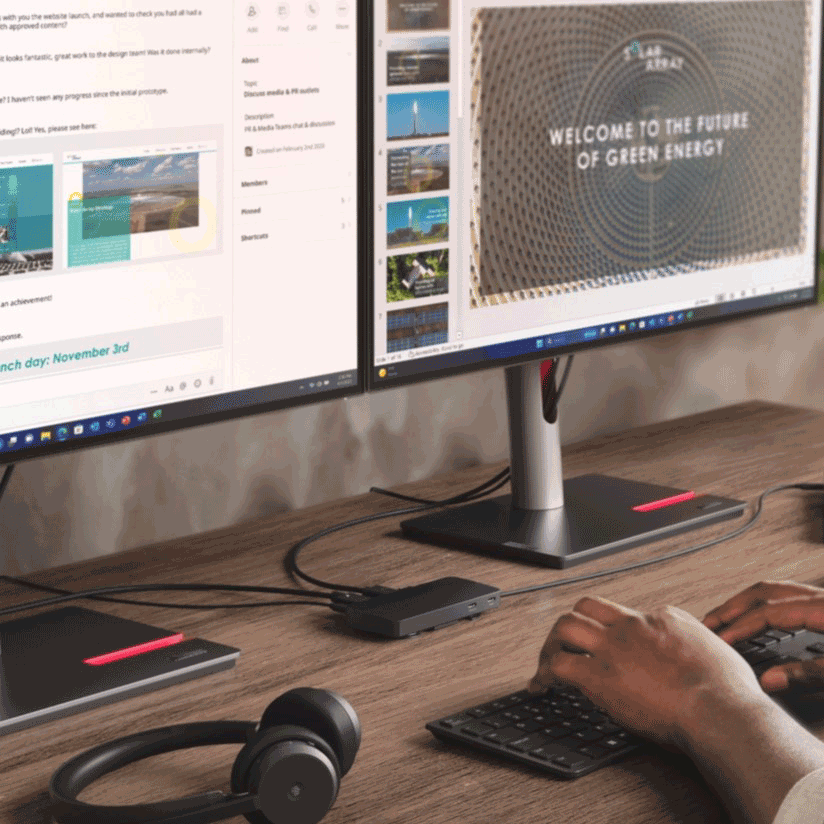
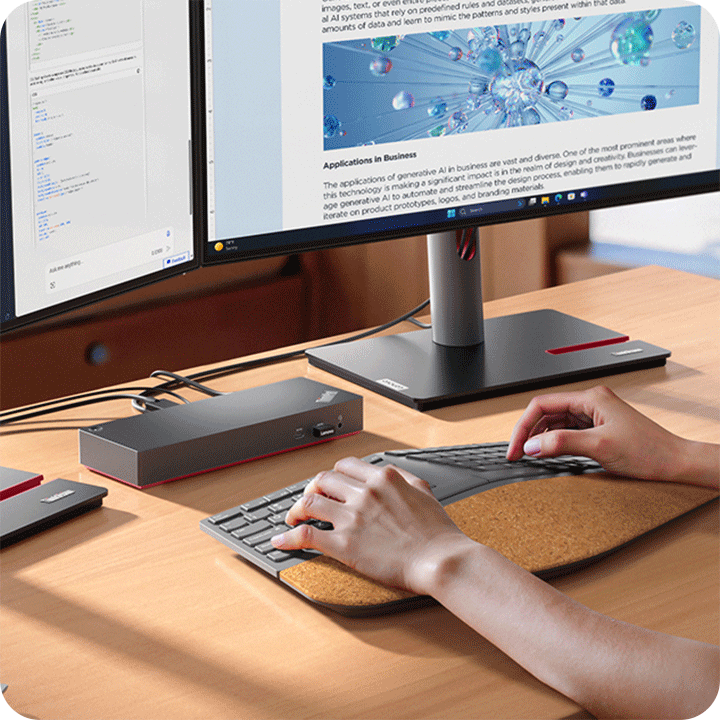
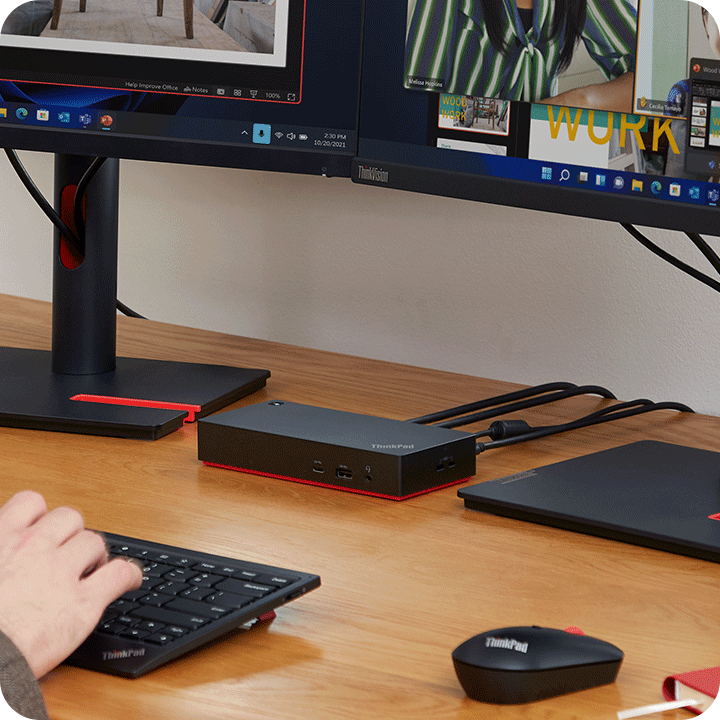
At home, a person is using the keyboard and the ThinkPad dock which connects two monitors.

Sustainable Design

Since 2015, Lenovo has incorporated at least 25% Post-Consumer Recycled Content (PCC) plastic into the chassis of our docks, reflecting our commitment to sustainability. We also lead the industry in providing TÜV-verified carbon footprint data, further underscoring our dedication to environmental responsibility.

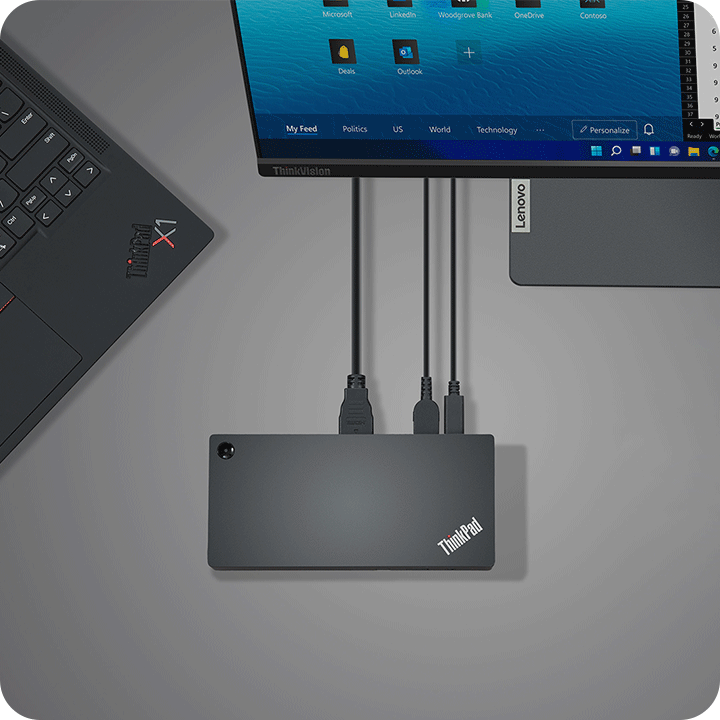
Top view of a ThinkPad dock which connects with ThinkPad X1 laptop and one monitor.

Fanless Operation

Fewer moving parts mean quieter performance and improved durability. The fanless build ensures silent operation, reducing potential distractions in your workspace. This streamlined design also minimizes the risk of mechanical failures, providing a reliable, long-lasting docking solution.

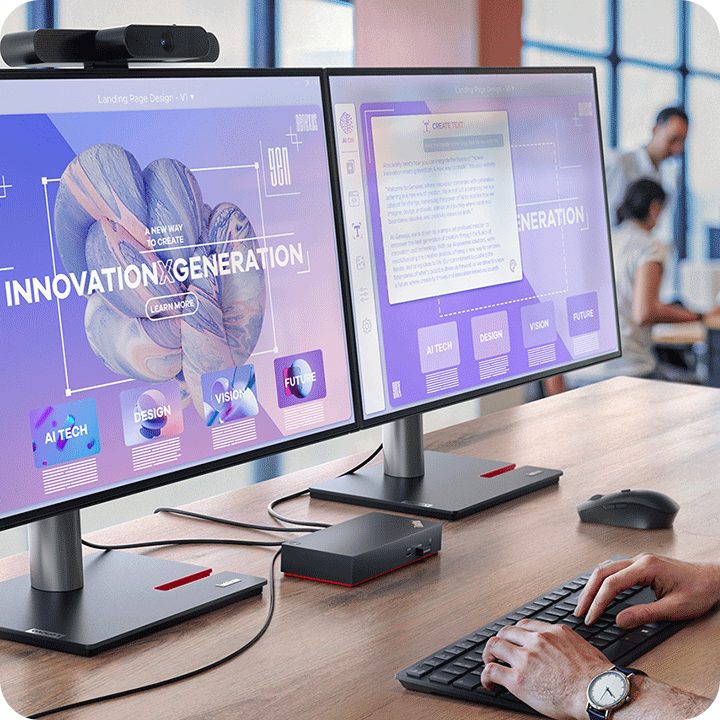
 In the office, a person is working with a ThinkPad dock which connects two monitors.

IT manageability

Simplify network management with Lenovo ThinkPad docking stations. Features like PXE Boot for server-based startup, MAC Address Pass-through for enhanced security, and Wake-on-LAN (WOL) for remote maintenance streamline IT management, ensuring productivity wherever you work.

A person is using the keyboard and the ThinkPad dock which connects two monitors at home.

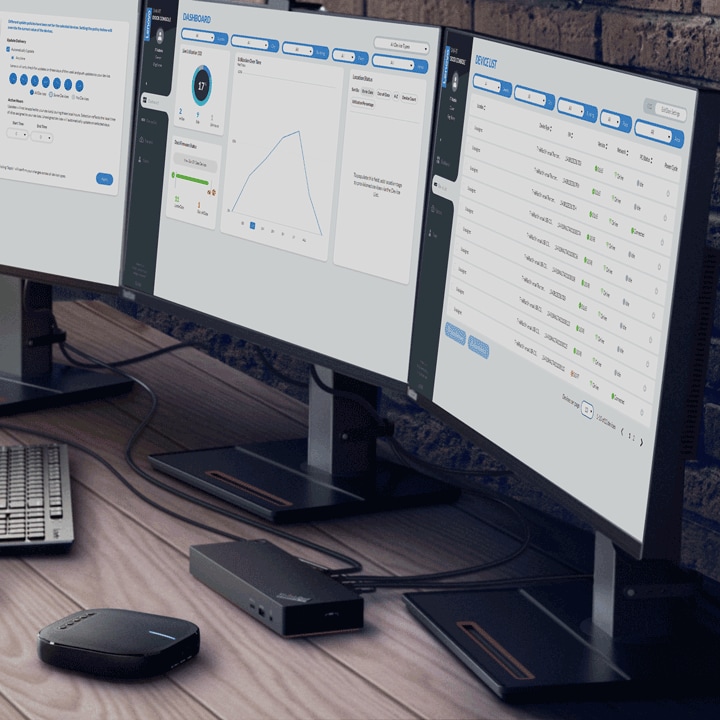
Smart firmware updates

Lenovo Dock Manager makes firmware updates efficient by allowing simultaneous updates for all universal docks. Our Smart Dock IT Console adds intelligent cloud-based features, including remote management and port usage reporting, with enterprise-grade security to keep your technology up to date.

indirect_category_accessory_docking
78594e23-9697-4e91-b95d-2bd30a15d77b
Compare  ()
x